6 - USE AND OPERATION
Schermate display (ME)
ME2000S - User Manual
71 - 133
Centered: no
Interchar space: 2.5 mm
X: 5.0 mm
Y: 5.0 mm
Max chars: 32
Font: normal
Type: Variable
LCD EDIT
HOME
BACK
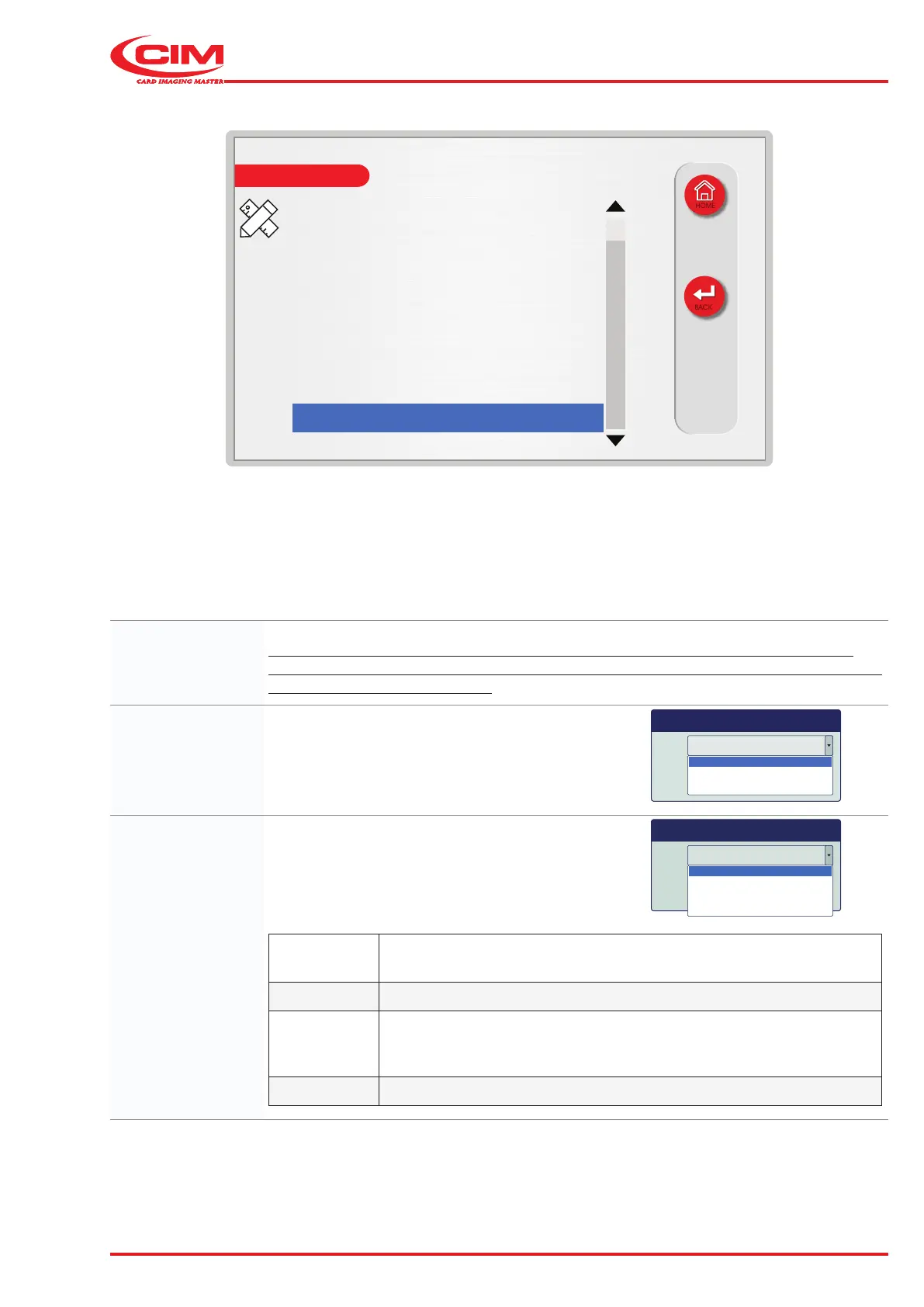
Max chars: The maximum number of characters allowed in the eld.
The value cannot exceed the number shown next to the eld. The value is calculated
automatically based on the size of the tag, the starting point of the eld on the X-axis and
the spacing between characters.
Font: Character set installed on the machine.
Font normal
normal
ocr
barcode 2D
Type: Species the type of eld.
Type Variable
Variable
Protected
Counter
Duplicate
Variable
Variable eld in which to enter the information to be embossed, which
can be entered manually or loaded from a database.
Protected Field containing xed text in which the content cannot be edited.
Counter
Field with a counter function. The number of counters used is assigned
when the panel is closed, while its specications are dened in the
"Counters" option (see the following pages).
Duplicate Duplicate eld, the content of which is a copy of that of another eld.



 To Next Page