6 - USE AND OPERATION
Schermate display (ME)
ME2000S - User Manual
99 - 133
SERVICE
HOME
BACK
Inputs
Steppers
Functions
A
B
C
1
6.11.6 TEST
F3
F6
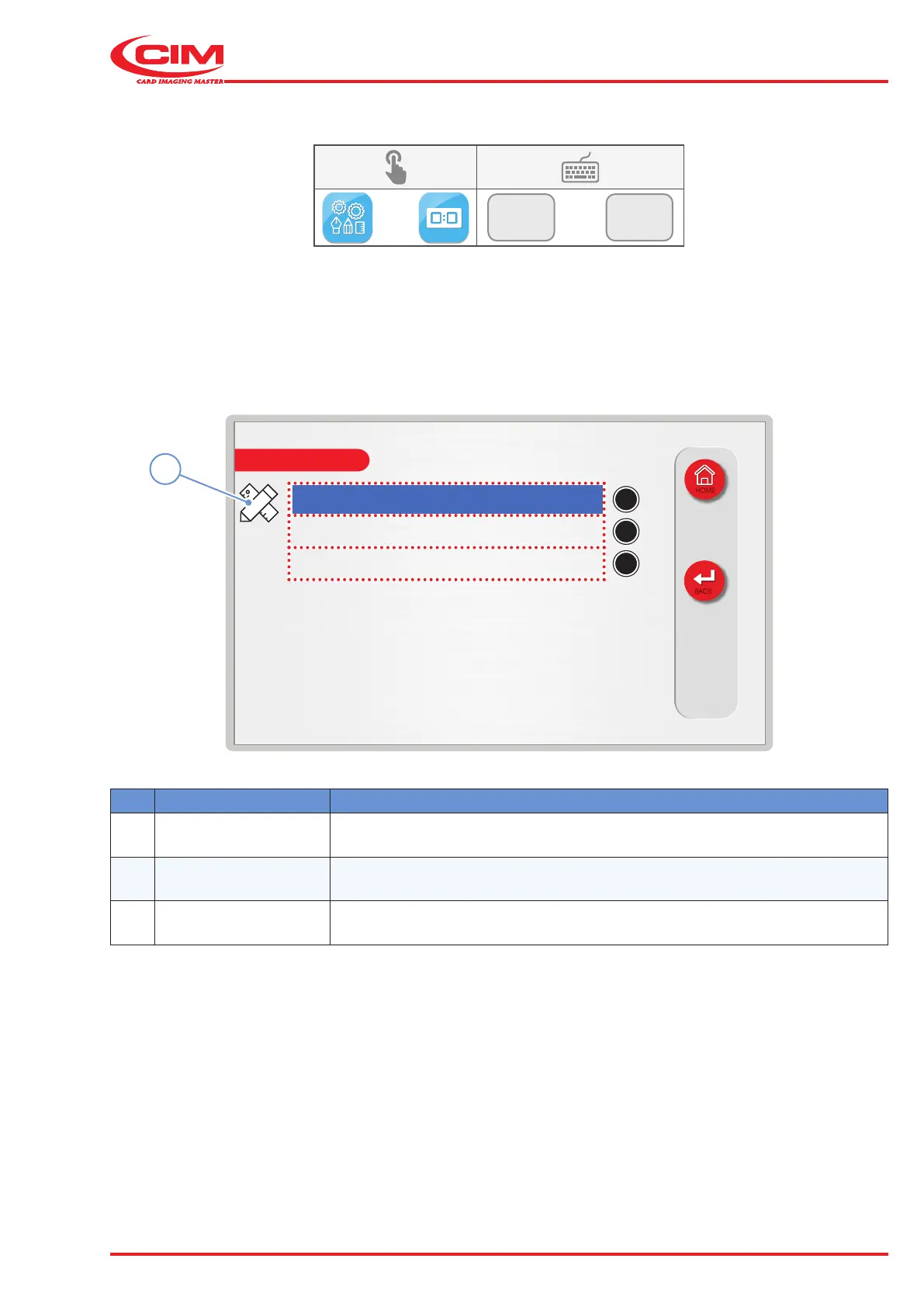
This function allows you to carry out tests on various components of the machine to make sure that they are working
correctly:
1) Go to the required line using the touch screen (or the arrow keys on the external keyboard).
2) Press the edit icon (1) to view and\or enter the corresponding information.
Ref. Function Description
A Inputs Displays the status of the photocells.
B Steppers Carries out tests on the machine’s stepper motors.
C Functions Activates test functions.



 To Next Page