6 - USE AND OPERATION
Schermate display (ME)
ME2000S - User Manual
98 - 133
SERVICE
HOME
BACK
Partial counter: 299 - Enabled: yes
Total counter: 299
SERVICE
HOME
BACK
Partial counter: 299 - Enabled: yes
Total counter: 299
Partial counter
OK
Cancel
OK
Cancel
OK
Cancel
x
Dialog
A
B
1
6.11.5 COUNTER
F3
F5
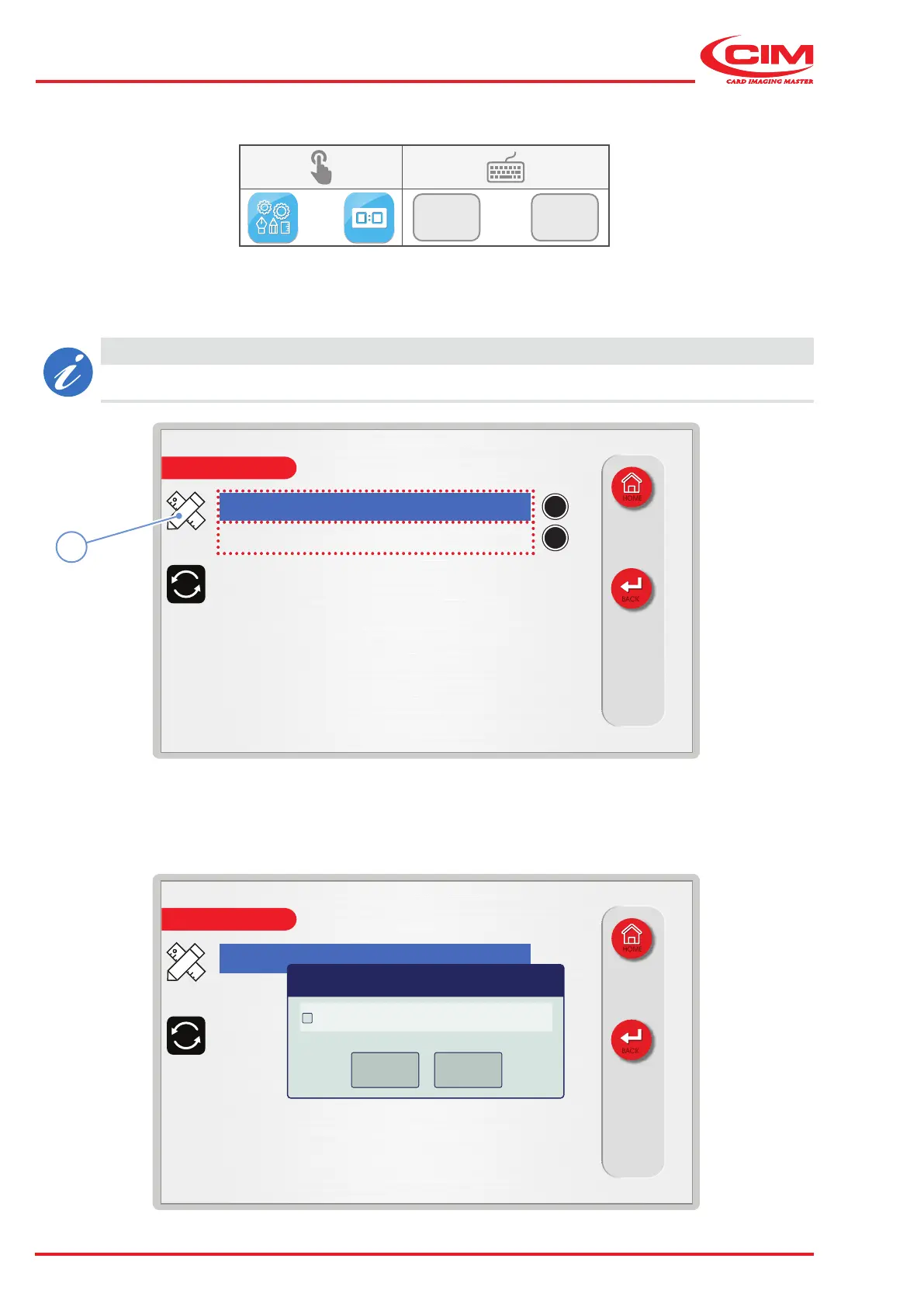
This function displays the total (B) and partial (A) counters relating to the number of tags produced by the machine.
The partial counter (A) indicates the number of tags produced since the last reset, while the total counter (B) indicates
the number of tags produced by the machine since it was installed and put into service.
CAUTION
The two counters are independent from those for the individual work sessions.
It is possible to enable and display only the partial counter and to reset it whenever you need to do so:
1) Go to the required line using the touch screen (or the arrow keys on the external keyboard).
2) Press the icon (1) or the [F1] key on the external keyboard to set the relative option.



 To Next Page