6 - USE AND OPERATION
Schermate display (ME)
ME2000S - User Manual
90 - 133
SET UP
HOME
000 NUL
001 SOH
002 STX
003 ETX
004 EOT
005 ENQ
006 ACK
007 BEL
008 BS
000 NUL
001 SOH
002 STX
003 ETX
004 EOT
005 ENQ
006 ACK
007 BEL
008 BS
BACK
SET UP
HOME
000 NUL
001 SOH
002 STX
003 ETX
004 EOT
005 ENQ
006 ACK
007 BEL
008 BS
000 NUL
001 SOH
002 STX
003 ETX
004 EOT
005 ENQ
006 ACK
007 BEL
008 BS
BACK
2-->
OK
Cancel
0
1 2 3 4 5
6 7 8 9 0
<
--
A B
1
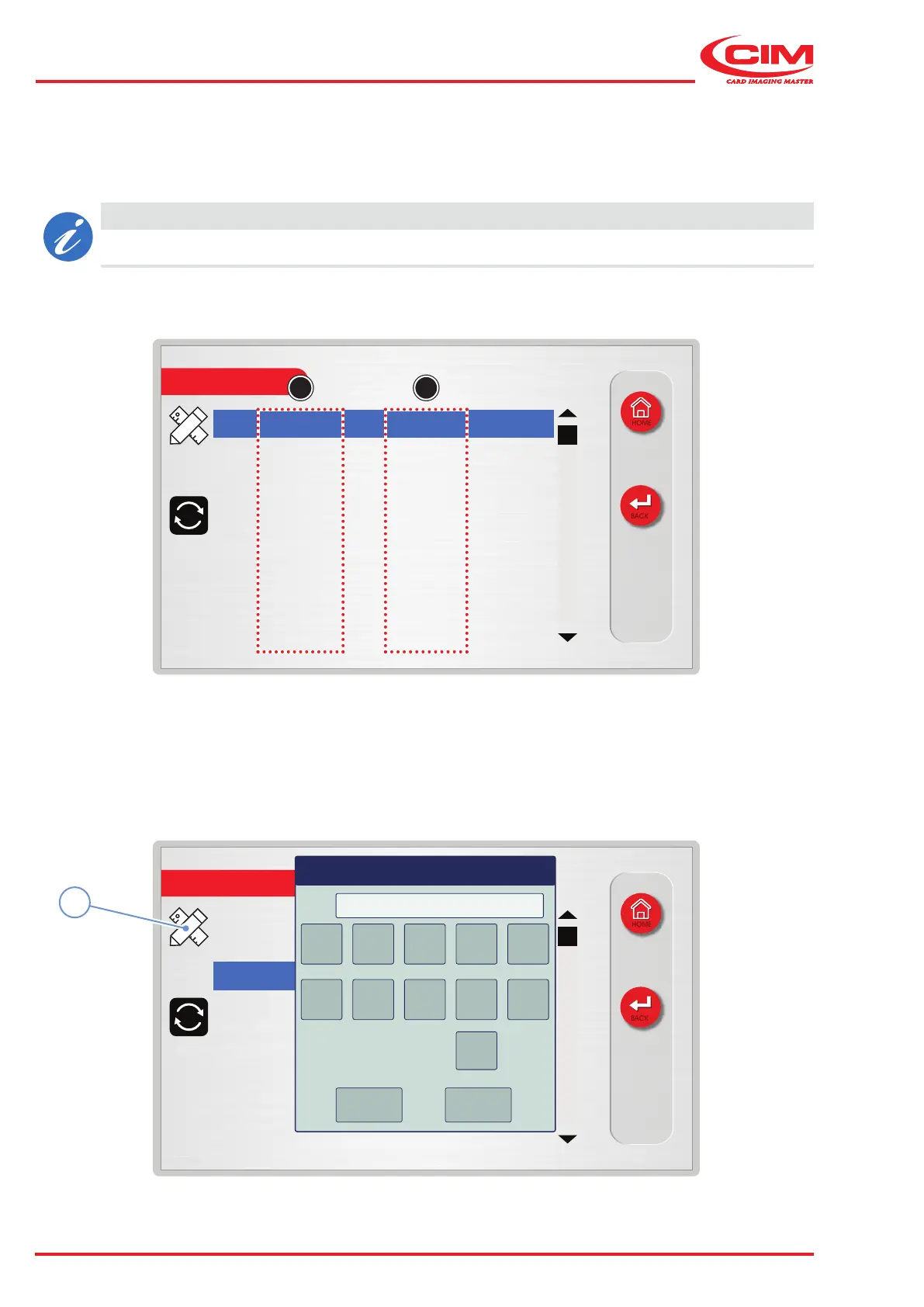
The Top Translation Table displays the association between input characters (A) and output characters (B) and
allows you to transform one character into another whenever necessary (such as converting lowercase characters
into uppercase characters or converting the specic code of a character into the corresponding ASCII code).
CAUTION
The table contains all the 256 receivable characters sorted by value and symbol.
1) Go to the required line using the touch screen (or the arrow keys on the external keyboard).
2) Press the icon (1) or the [F1] key on the external keyboard to set the relative option.
3) Assign a new value and conrm.



 To Next Page