6 - USE AND OPERATION
Schermate display (ME)
ME2000S - User Manual
108 - 133
TSLIB calibration utility
Touch crosshair to calibrate
1
6.11.11 TOUCH CALIB
+ +
++
F3
F11
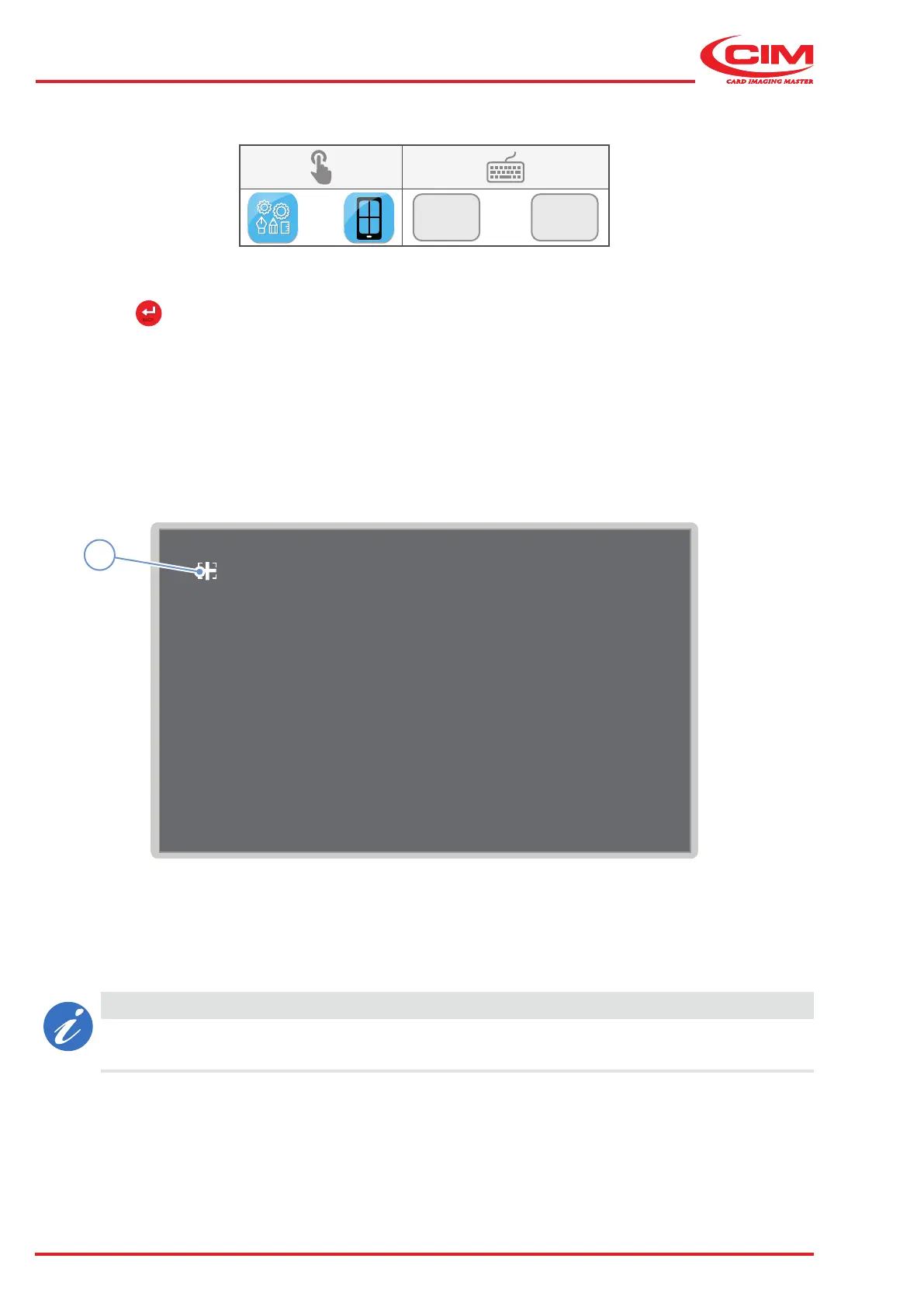
This function allows you to calibrate the LCD touch screen display.
1) Touch the crosshair (1) that appears on the screen (in various positions) to calibrate the screen's touch function.
2) Press the
BACK
icon or the [ESC] button on the external keyboard to exit from calibration mode.
The machine will restart automatically at the end of the procedure.
CAUTION
The calibration data is stored on the CPU.
If the CPU is replaced, it may be necessary to carry out the calibration procedure again.



 To Next Page