EasyManua.ls Logo

CIM ME2000S - Update Software

Default Icon
133 pages
Print Icon
To Next Page IconTo Next Page
To Previous Page IconTo Previous Page
Loading...
6 - USE AND OPERATION
Schermate display (ME)
ME2000S - User Manual
100 - 133
SERVICE
HOME
HOME
BACK
BACK
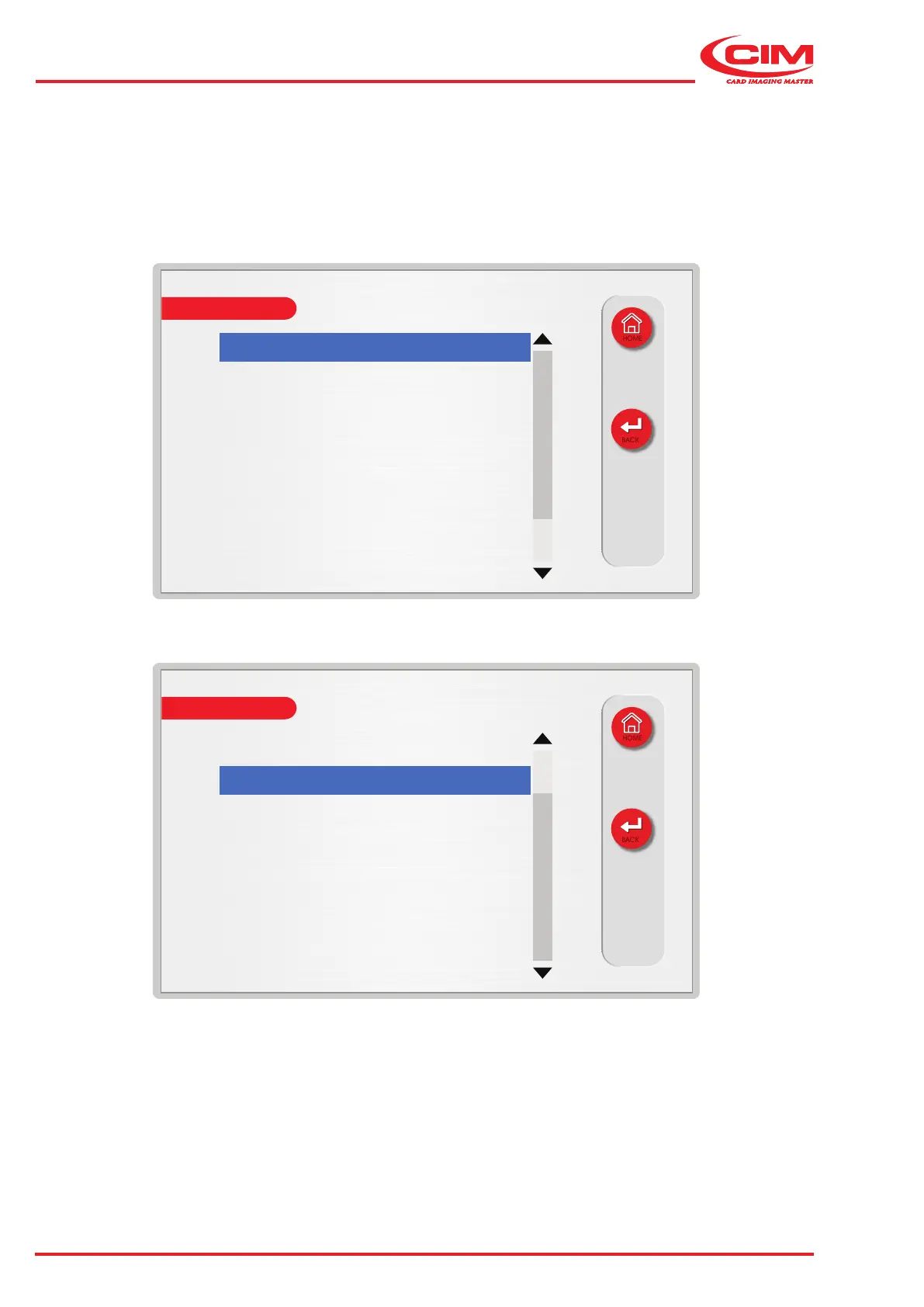
Axis X - Home right: off
Axis X - Home left: off
Axis Y - Home: on
Cover: on
Loader - Home: on
Axis Z - Home: off
Loader - Tag presence: off
Loader - Near end: on
SERVICE
HOME
HOME
BACK
BACK
Axis Z - Home: off
Loader - Tag presence: off
Loader - Near end: on
Unloader - Near full: off
Punch - Home: off
Unloader - Side eject: on
Emergency: off
INPUTS
1) Go to the required line using the touch screen (or the arrow keys on the external keyboard) to display the status
of the photocells.

Table of Contents

Other manuals for CIM ME2000S

Related product manuals