6 - USE AND OPERATION
Schermate display (ME)
ME2000S - User Manual
87 - 133
SET UP
HOME
BACK
60 punches EU
Adjustment: no
Normal: 9876543210-/SCHTERNMD...
60 punches USA
Adjustment: no
Normal: 9876543210-/SCHTERNMD...
90 punches EU
Adjustment: no
Normal: 9876543210-/SCHTERNMD...
OCR: 9876543210-/SCHTERNMDA
3
4
5
2
1
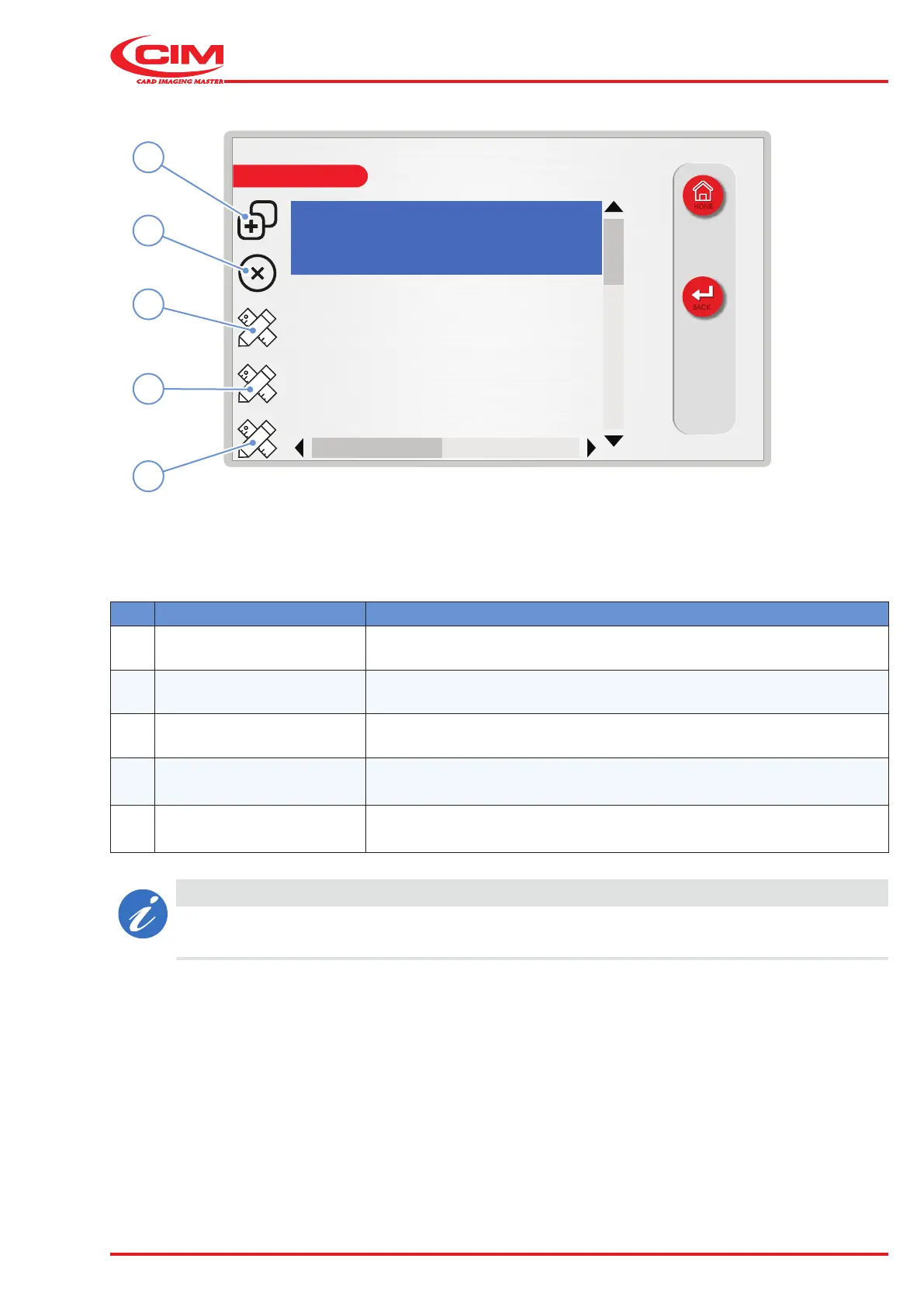
Ref. Function Description
1 [F1] New Create new conguration.
2 [F2] Delete Delete the selected conguration from the list.
3 [F3] Edit conguration Edit the selected conguration.
4 [F4] Edit position
Sets the position of the characters on the type wheel of the selected
conguration.
5
[F5]
Edit pressure
Adjusts the pressure of each single character of the selected
conguration (if the "punch adjustment" option is active).
CAUTION
The character setting (type, font and position) in the type wheel layout must be exactly the same
as the characters physically installed on the machine.



 To Next Page