6 - USE AND OPERATION
Schermate display (ME)
ME2000S - User Manual
89 - 133
SET UP
HOME
BACK
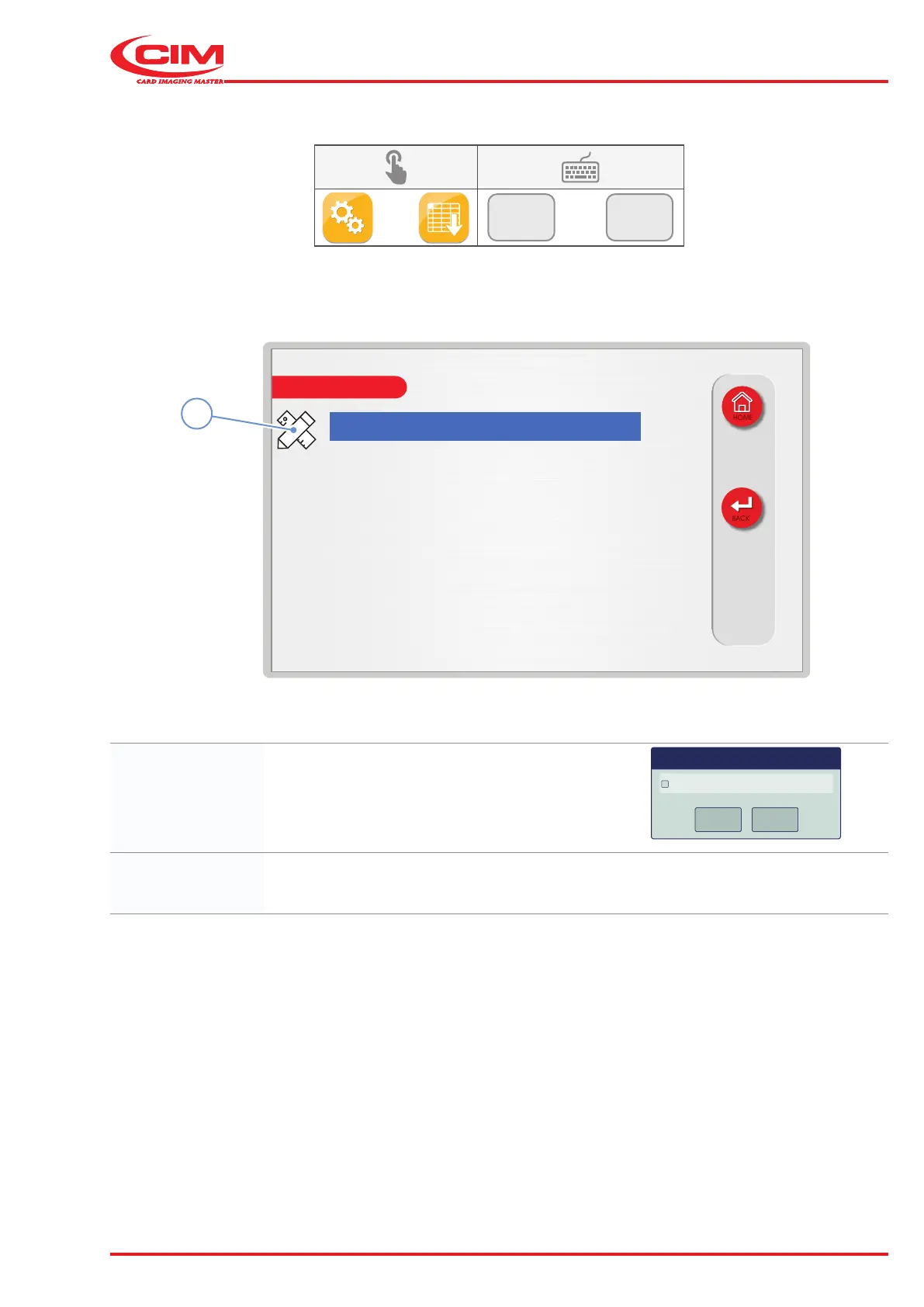
TTT Enabled: no
TTT list
1
6.10.7 TOP TRANSLATIONS TABLE
F2
F7
1) Go to the required line using the touch screen (or the arrow keys on the external keyboard).
2) Press the icon (1) or the [F1] key on the external keyboard to set the relative option.
TTT Enabled: Enables \ disables the Top Translation Table function
for converting input data characters to output
characters that have been set.
TTT Enabled
OK
Cancel
OK
Cancel
OK
Cancel
Dialog
TTT list: Displays the Top Translation Table (see following page).



 To Next Page