6 - USE AND OPERATION
Schermate display (ME)
ME2000S - User Manual
59 - 133
On line: 4
LCD EDIT SETUP SERVICE
MAIN MENU
Select Menu button
1
2 3
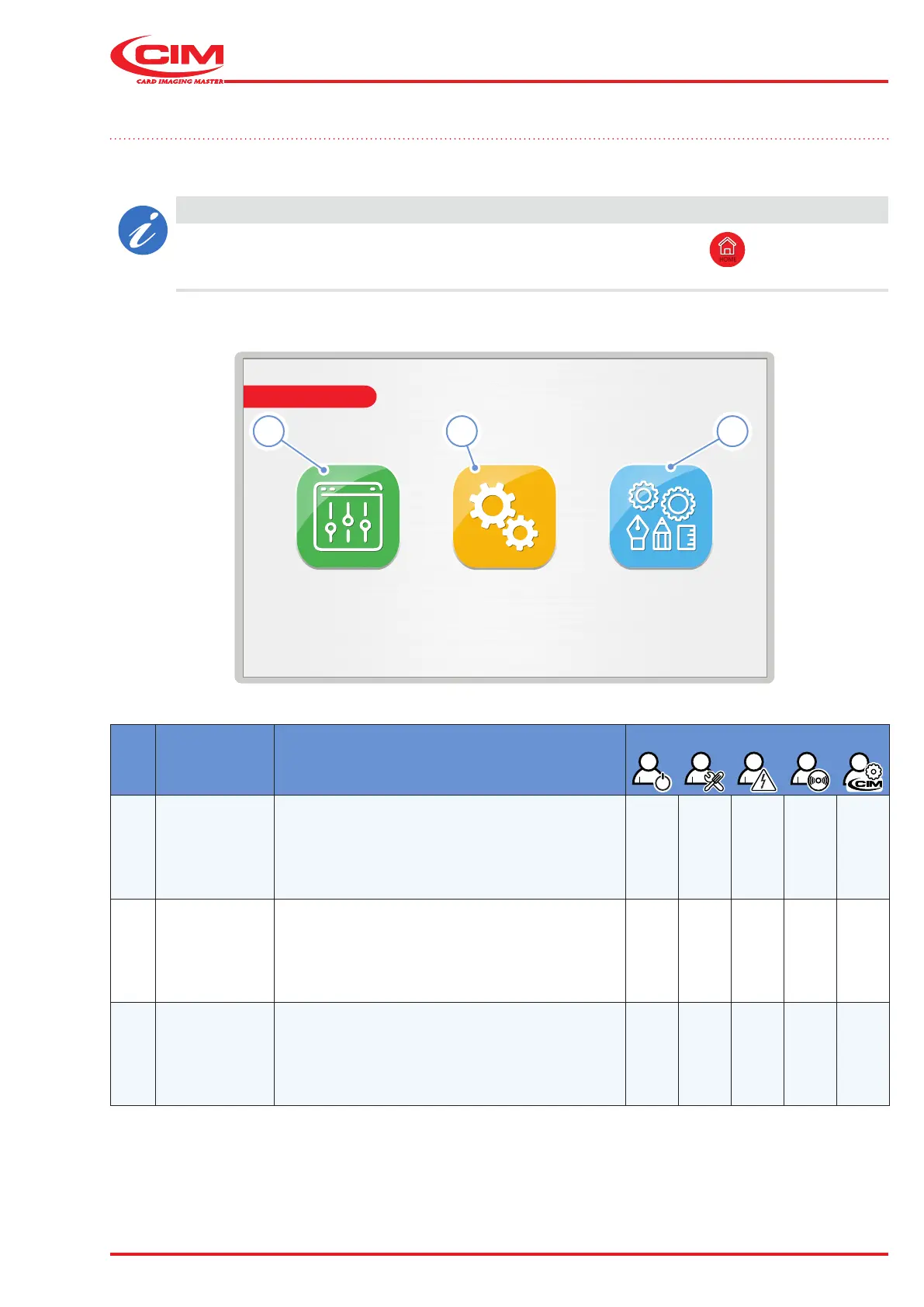
6.8 Main menu
When the machine is READY or ON, the MAIN MENU appears on the display, which allows the user to access the
various functions by pressing the corresponding icons.
CAUTION
The main menu can be accessed from any page of the system using the
HOME
button.
Ref. Function Description
Access level
1 [F1]
LCD
EDIT
Allows you to schedule the work and start
production.
2 [F2] SETUP
Allows you to set the various parameters and to
congure the machine.
This menu can only be accessed by
specialized technical personnel.
-
3
[F3]
SERVICE
Allows you to check the operation of the various
machine components and carry out diagnostic
tests and rmware updates.
This menu can only be accessed by
specialized technical personnel.
-



 To Next Page