6 - USE AND OPERATION
Schermate display (ME)
ME2000S - User Manual
60 - 133
Text
Dialog
OK
Cancel
Q W E R T
Y U I O P
A S D F G H J K L <--
Low Z X C V
B N M S
ABC
123 =%$
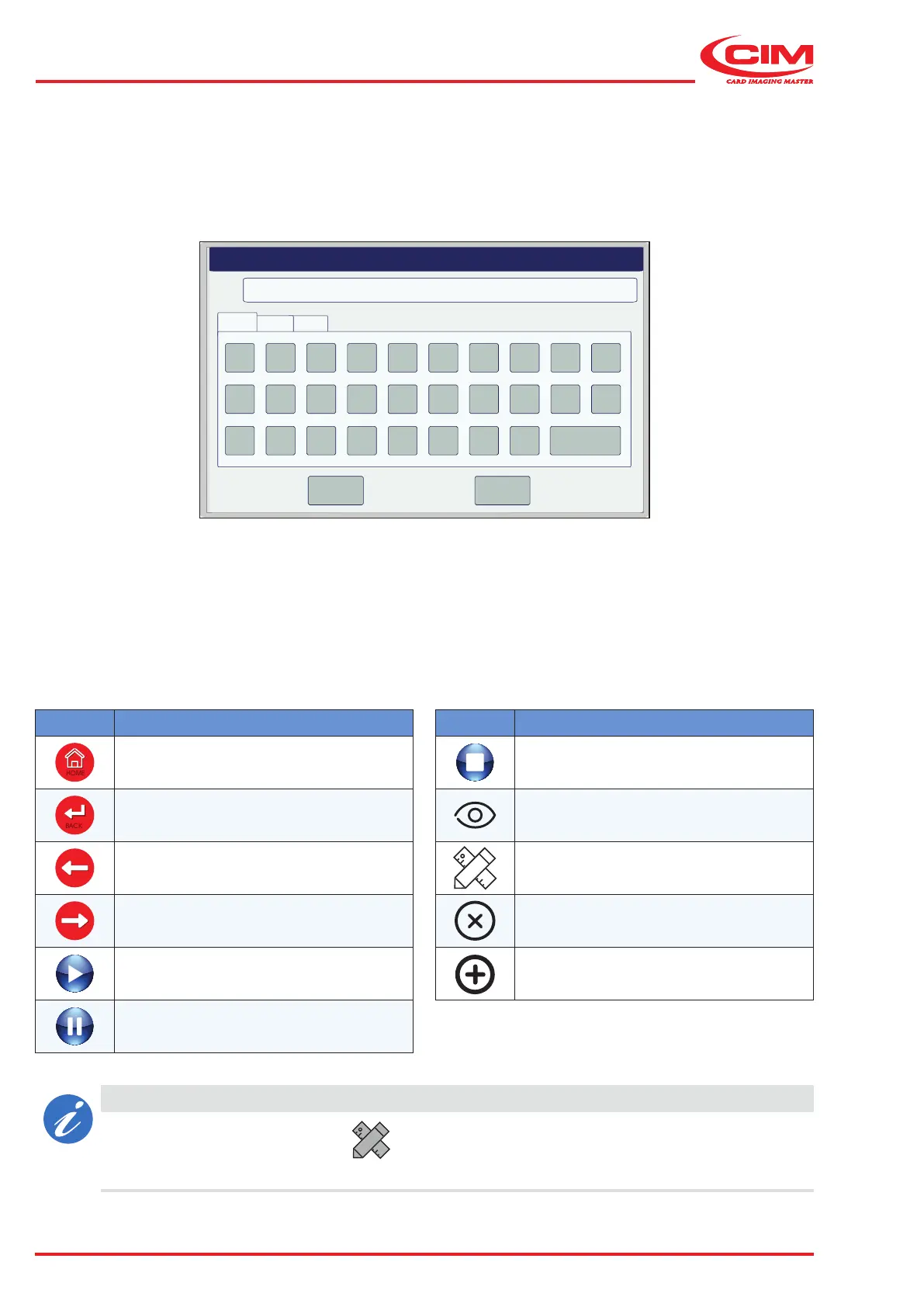
6.8.1 Keyboard
The keyboard appears whenever alphanumeric values have to be entered in a eld and\or when a password has
to be entered.
Icon Function
HOME
Go back to the main menu
BACK
Go back to the higher level page (function
key [Esc] on the external keyboard)
Go to the previous page (function key
[Left arrow] on the external keyboard)
Go to the next page (function key [Right
arrow] on the external keyboard)
Start processing
Pause processing
Icon Function
Stop processing
View preview
Edit the selected eld
Cancel
New
6.8.2 Interface icons
The interface contains the common navigation, modication and save functions that are represented by specic
icons on the various screens.
Refer to the table below for an explanation of the common icons and their function.
CAUTION
The disabled modication button indicates that the modication is not permitted or does
not apply to the selected option.



 To Next Page