6 - USE AND OPERATION
Schermate display (ME)
ME2000S - User Manual
81 - 133
Current IP address: Not valid
Current subnet mask: Not valid
Settings
SET UP
HOME
BACK
1
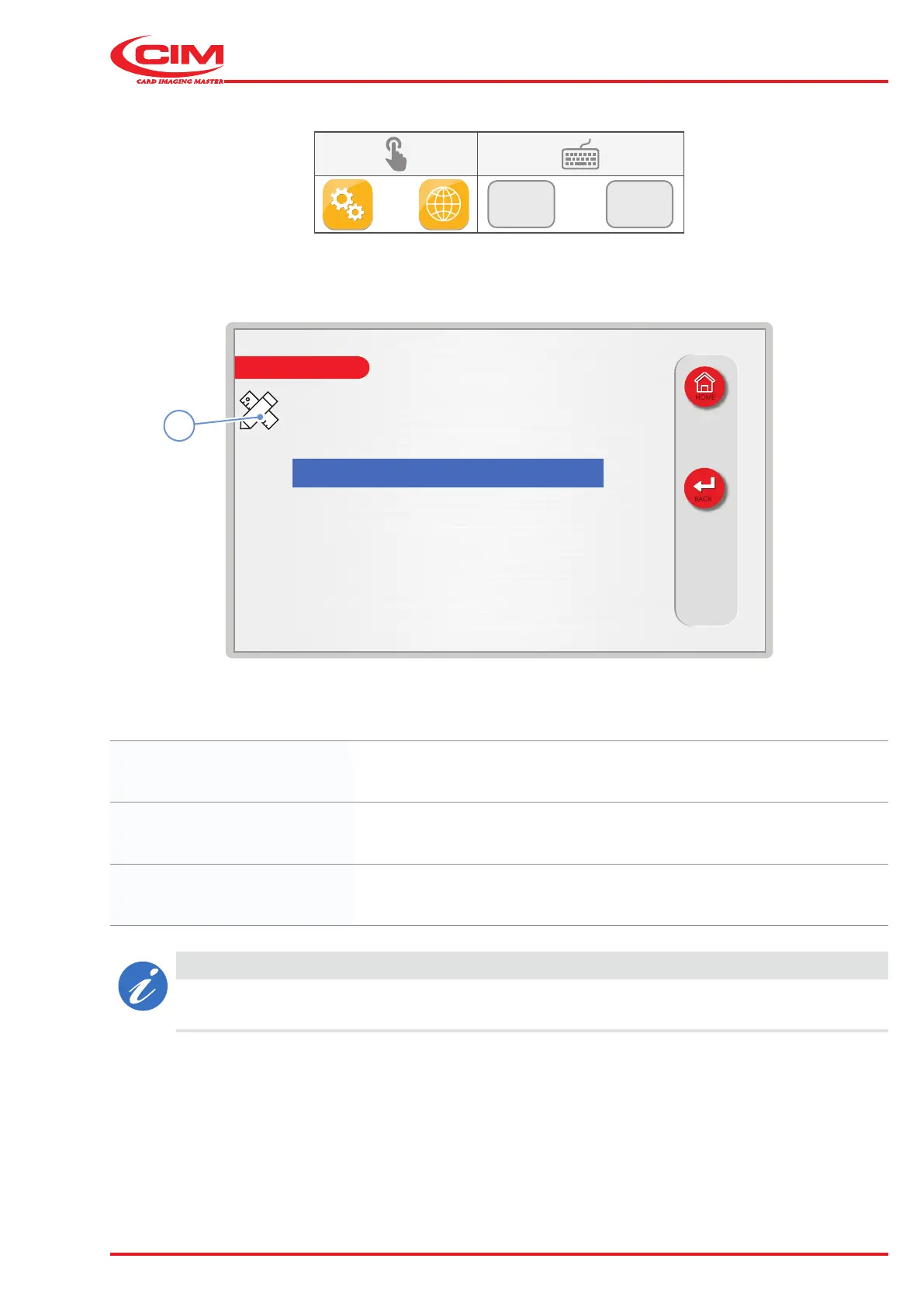
6.10.2 LAN
F2
F2
1) Go to the required line using the touch screen (or the arrow keys on the external keyboard).
2) Press the icon (1) or the [F1] key on the external keyboard to set up the network communication parameters.
Current IP address: Displays the current IP address.
Current subnet mask: Displays the current subnet mask.
Settings: Used to set up the machine's network conguration.
CAUTION
The IP address and subnet mask parameters will appear when the machine is correctly connected
to a LAN otherwise a "Not valid" message will be displayed.



 To Next Page