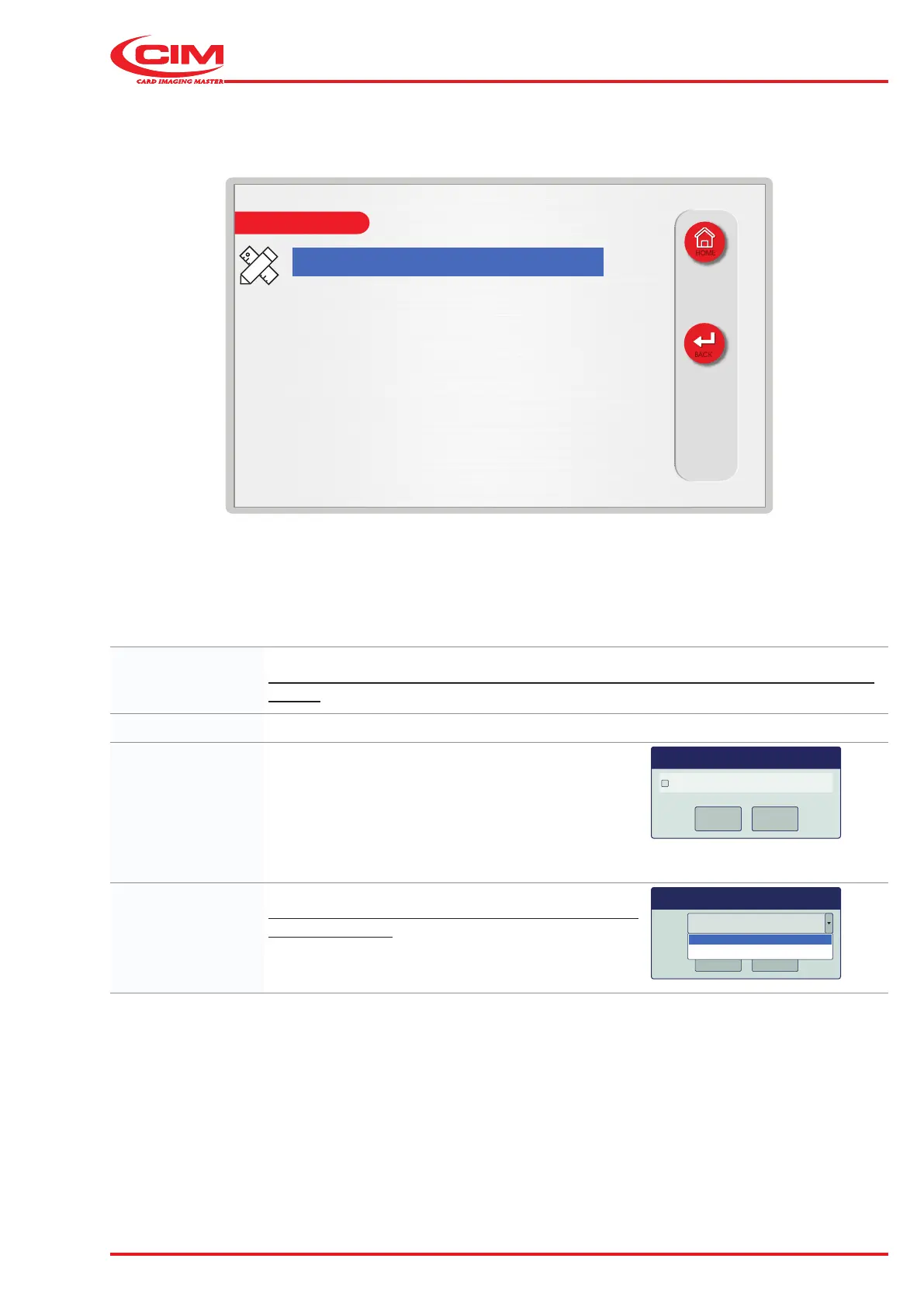
6 - USE AND OPERATION
Schermate display (ME)
ME2000S - User Manual
73 - 133
Value: 0
Increment: 0
Fill with zeros: no
Justify: left
LCD EDIT
HOME
BACK
Value: Initial counter reading.
The number of digits for the counter is set in the eld specication section (see previous
pages).
Increment: The counter increment value.
Fill with zeros: Enables \ disables the function to ll unused leading
digits in the counter eld with "0".
For example, if the value of a counter, with a eld
length of "4” digits, is "15":
• with function not enabled= “15”
• with function enabled= “0015”
Fill with zeros
OK
Cancel
OK
Cancel
OK
Cancel
Dialog
Justify: Aligns the counter-digits in the eld.
This option is only available when the “Fill with zeros”
option is disabled.
Justify left
OK
Cancel
left
right



 To Next Page