6 - USE AND OPERATION
Schermate display (ME)
ME2000S - User Manual
105 - 133
LCD EDITSERVICE
Look in:
/mnt/removable/update
Computer
File name:
/
Name Size Type
Files of type:
app_ME20...MB.tar.enc 28...es cs...le 1 De...2:00
tar.enc files(*.tar.enc)
app_ME2000S_02.04_MB.tar.enc
Open
Cancel
LCD EDITSERVICE
Application updated correctly.
The printer will be restarted.
Remove USB drive and press OK to continue
OK
X
Qt
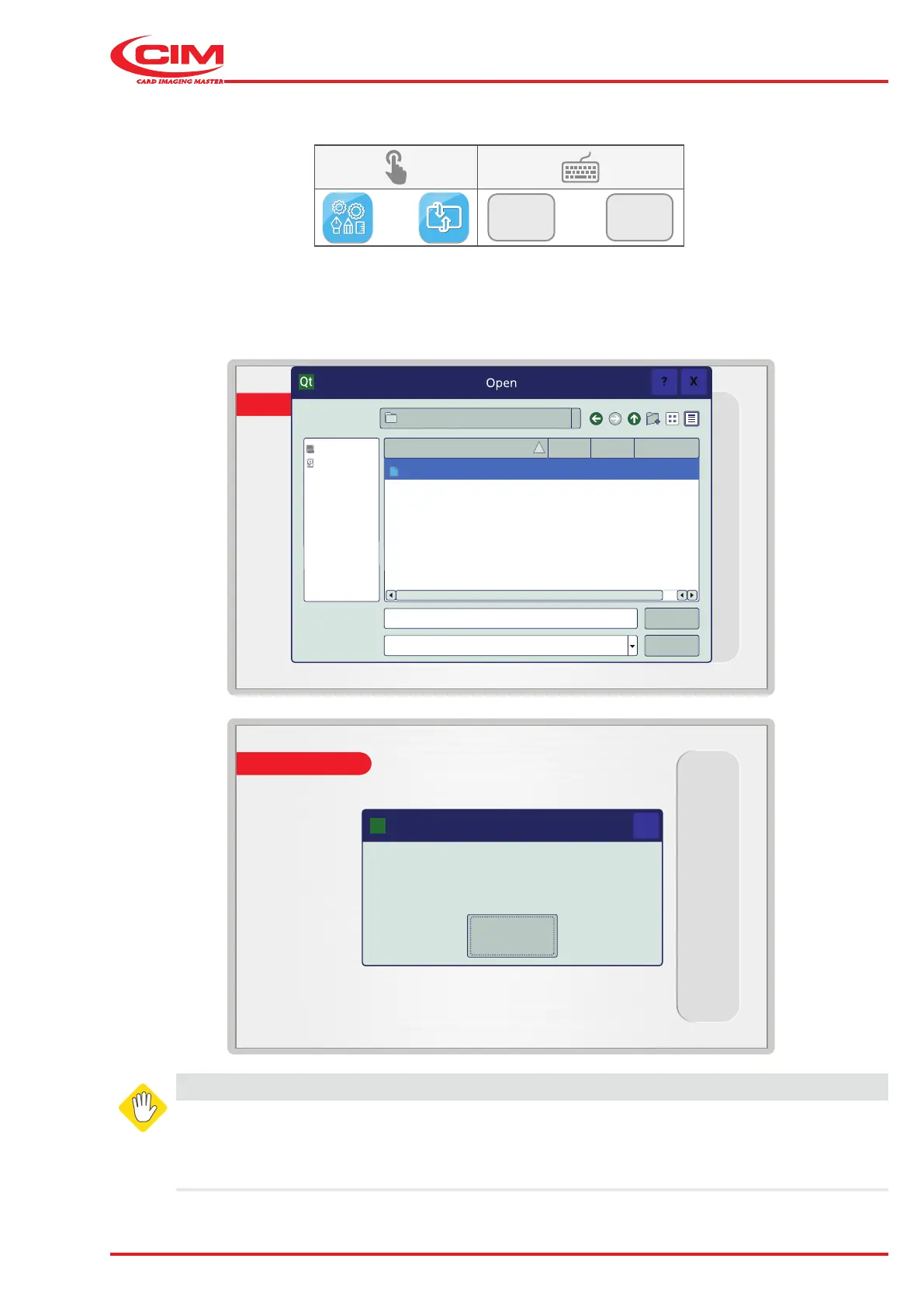
6.11.8 UPDATE SOFTWARE
F3
F8
This function allows you to update the machine's rmware from a le on a USB memory stick.
WARNING
This function is restricted to specialized technical personnel or personnel authorized by the
manufacturer.
Careless use could lead to the deletion and\or partial loss of the program, which would put the
machine out of service.



 To Next Page