6 - USE AND OPERATION
Schermate display (ME)
ME2000S - User Manual
107 - 133
SERVICE
HOME
BACK
1 Cover opened
2 Emergency button pressed
3 Axis locked
4 Security sensor active
5 Change tag
6 Tag not present
7 Loader empty
A B
1
6.11.10 ERROR CODES
F3
F10
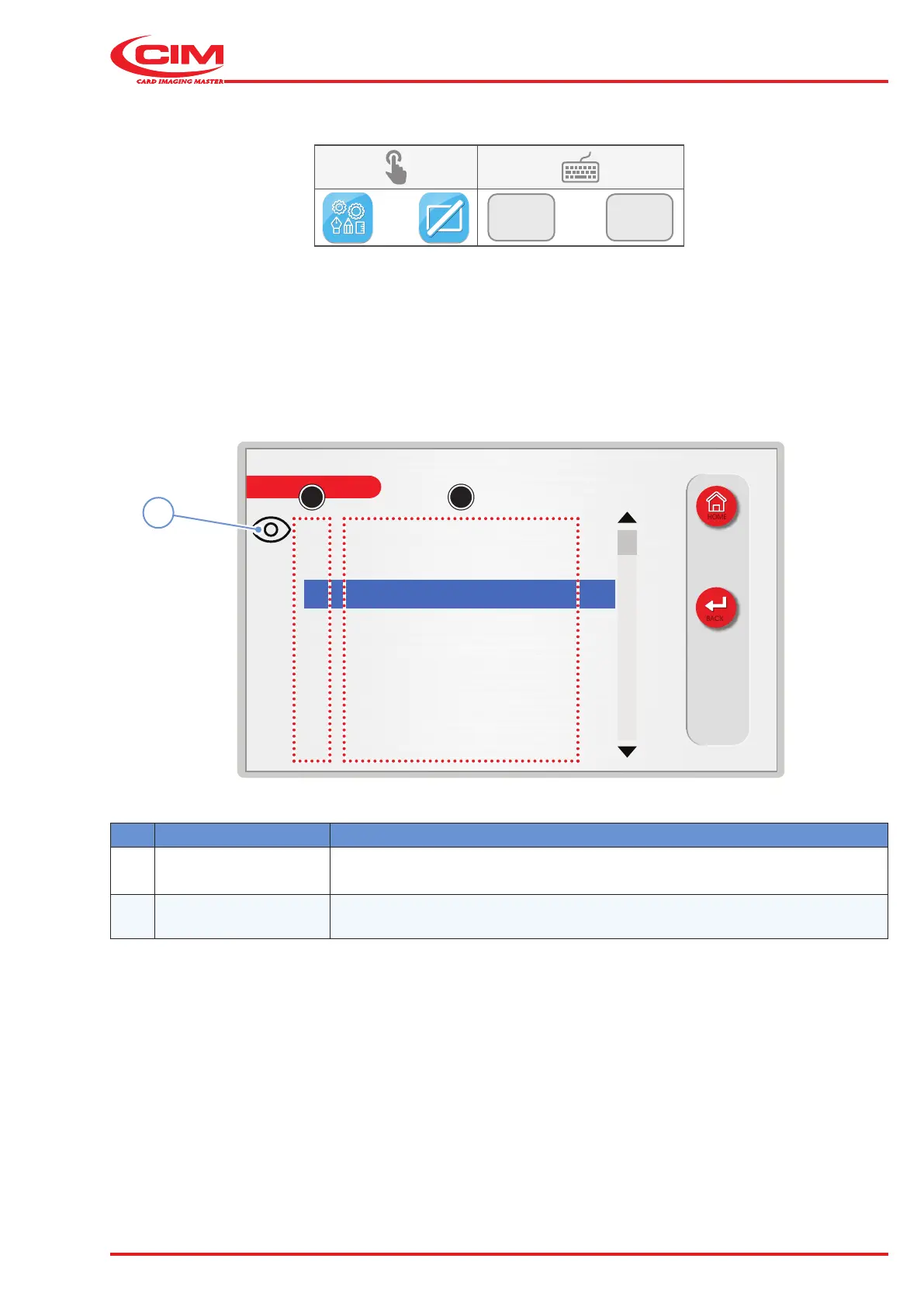
This function displays the list of error codes which may occur on the machine, making it easier to locate the possible
cause of the error.
1) Go to the required line using the touch screen (or the arrow keys on the external keyboard).
2) Press the icon (1) or the [F1] key on the external keyboard to view a detailed description of the alarm.
Ref. Function Description
A Numerical code
Indicates the numerical code of the error generated by the machine due to a
fault.
B Type of error Describes the type of error associated with the code.



 To Next Page