6 - USE AND OPERATION
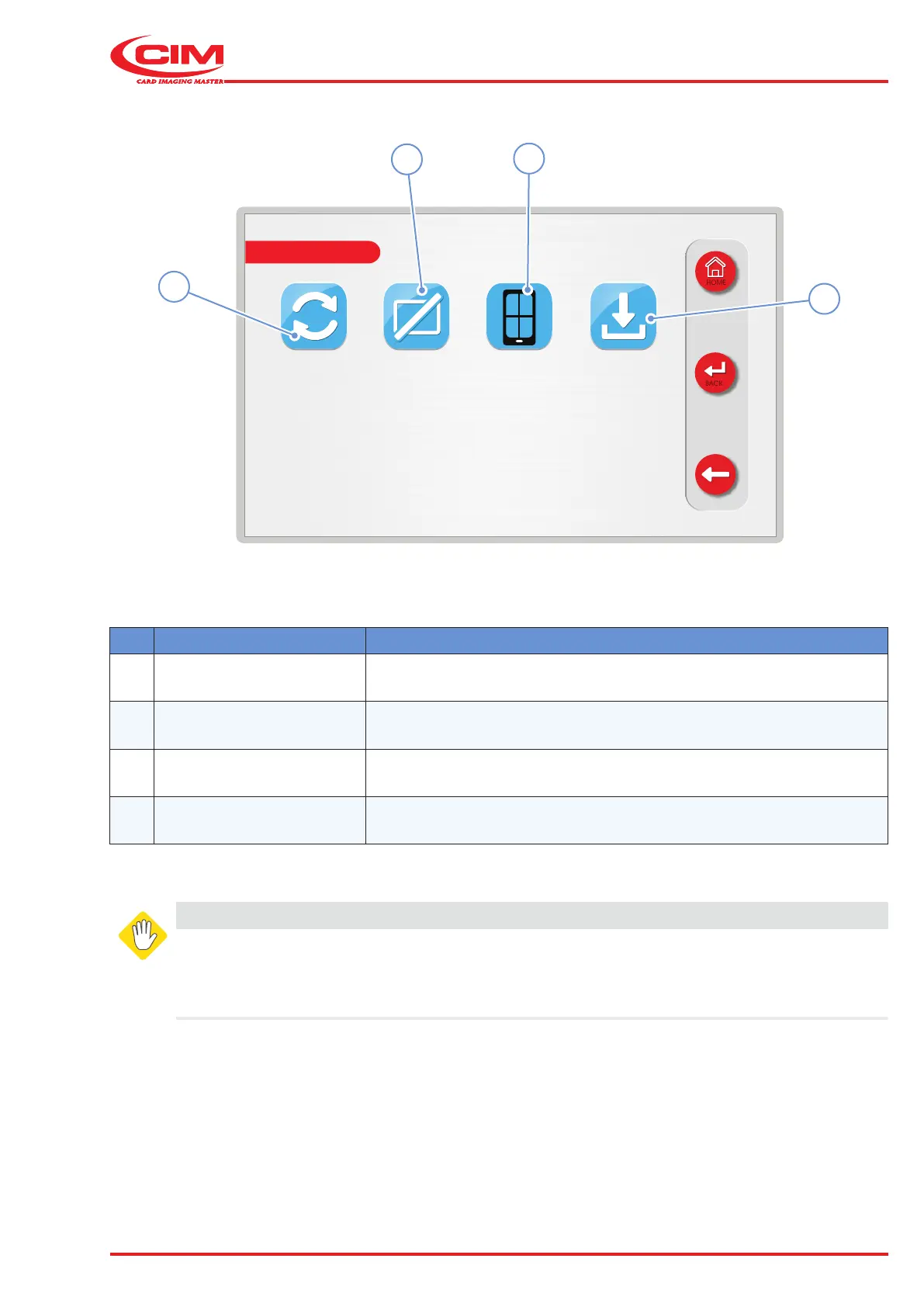
Schermate display (ME)
ME2000S - User Manual
93 - 133
DISABLE COVER ERROR CODES TOUCH CALIB SAVE LOGS TO
USB
HOME
BACK
SERVICE
+ +
++
11
12
10
9
Ref. Function Description
9 [F9] DISABLE COVER Disables the safety system that detects the opening of the front panel.
10 [F10] ERROR CODE Displays the list of error codes which may occur on the machine.
11 [F11]
TOUCH
CALIBRATION
Calibrates the LCD touch screen display.
12
[F12]
SAVE LOG TO USB Saves the machine LOG le to a USB memory stick.
WARNING
This menu is password protected for safety reasons.
All the functions in the "SERVICE" menu should only be set by qualied personnel or in any
case under their supervision. Some parameters, if not properly set, can cause the machine to
malfunction and may cause serious damage. Some parameters are set directly by the manufacturer



 To Next Page