6 - USE AND OPERATION
Schermate display (ME)
ME2000S - User Manual
83 - 133
SET UP
HOME
BACK
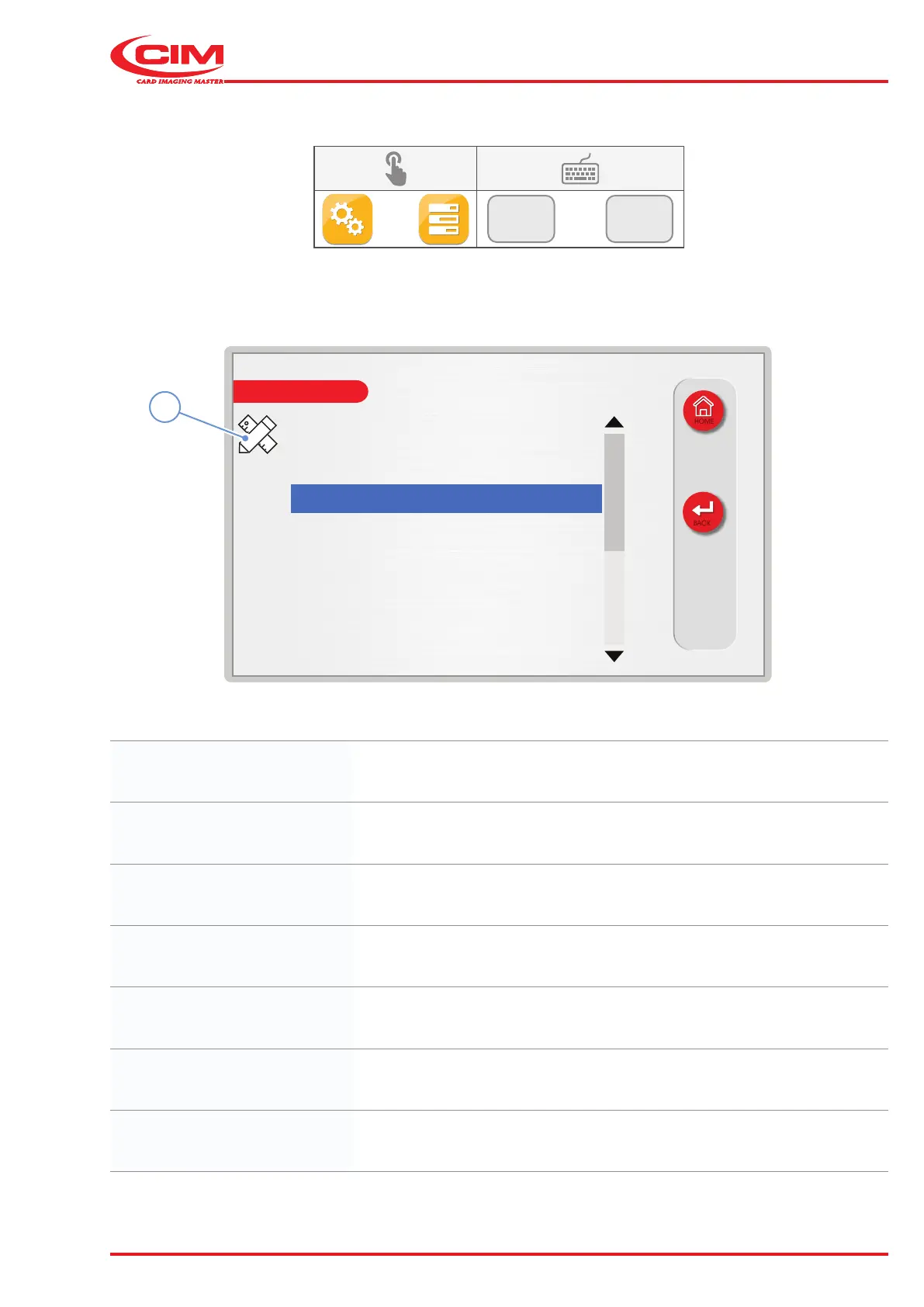
Tag type: standard
Tag material: Material 1
X load adjustment: 0.0 mm
Y load adjustment: 0.0 mm
Pusher load adjustment: 0.0 mm
X emboss adjustment: -0.5 mm
Y emboss adjustment: 0.5 mm
X unload adjustment: -0.8 mm
1
6.10.3 MECHANICAL PARAMETERS
F2
F3
1) Go to the required line using the touch screen (or the arrow keys on the external keyboard).
2) Press the icon (1) or the [F1] key on the external keyboard to set the relative option.
Tag type: Displays the type of tag.
Tag material: Displays the type of material to be embossed.
X load adjustment: Sets the pick-up position of the tag on the X-axis.
Y load adjustment: Sets the pick-up position of the tag on the Y-axis.
Pusher load adjustment: Sets the pickup point for the tag when it is pushed out from the loading hopper.
X emboss adjustment: Allows you to align the zero of the embossing elds with the left edge of the tag.
Y emboss adjustment: Allows you to align the zero of the embossing elds with the lower edge of the tag.



 To Next Page