6 - USE AND OPERATION
Schermate display (ME)
ME2000S - User Manual
69 - 133
1) F-01-PROTOCOL-MULTI Fi...
2) F-02-PROTOCOL-CIMSTD ...
3) F-03-PROTOCOL-CIMSTD ...
4) Open Fields: 26
5) Open2 Fields: 26
1234
LCD EDIT
HOME
BACK
01 Type: Variable
02 Type: Variable
03 Type: Counter
04 Type: Variable
LCD EDIT
HOME
BACK
4
9
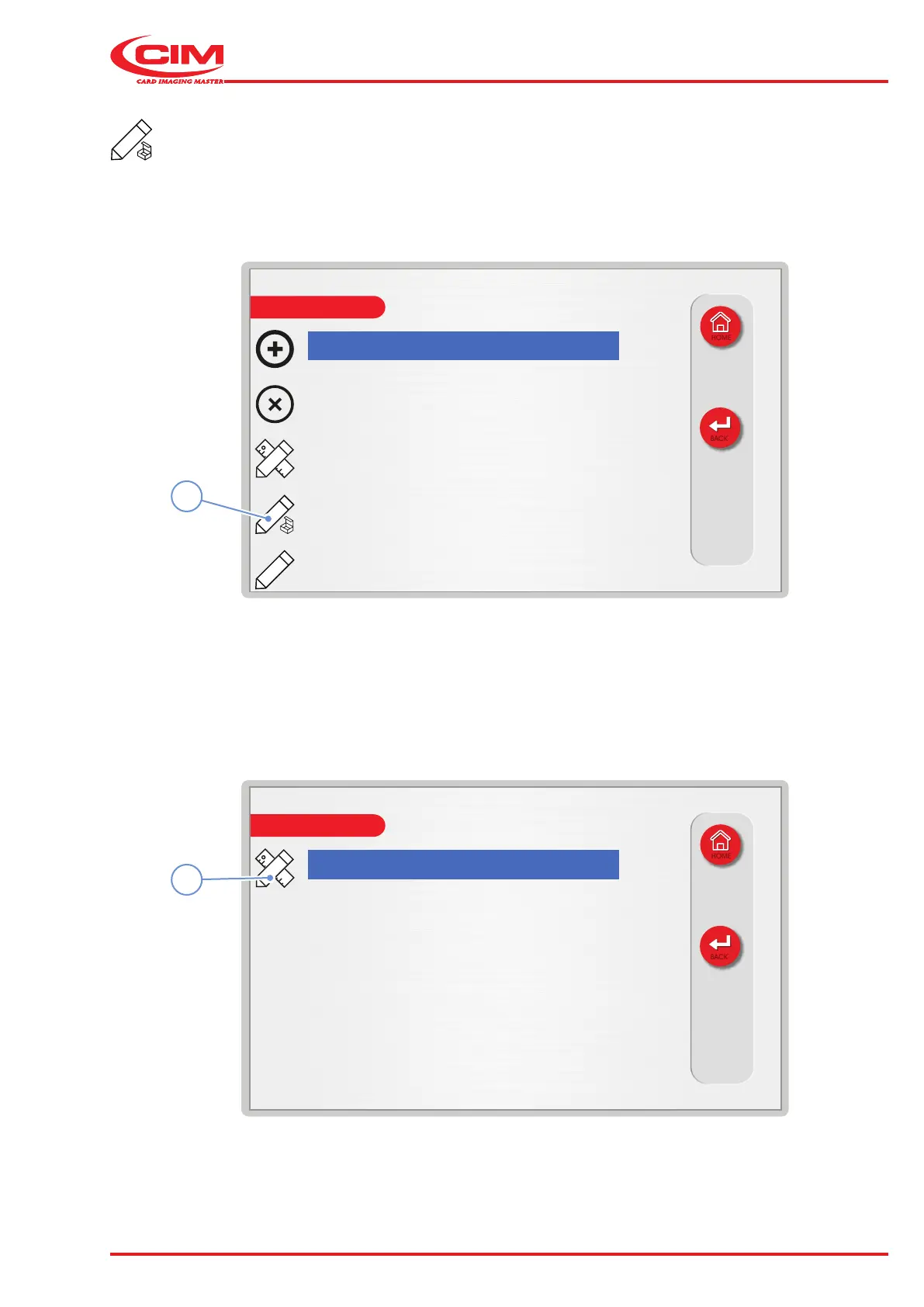
Setting up the elds of a format:
1) Go to the required line using the touch screen (or the arrow keys on the external keyboard).
2) Press the icon (4) or the [F4] key on the external keyboard to set the number of elds for the selected format.
3) Go to the required line using the touch screen (or the arrow keys on the external keyboard).
4) Press the icon (9) or the [F1] key on the external keyboard to change the settings of the selected eld.



 To Next Page