6 - USE AND OPERATION
Schermate display (ME)
ME2000S - User Manual
68 - 133
1) F-01-PROTOCOL-MULTI Fi...
2) F-02-PROTOCOL-CIMSTD ...
3) F-03-PROTOCOL-CIMSTD ...
4) Open Fields: 26
5) Open2 Fields: 26
1234
LCD EDIT
HOME
BACK
Name: F-01-PROTOCOL-MULTI
Fields: 1
Number of copies: 0
Increment counters: no
LCD EDIT
HOME
BACK
4Fields
OK
Cancel
1 2 3 4 5
6 7 8 9 0
<--
3
8
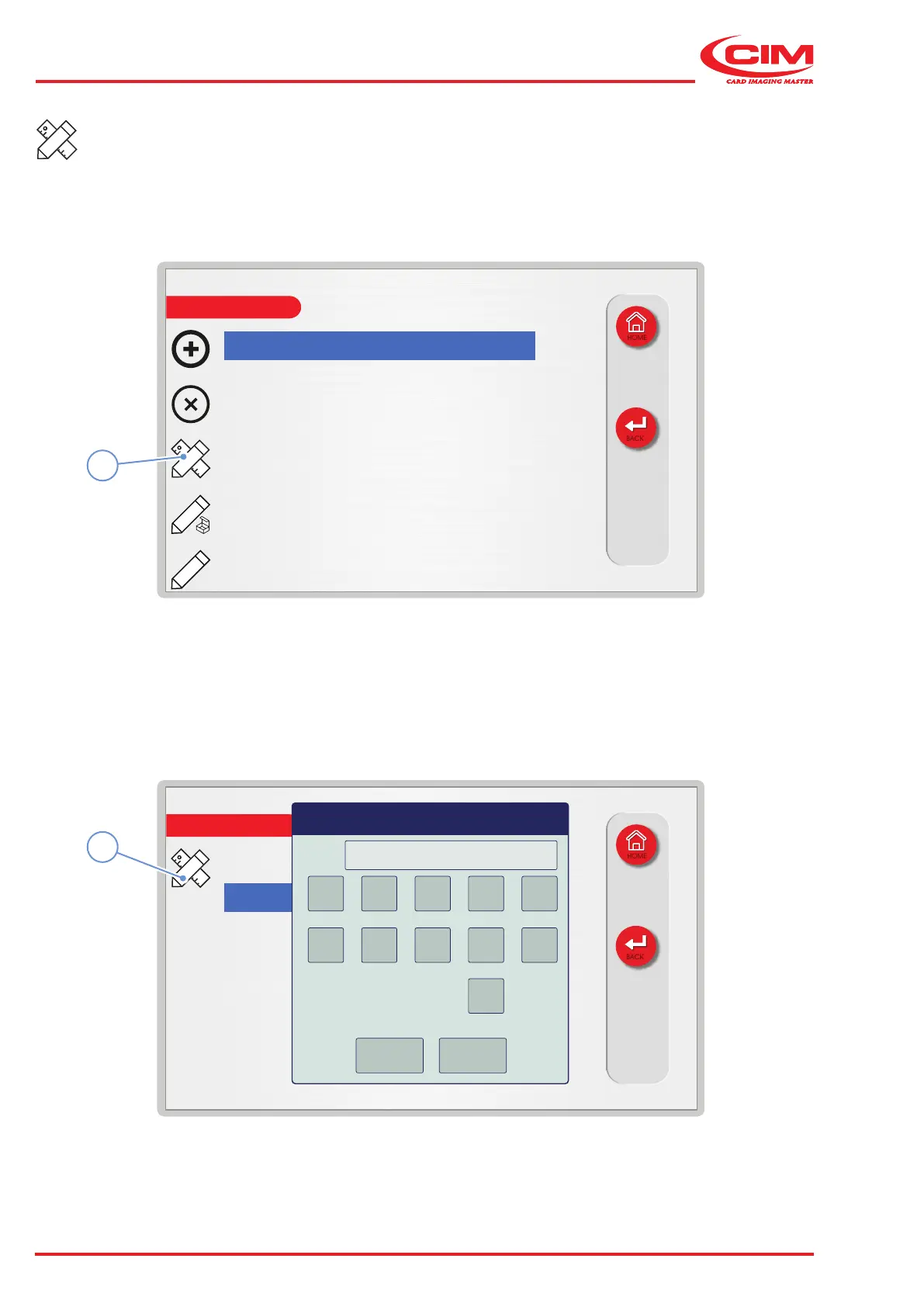
Editing a format:
1) Go to the required line using the touch screen (or the arrow keys on the external keyboard).
2) Press the icon (3) or the [F3] key on the external keyboard to edit the selected format.
3) Select the setting or settings (name, number of elds, number of copies and/or counter increments) you wish
to edit.
4) Press the icon (8) or the [F1] key on the external keyboard to edit the selected setting.



 To Next Page