6 - USE AND OPERATION
Schermate display (ME)
ME2000S - User Manual
80 - 133
Address: 31
Path: optimised
Hide protected data
Touch sensitivity: medium
Unloader full alarm: no
Pusher home: yes
Show format number: yes
HOME
BACK
SET UP
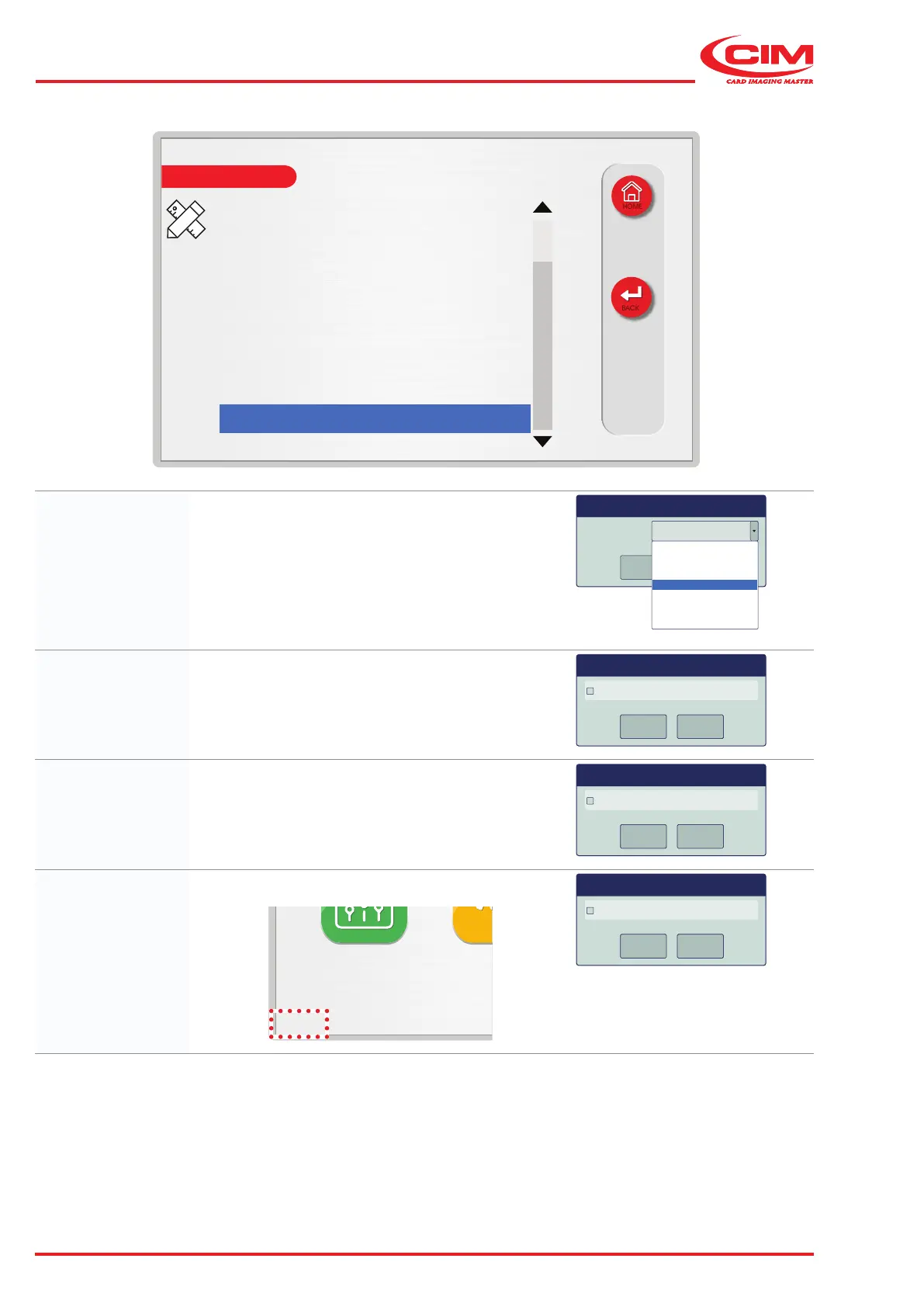
Touch sensitivity: Sets the sensitivity of the touch screen:
• extremely low
• very low
• low
• medium
• high
• very high
• extremely high
Touch sensitivity medium
OK
Cancel
lowest
very low
low
medium
high
very high
highest
Unloader full
alarm:
If enabled, the machine will automatically stop when
the maximum capacity of the unloading hopper is
reached.
Unloader full alarm
OK
Cancel
OK
Cancel
OK
Cancel
Dialog
Pusher home: If enabled, the pusher returns to the restore (home)
position after loading the tag. If disabled, the pusher
returns to the home position only when the tag has
been picked up by the gripper.
Pusher home
OK
Cancel
OK
Cancel
OK
Cancel
x
Dialog
Show format
number:
If enabled, the online job format is displayed in the
main menu of the touch screen display.
On line: 4
LCD EDIT
SETUP SERVICE
MAIN MENU
Select Menu button
Show format number
OK
Cancel
OK
Cancel
OK
Cancel
x
Dialog



 To Next Page