6 - USE AND OPERATION
Schermate display (ME)
ME2000S - User Manual
70 - 133
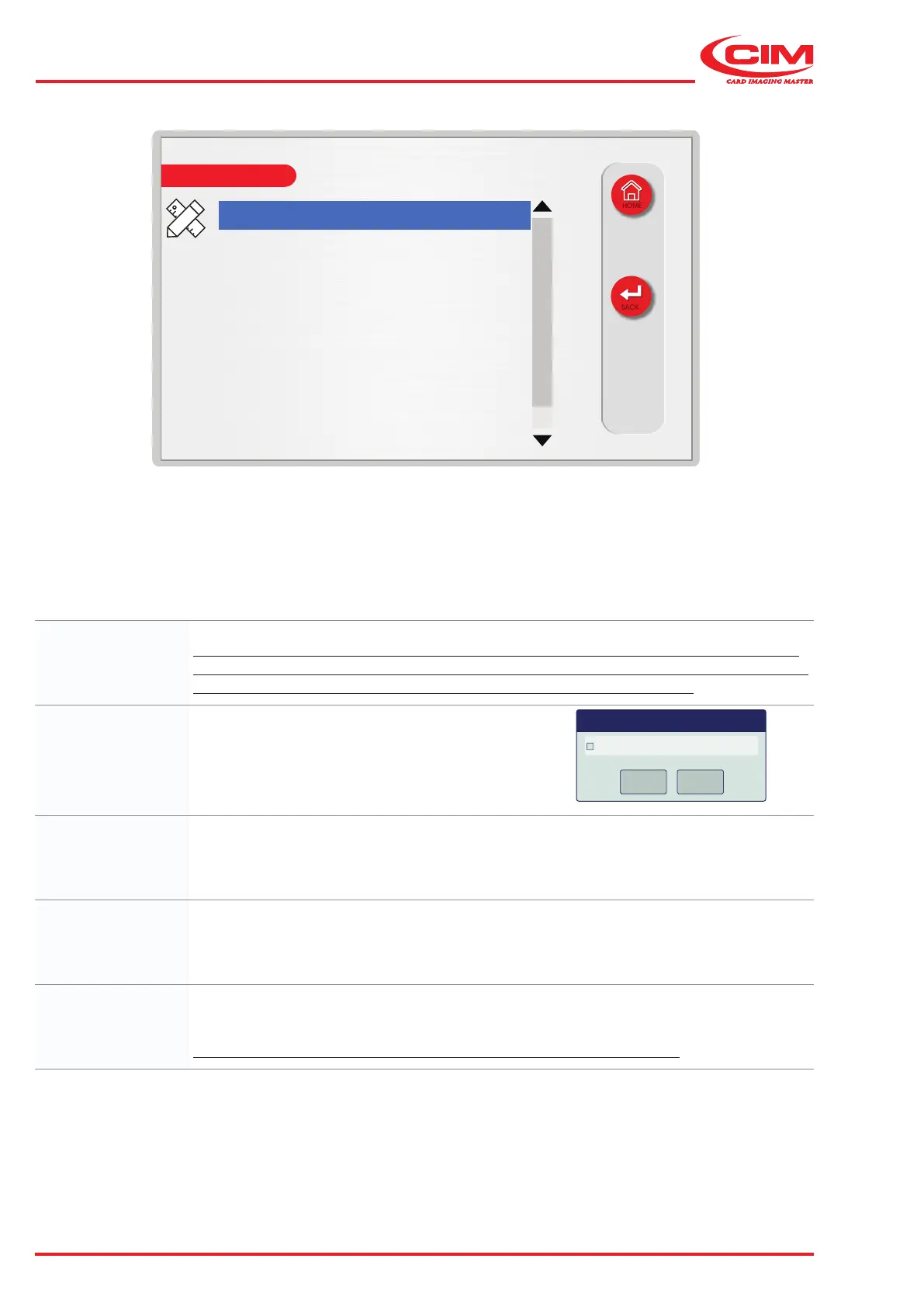
LCD EDIT
HOME
BACK
Name: 01
Centered: no
Interchar space: 2.5 mm
X: 5.0 mm
Y: 5.0 mm
Max chars: 32
Font: normal
Name: Field name (max. 19 alphanumeric characters).
When creating a new format, the names of the elds are generated automatically by the
program (two identical letters assigned in alphabetical order). It is recommended that you
change the default name to one that allows it to be identied more easily.
Centered: Toggles text centring on \ o.
Centered
OK
Cancel
OK
Cancel
OK
Cancel
Dialog
Interchar space: The spacing between two adjacent characters (distance between the centre point of one
character and the other). The value can be indicated in tenths of a millimetre (dmm) or
hundredths of an inch (inches)
according to the unit of measurement set (see “6.10.1 CONFIGURATION”).
X: X-axis coordinate (distance between the left edge of the tag and the left side of the
character).
The value can be indicated in tenths of a millimetre (dmm) or hundredths of an inch
according to the unit of measurement set (see “6.10.1 CONFIGURATION”).
Y:
Y-axis coordinate (distance between the bottom edge of the tag and the bottom of the character).
The value can be indicated in tenths of a millimetre (dmm) or hundredths of an inch
according to the unit of measurement set (see “6.10.1 CONFIGURATION”).
This value cannot be set lower than 4 mm (approximately 0.16 inches).



 To Next Page