6 - USE AND OPERATION
Schermate display (ME)
ME2000S - User Manual
88 - 133
SET UP
HOME
BACK
standard width: 85.7 mm heig
Card size 1 width: 85.7 mm heig
CIM TEST width: 110.0 mm heig
Card size 3 width: 85.7 mm heig
3
2
1
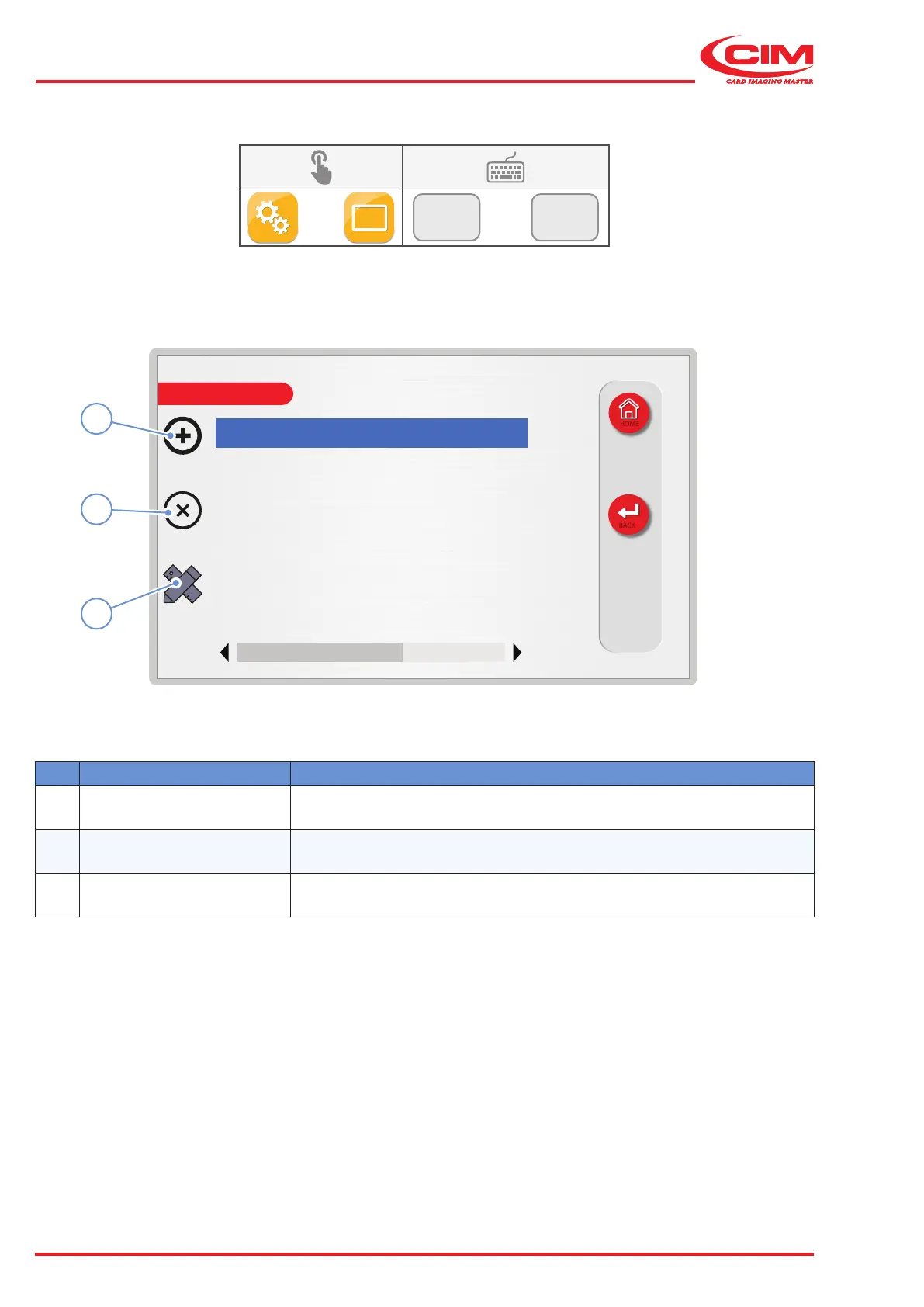
6.10.6 TAG TYPES
F2
F6
Ref. Function Description
1 [F1] New Creates a new type support.
2 [F2] Delete Deletes the selected type of support from the list.
3
[F3]
Edit conguration Edit the type of support selected.



 To Next Page