User Guide | FreeSpeak II™ Base station version
5) Select Save As to rename the file and save it to the required location.
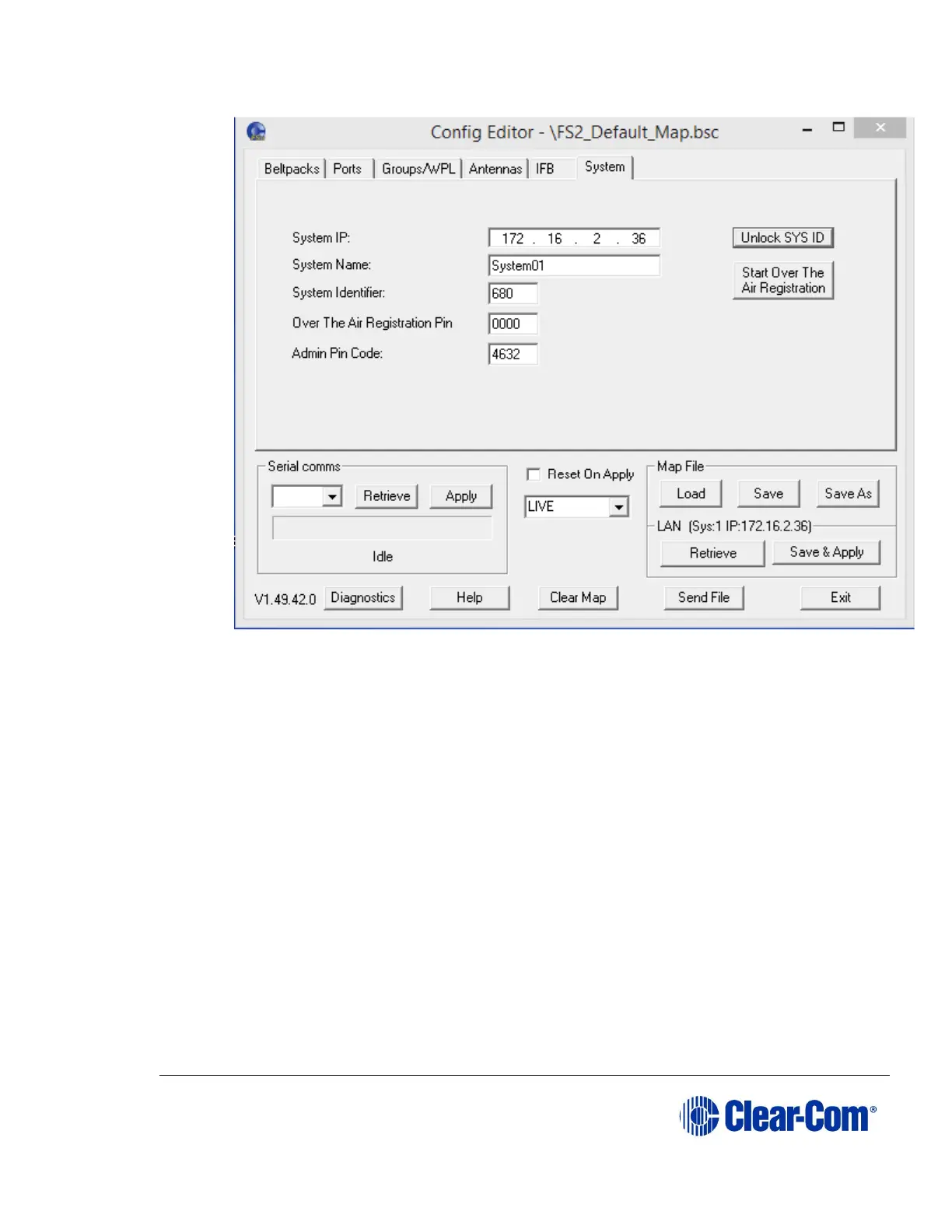
6) Select System > Unlock SYS ID.
7) In the Config Password screen, enter the following password: Clear-
ComMap. A password confirmation message appears.
8) Close the Configuration Editor, and then restart it and reload the default
map file that you saved in Step 4.
9) Select System, and select the Reset On Apply check box.



 To Next Page