User Guide | FreeSpeak II™ Base station version
4) Enter the four digit pairing code for the system using both rotary
controllers and the menu select key (D). The default code is 0000.
Note: The OTA registration code is available from the Base station menu.
Go to MENU->SYSTEM->REG->PIN. It can also be found in
Eclipse HX software, Configuration > Preferences > Wireless
Beltpacks and in the Configuration Editor, under the System tab.
If you change the registration code from the Base station, do a
black restart before continuing.
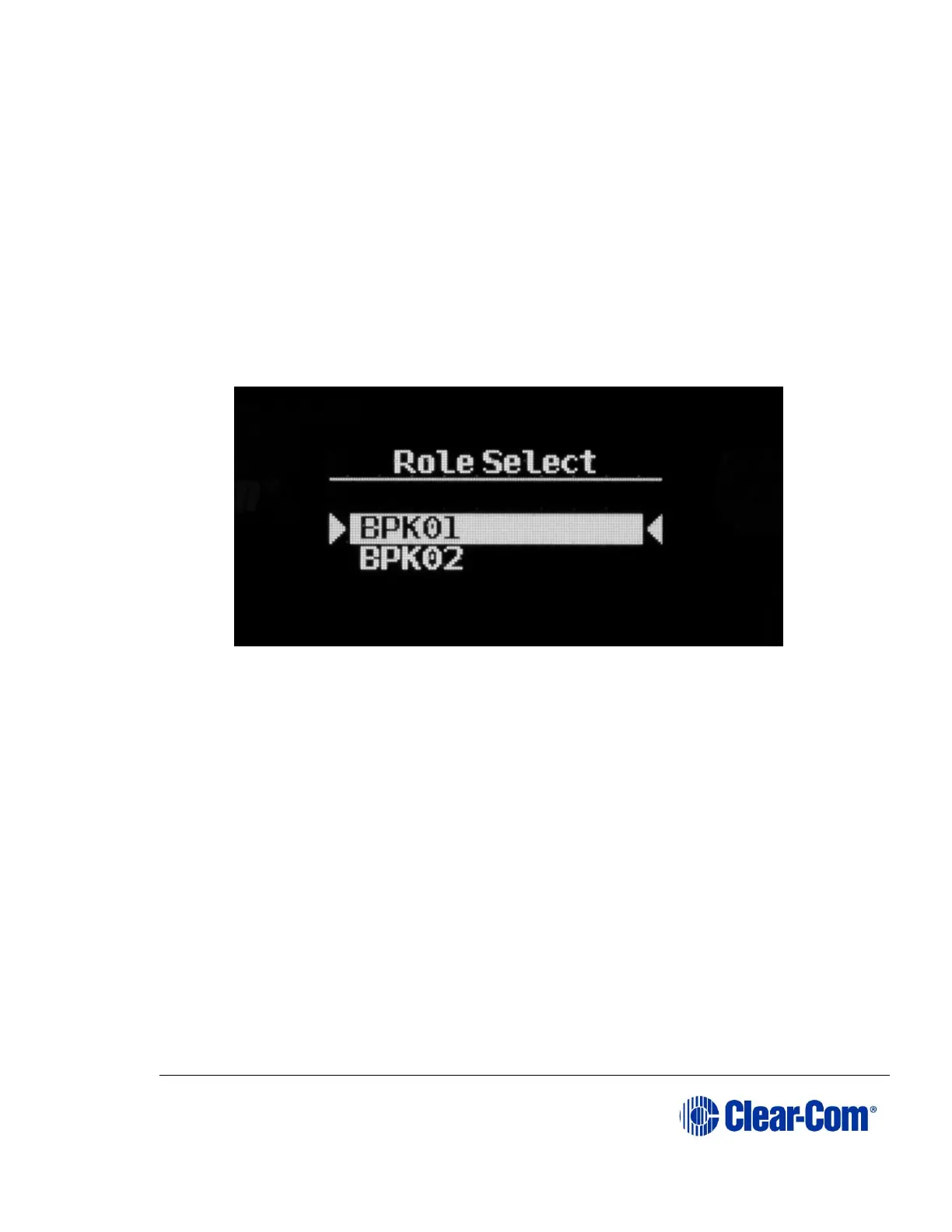
5) Select an available role from the list displayed on the beltpack.
Figure 3-9 Select beltpack role
6) The beltpack is now registered and ready for operation. The inactive timer
on enable registration is restarted now. The role is now associated with
the beltpack until association is removed using the Configuration Editor or
Base station.
7) If required, the next beltpack can now be registered (Step 2).
Note: On the Base station these changes are persistent, but should still be retrieved
from the unit by the Configuration Editor so they can be backed up.



 To Next Page