InteliDrive DCU Industrial 3.4.0 Global Guide
238
Related FW 3.4.0 Related applications AS, SS
Comm object 120
Description
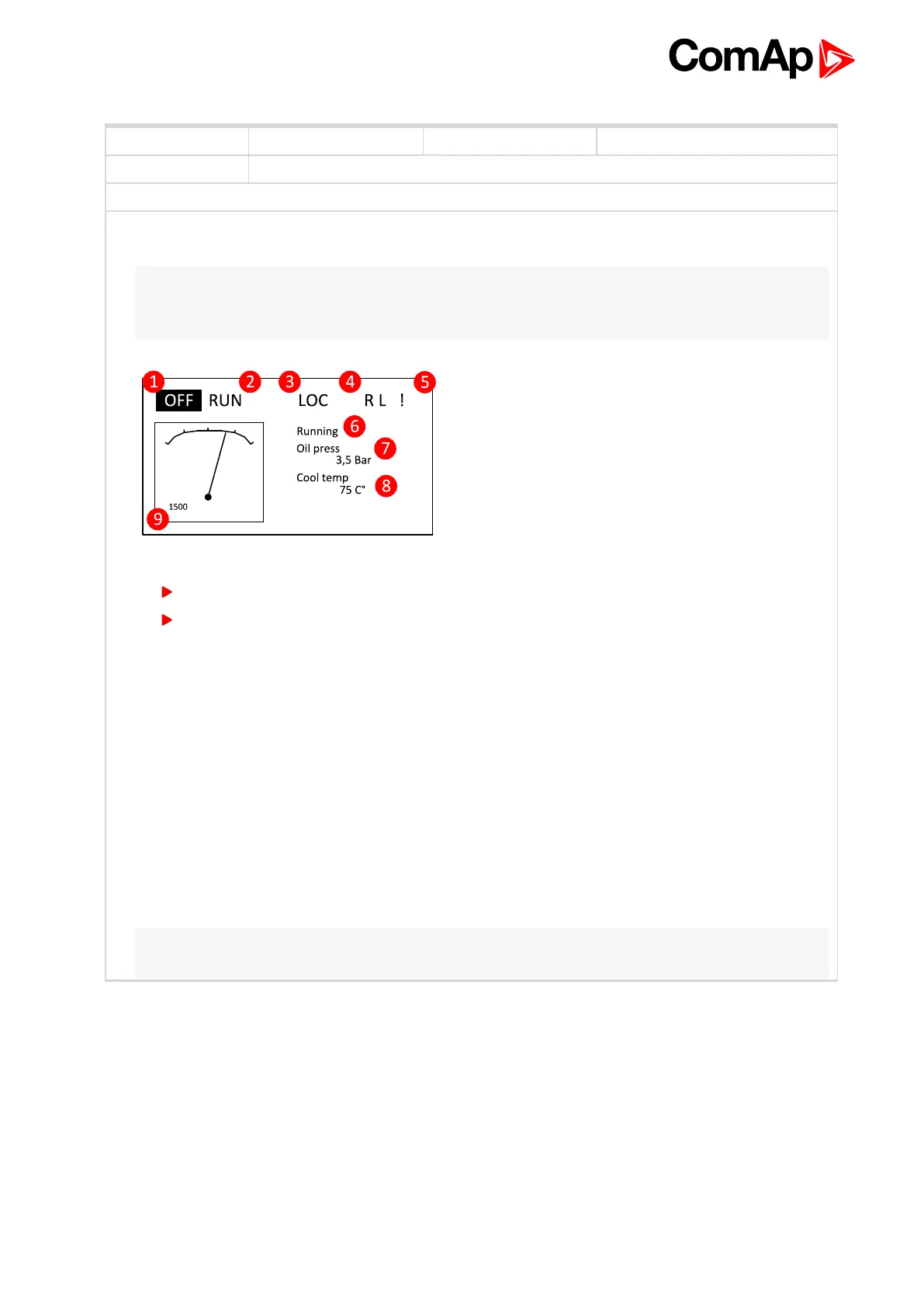
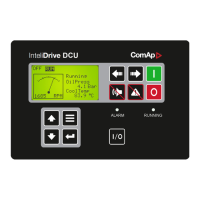
Logical Analog Inputs MainScrAna1 or MainScrAna2 enables to redirect any Analog input value on the ID-
DCU Industrial main screen on “OilPress” and “CoolTemp” position.
Note: Default names “OilPress” and “CoolTemp” will not change when the Logical Analog Inputs
MainScrAna1 or MainScrAna2 are connected to other source values and has to be changed by
translator.
1. Default configuration
ID / AIN_Function = Oil Press; MainScrAna1
ID / AIN2_Function = Coolant Temp; MainScrAna2
2. To display e.g. value from AIN3 “AirTemp1” instead “OilPress” (the first position) and AIN4
“AirTemp2” instead “CoolTemp” value:
a. Select AIN3 Property Function = MainScrAna1
b. Select AIN4 Property Function = MainScrAna2
c. Create new language (in DriveConfig Languages) based on English
d. Rename (in DriveConfig Translator / Other texts) text “OilPress” to “AirTemp1” in the newly
created language
e. Rename (in DriveConfig Translator / Other texts) text “CoolTemp” (no space between) to
“AirTemp2” in the newly created language
f. Switch the ID-DCU Industrial controller into newly created and modificated language (Enter +
Page, Page, select the new language by up/down arrows, Enter)
Note: Translate text “OilPress” and “CoolTemp” - no space between words because of similar texts (e.g.
Coolant Temp, etc. are located on other screens).
MainScrAna1
6 back to List of LAI










 To Next Page