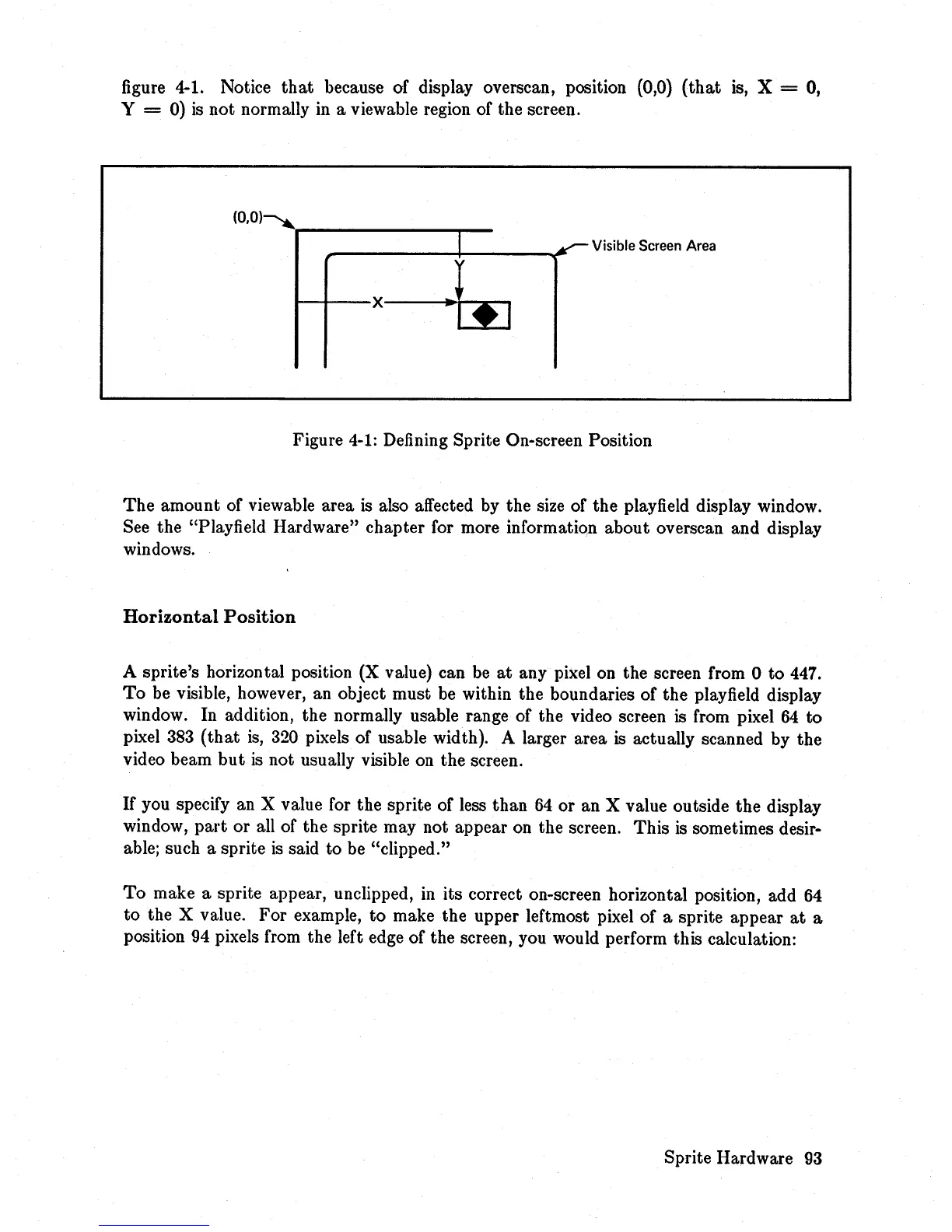
figure 4-1. Notice
that
because of display overscan, position (0,0)
(that
is, X = 0,
Y
= 0)
is
not normally
in
a viewable region of the screen.
(0.0)--.......--
_____
.....,._
I
Visible
Screen
Area
y
I---+-X----l~~t
-::':.~I
Figure
4-1:
Defining Sprite On-screen Position
The
amount of viewable area is also affected by the size of the playfield display window.
See the "Playfield Hardware" chapter for more information about overscan and display
windows.
Horizontal
Position
A sprite's horizontal position (X value) can be
at
any pixel on the screen from 0 to 447.
To
be visible, however, an object must be within the boundaries of the playfield display
window. In addition, the normally usable range of the video screen is from pixel
64
to
pixel
383
(that
is,
320 pixels of usable width). A larger area is actually scanned by the
video beam
but
is
not usually visible on the screen.
If
you specify an X value for the sprite of less than
64
or an X value outside the display
window,
part
or all of the sprite may not appear on the screen. This is sometimes desir-
able; such a sprite
is
said to be "clipped."
To
make a sprite appear, unclipped,
in
its correct on-screen horizontal position, add
64
to
the X value. For example, to make the upper leftmost pixel of a sprite appear
at
a
position 94 pixels from the left edge of the screen, you would perform this calculation:
Sprite Hardware
93














 To Next Page