Area
Filling
In addition
to
copying data, the blitter can simultaneously perform a
fill
operation dur-
ing the copy. The
fill
operation has only one restriction: the area to
be
filled must be
defined by first drawing untextured lines
that
are only one
bit
wide. A special line draw
mode is available for this
(see
the "Line Drawing" section).
INCLUSIVE
(NORMAL)
AREA
FILLING
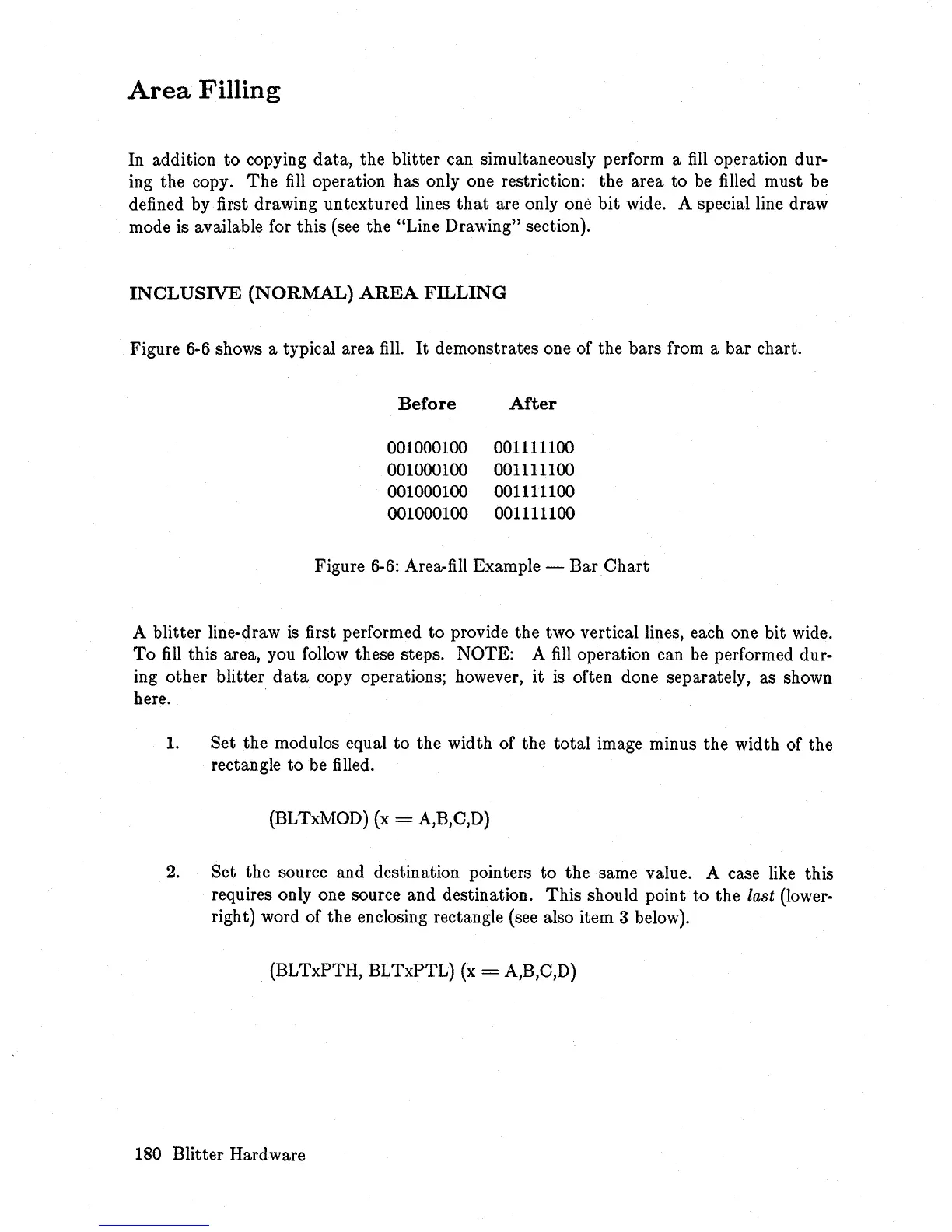
Figure
6-6
shows a typical area
fill.
It
demonstrates one of the bars from a bar chart.
Before
After
001000100 001111100
001000100 001111100
001000100 001111100
001000100 001111100
Figure
6-6:
Area-fill Example - Bar
Chart
A blitter line-draw
is
first performed to provide the two vertical lines, each one bit wide.
To
fill
this area, you follow these steps. NOTE: A
fill
operation can be performed dur-
ing other blitter
data
copy operations; however,
it
is
often done separately, as shown
here.
1. Set the modulos equal to the width of the total image minus the width of the
rectangle to be filled.
(BLTxMOD) (x
= A,B,C,D)
2.
Set the source and destination pointers to the same value. A case like this
requires only one source and destination. This should point to the
last (lower-
right) word of the enclosing rectangle
(see
also item 3 below).
(BLTxPTH, BLTxPTL)
(x
= A,B,C,D)
180 Blitter Hardware














 To Next Page