Note
that
the memory requirements given here are for the playfield only. You may need
to
allocate additional memory for other parts of the display - sprites, audio, animation
- and for your application programs. Memory allocation for other
parts
of the display
is discussed in the chapters describing those topics.
CODING
THE
BIT-PLANES
FOR
CORRECT
COLORING
After you have specified the number of bit-planes and set the bit-plane pointers, you can
actually write the color register codes into the bit-planes.
A
One-
or
Two-Color
Playfield
For
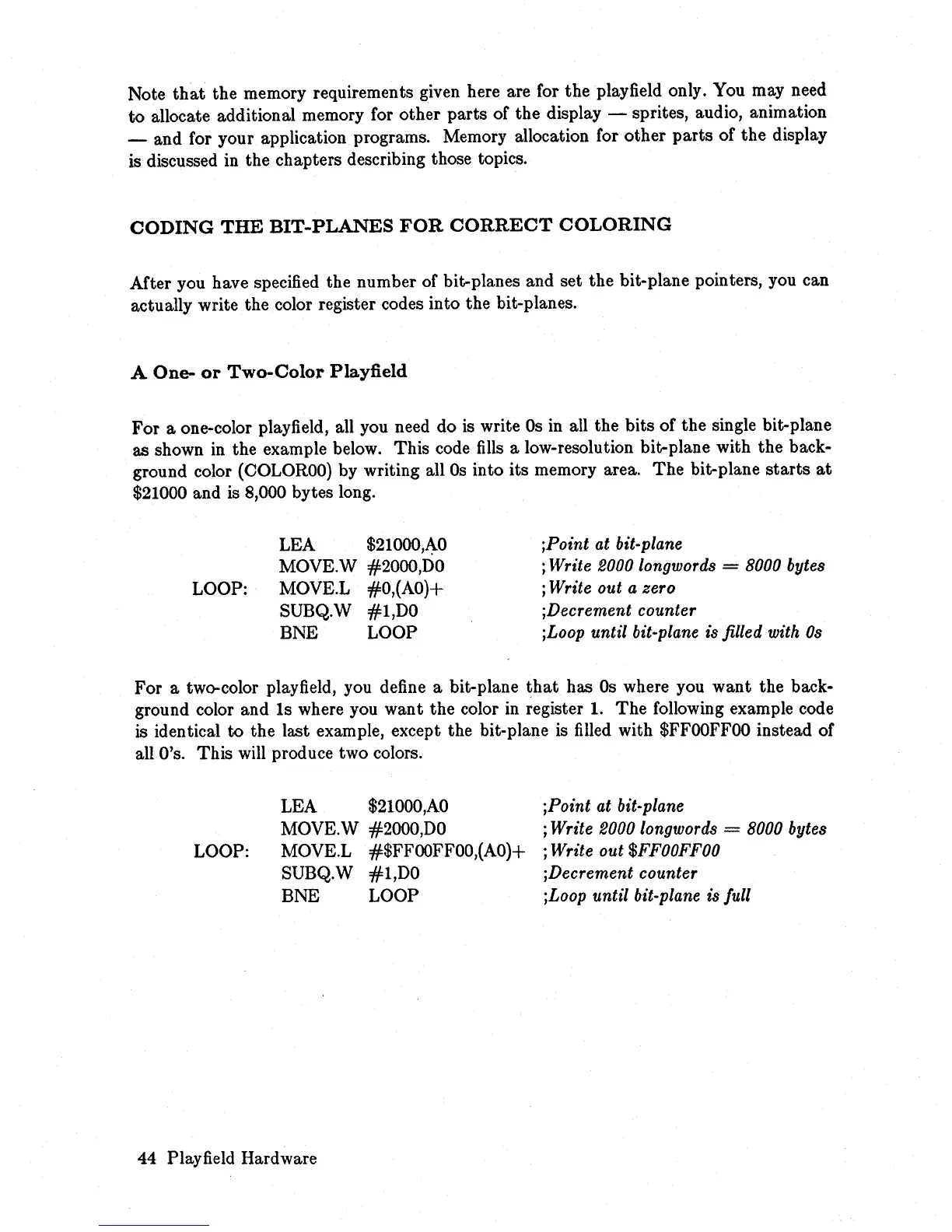
a one-color playfield, all you need do is write
Os
in
all the bits of the single bit-plane
as shown in the example below. This code
fills
a low-resolution bit-plane with the back-
ground color
(COLOROO)
by writing all
Os
into its memory area.
The
bit-plane
starts
at
$21000 and is 8,000 bytes long.
LOOP:
LEA
$21000,A-0
MOVE.W #2000,DO
MOVE.L #O,(AO)+
SUBQ.W #1,DO
BNE LOOP
jPoint at bit-plane
j Write 2000 longwords = 8000 bytes
; Write
out
a zero
jDecrement counter
jLoop
until
bit-plane is filled with
Os
For a two-color playfield, you define a bit-plane
that
has
Os
where you
want
the back-
ground color and
Is
where you want the color
in
register 1.
The
following example code
is identical
to
the last example, except the bit-plane is
filled
with
$FFOOFFOO
instead of
all
O's.
This will produce two colors.
LOOP:
LEA
$21000,AO
MOVE.W #2000,DO
MOVE.L
#$FFOOFFOO,(AO)+
SUBQ.W #1,DO
BNE LOOP
44 Playfield Hardware
jPoint
at
bit-plane
j Write 2000 longwords = 8000 bytes
j Write out
$FFOOFFOO
jDecrement counter
jLoop until bit-plane is full














 To Next Page