Five possible positions can be chosen for each of the two "playfield fingers." For exam-
ple, you can place playfield 1 on top of sprites 0 and 1 (0), between sprites 0 and 1 and
sprites 2 and 3 (1), between sprites 2 and 3 and sprites 4 and 5 (2), between sprites 4
and 5 and sprites 6 and 7 (3),
or
beneath sprites 6 and 7 (4). You have the same possi-
bilities for playfield
2.
The
numbers 0 through 4 shown in parentheses in
the
preceding paragraph are the
actual values you use
to
select
the
play
field
priority positions. See "Setting the Priority
Con trol Register" below.
You can also control the priority of playfield 2 relative
to
playfield 1. This gives you
additional choices for the way you can design the screen priorities.
SETTING
THE
PRIORITY
CONTROL
REGISTER
This register lets you define how objects will pass in front of each other or hide behind
each other. Normally, playfield 1 appears in front of playfield
2.
The
PF2PRI
bit rev-
erses this relationship, making playfield 2 more important. You control the video priori-
ties by using the bits
in
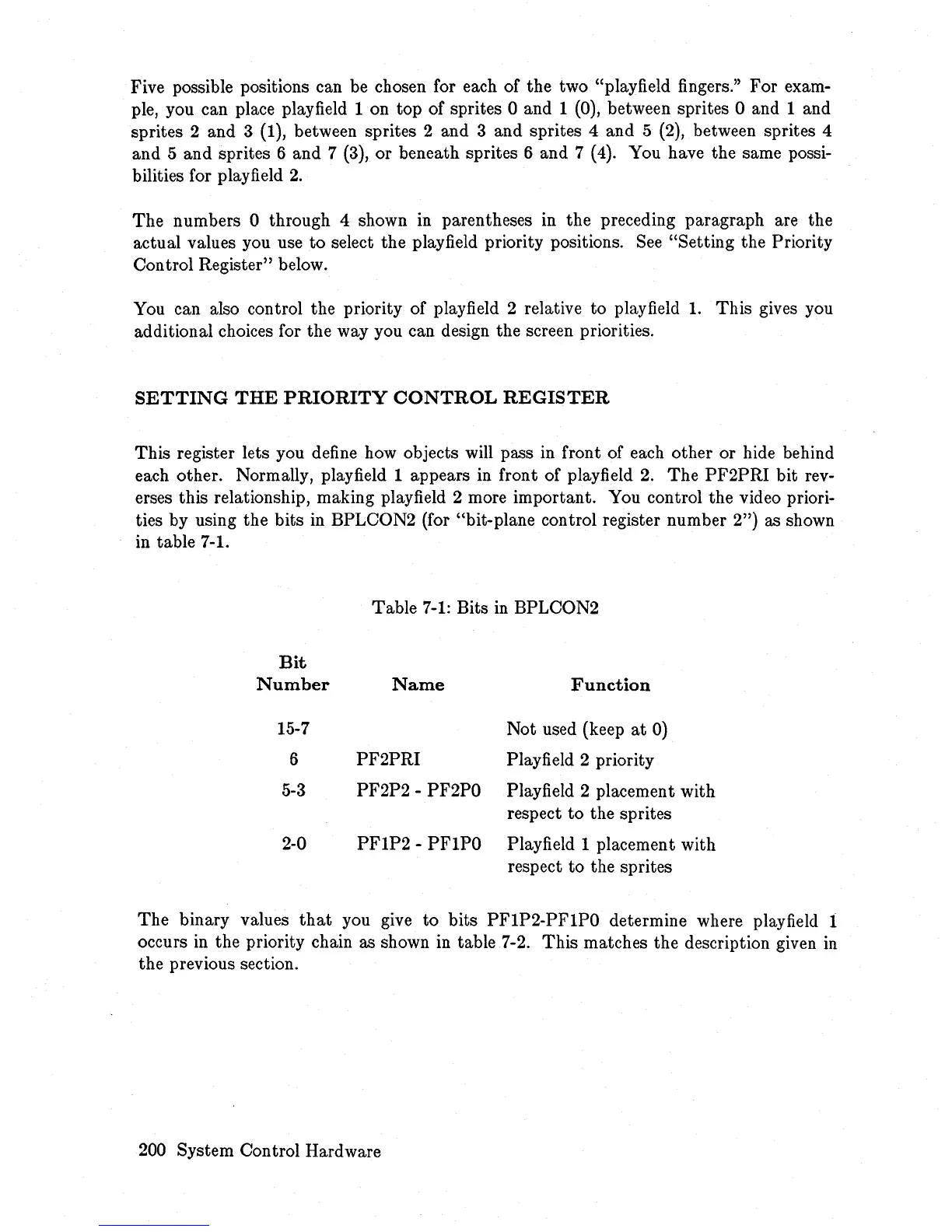
BPLCON2 (for "bit-plane control register number 2") as shown
in table 7-1.
Table
7-1:
Bits
in
BPLCON2
Bit
Number
Name
Function
15-7
Not used (keep
at
0)
6
PF2PRI
Playfield 2 priority
5-3
PF2P2 - PF2PO
Playfield 2 placement with
respect
to
the sprites
2-0
PFIP2
- PFIPO Playfield 1 placement with
respect
to
the sprites
The binary values
that
you give
to
bits PFIP2-PFIPO determine where playfield 1
occurs
in
the priority chain as shown in table 7-2. This matches the description given
in
the previous section.
200 System Con trol Hard ware














 To Next Page