Specifying
Amount
of
Delay
The
amount of delay
in
horizontal scrolling
is
controlled by bits 7-0 in BPLCONI. You
set the delay separately for each playfield; bits 3-0 for playfield 1 (bit-planes
1,
3, and
5)
and bits 7-4 for play
field
2 (bit-planes
2,
4, and
6).
NOTE: Always set all six bits, even if you have only one playfield. Set 3-0 and 7-4
to
the same value
if
you are using only one playfield.
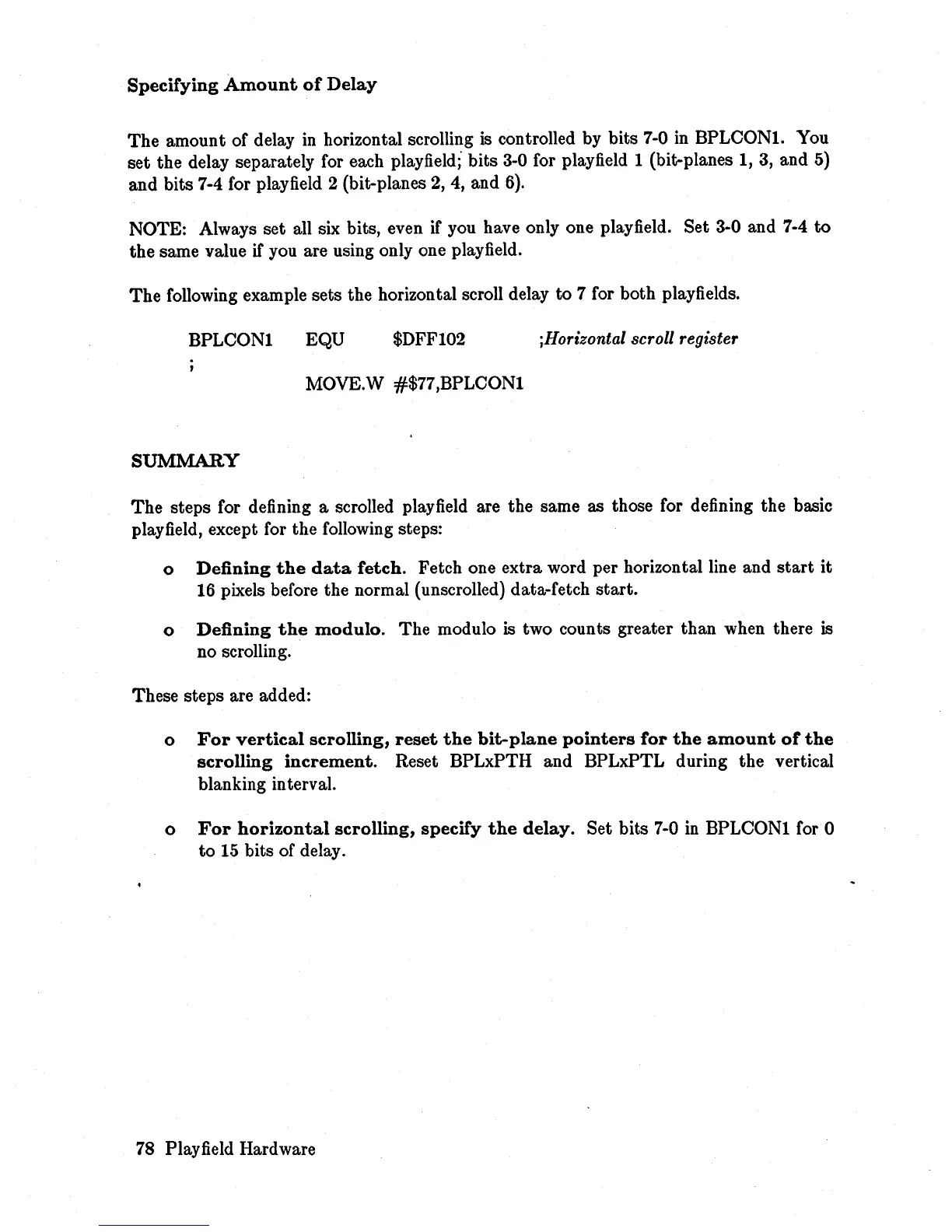
The following example sets the horizontal scroll delay to 7 for both play
fields.
BPLCONI
EQU
$DFFI02
;Horizontal scroll register
MOVE.W #$77,BPLCONI
SUMMARY
The
steps for defining a scrolled play
field
are the same as those for defining the basic
play field, except for the following steps:
o
Defining
the
data
fetch.
Fetch one extra word per horizontal line and
start
it
16 pixels before the normal (unscrolled) data-fetch start.
o
Defining
the
modulo.
The modulo is two counts greater than when there is
no scrolling.
These steps are added:
o
For
vertical
scrolling,
reset
the
bit-plane
pointers
for
the
amount
of
the
scrolling
increment.
Reset BPLxPTH and BPLxPTL during the vertical
blanking interval.
o
For
horizontal
scrolling,
specify
the
delay.
Set bits
7-0
in
BPLCONI for 0
to
15
bits of delay.
78
Playfield Hardware














 To Next Page