FULL
SCREEN
AREA
o
HSTARTof
DISPLAY
WINDOW occurs in
this region.
255
361
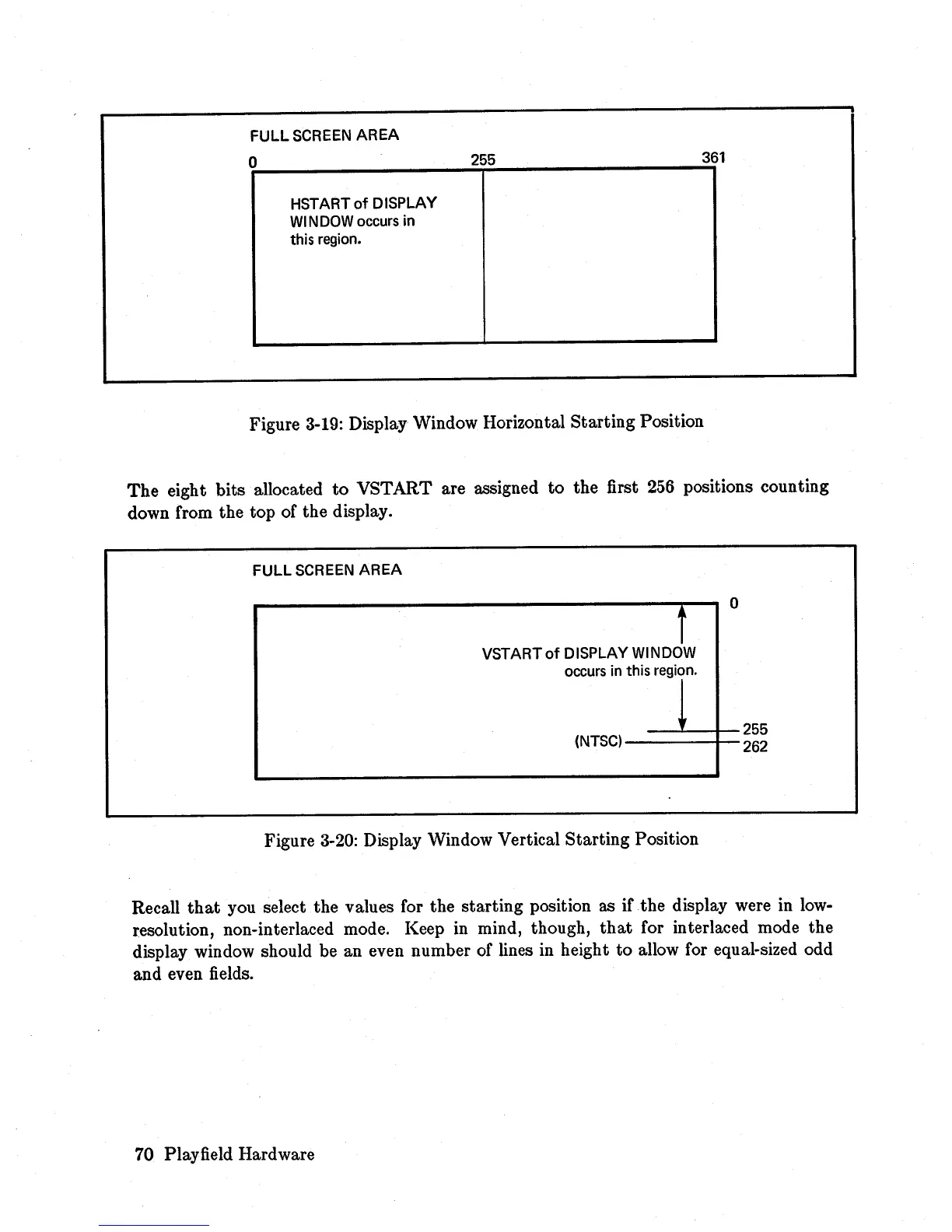
Figure
3-19:
Display Window Horizontal Starting Position
The
eight bits allocated to VSTART are assigned
to
the first
256
positions counting
down from the top of the display.
FULL
SCREEN
AREA
VST
ART
of
DISPLAY
WINOJw
occurs in this region.
o
---'----,1--
255
(NTSC)
----t--
262
Figure
3-20:
Display Window Vertical Starting Position
Recall
that
you select the values for the starting position as if the display were
in
low-
resolution, non-interlaced mode. Keep in mind, though,
that
for interlaced mode the
display window should be an even number of lines in height
to
allow for equal-sized odd
and even fields.
70 Playfield Hardware














 To Next Page