xx
xxxxxx
xxxxxxxxxx
xxxxxxxxxx
xxxxxx
xx
Figure
4-3:
Shape of Spaceship
ooooxxoooooooooo
ooxxxxxxoooooooo
xxxxxxxxxxoooooo
xxxxxxxxxxoooooo
oooxxxxooooooooo
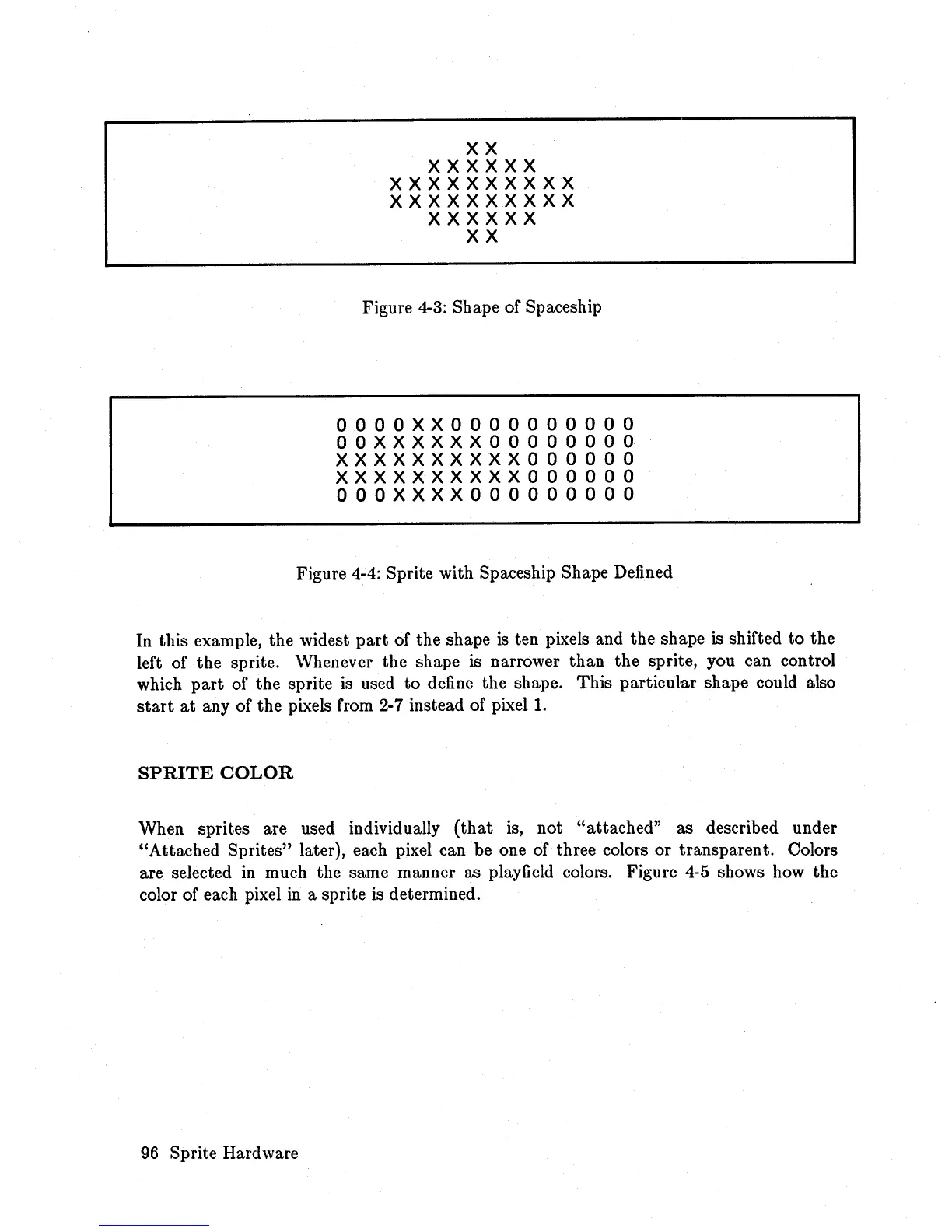
Figure 4-4: Sprite with Spaceship Shape Defined
In this example, the widest
part
of the shape
is
ten pixels and the shape is shifted to the
left of the sprite. Whenever the shape is narrower than the sprite, you can control
which
part
of the sprite is used
to
define the shape. This particular shape could also
start
at
any of the pixels from
2-7
instead of
pixel!.
SPRITE
COLOR
When sprites are used individually
(that
is,
not "attached" as described under
"Attached Sprites" later), each pixel can be one of three colors or transparent. Colors
are selected
in
much the same manner as playfield colors. Figure 4-5 shows how the
color of each pixel
in
a sprite is determined.
96
Sprite Hardware














 To Next Page