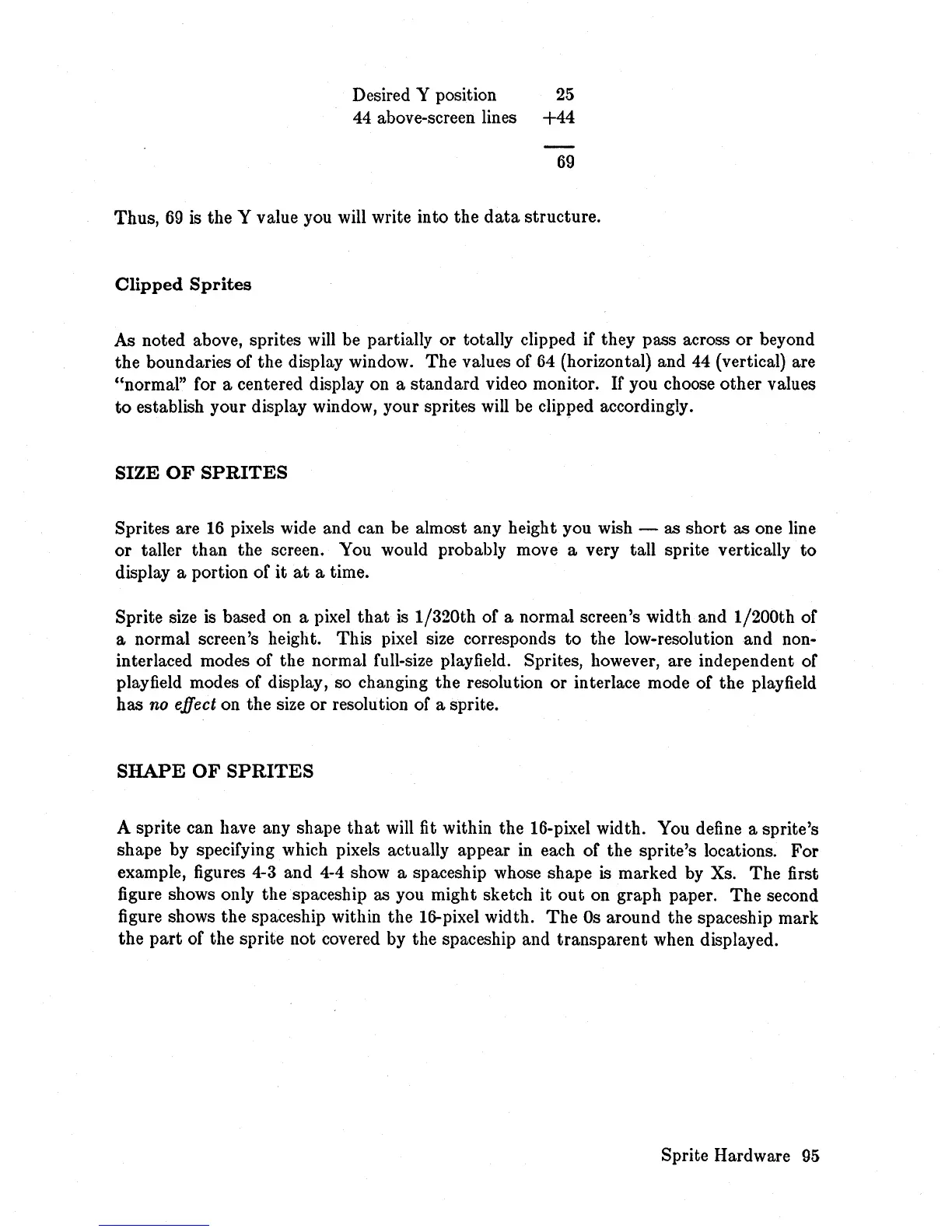
Desired Y position
25
44 above-screen lines
+44
69
Thus,
69
is the Y value you will write into the
data
structure.
Clipped
Sprites
As noted above, sprites will be partially or totally clipped if they pass across
or
beyond
the boundaries of the display window.
The
values of
64
(horizontal) and
44
(vertical) are
"normal" for a centered display on a standard video monitor.
If
you choose other values
to
establish your display window, your sprites will be clipped accordingly.
SIZE
OF
SPRITES
Sprites are
16
pixels wide and can be almost any height you wish - as short as one line
or
taller
than
the screen. You would probably move a very tall sprite vertically
to
display a portion of it
at
a time.
Sprite size is based on a pixel
that
is
1/320th of a normal screen's width and 1/200th of
a normal screen's height. This pixel size corresponds to the low-resolution and non-
interlaced modes of the normal full-size playfield. Sprites, however, are independent of
play
field
modes of display, so changing the resolution or interlace mode of the playfield
has
no effect on the size or resolution of a sprite.
SHAPE
OF
SPRITES
A sprite can have any shape
that
will fit within the 16-pixel width. You define a sprite's
shape by specifying which pixels actually appear in each of the sprite's locations.
For
example, figures 4-3 and 4-4 show a spaceship whose shape
is
marked by Xs.
The
first
figure shows only the spaceship as you might sketch
it
out
on graph paper.
The
second
figure shows the spaceship within the 16-pixel width.
The
Os
around the spaceship mark
the
part
of the sprite not covered by the spaceship and transparent when displayed.
Sprite Hardware
95














 To Next Page