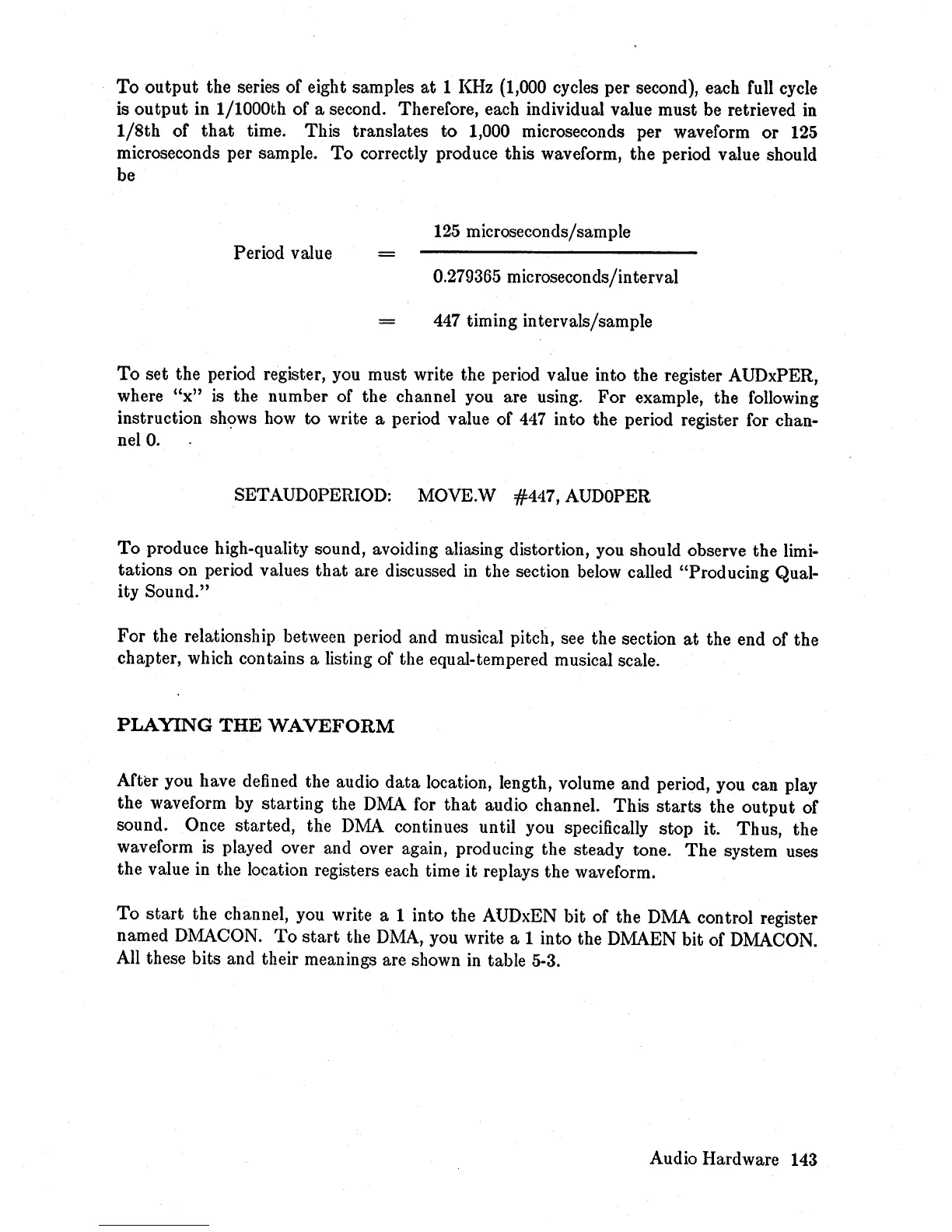
To
output
the series of eight samples
at
1
KHz
(1,000 cycles per second), each full cycle
is
output
in 1/1000th of a second. Therefore, each individual value must be retrieved in
1/8th
of
that
time. This translates
to
1,000 microseconds per waveform
or
125
microseconds per sample.
To
correctly produce this waveform, the period value should
be
125
microseconds/sample
Period value
0.279365 microseconds/interval
447
timing intervals/sample
To
set the period register, you must write the period value into the register AUDxPER,
where
"x"
is the number of the channel you are using.
For
example, the following
instruction
sh~ws
how
to write a period value of
447
into the period register for chan-
nelO.
SETAUDOPERIOD: MOVE.W #447, AUDOPER
To
produce high-quality sound, avoiding aliasing distortion, you should observe the limi-
tations on period values
that
are discussed
in
the section below called "Producing Qual-
ity Sound."
For the relationship between period and musical pitch, see the section
at
the end of the
chapter, which contains a listing of the equal-tempered musical scale.
PLAYING
THE
WAVEFORM
After you have defined the audio
data
location, length, volume and period, you can play
the waveform by starting the DMA for
that
audio channel. This
starts
the
output
of
sound. Once started, the
DMA
continues until you specifically stop it. Thus, the
waveform
is
played over and over again, producing the steady tone.
The
system uses
the value in the location registers each time
it
replays the waveform.
To
start
the channel, you write a 1 into the AUDxEN bit of the DMA control register
named DMACON.
To
start
the
DMA,
you write a 1 into the DMAEN bit of DMACON.
All these bits and their meanings are shown
in
table 5-3.
Audio Hardware 143














 To Next Page