RESETTING
THE
ADDRESS
POINTERS
For
one single display
field,
the system will automatically read the
data
structure and
produce the sprite on-screen
in
the colors
that
are specified
in
the sprite's color registers.
If you
want
the sprite to be displayed
in
subsequent display fields, you must rewrite the
contents of the sprite pointers during each vertical blanking interval. This is necessary
because during the display field, the pointers are incremented
to
point to the
data
which
is being fetched as the screen display progresses.
The
rewrite becomes
part
of the vertical blanking routine, which can be handled by
instructions
in
the Copper lists.
SPRITE
DISPLAY
EXAMPLE
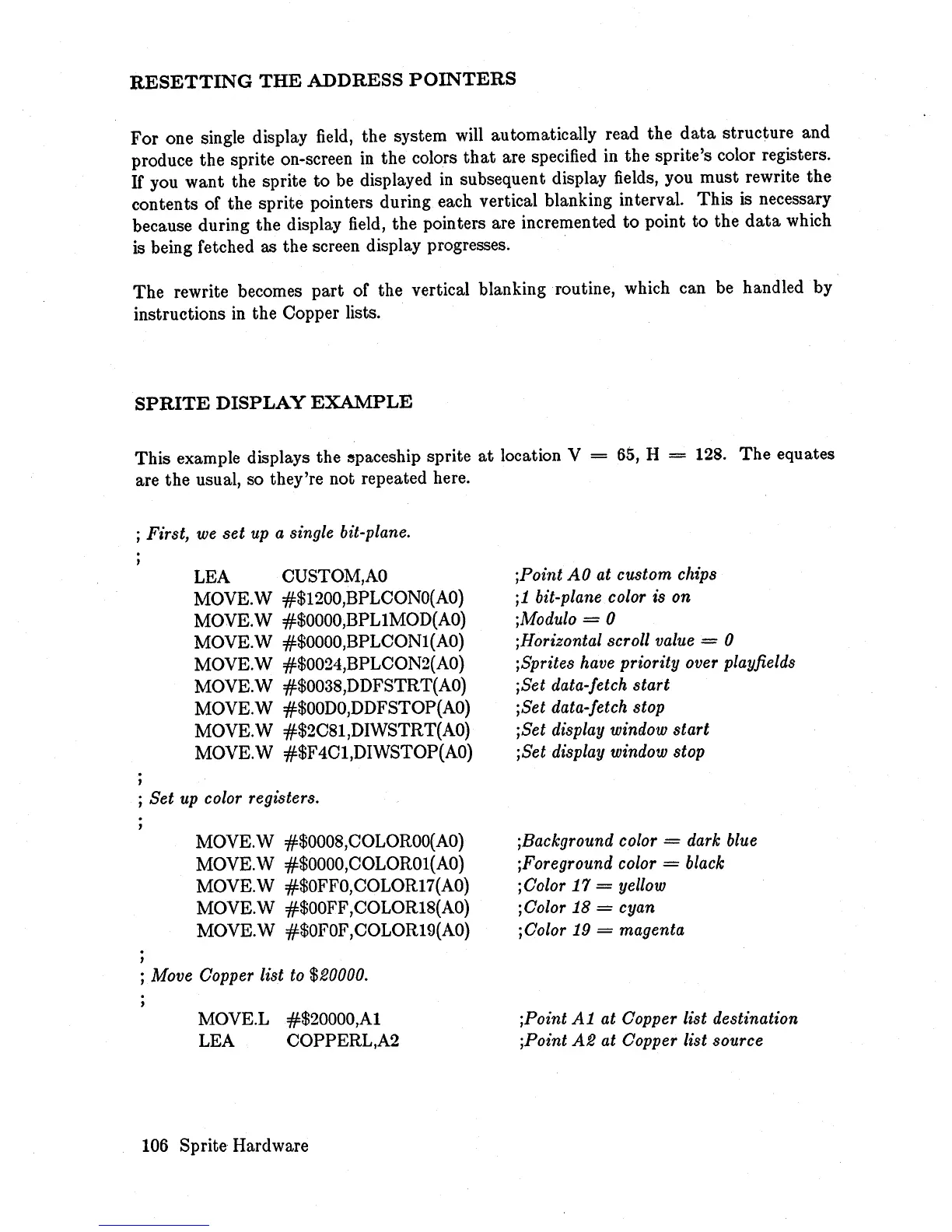
This example displays the
~paceship
sprite
at
location V =
65,
H = 128.
The
equates
are the usual, so they're not repeated here.
; First, we
set
up a single bit-plane.
LEA CUSTOM,AO
MOVE.W #$1200,BPLCONO(AO)
MOVE.W
#$OOOO,BPLIMOD(AO)
MOVE.W #$0000,BPLCON1(AO)
MOVE.W #$0024,BPLCON2(AO)
MOVE.W #$0038,DDFSTRT(AO)
MOVE.W #$OODO,DDFSTOP(AO)
MOVE. W #$2C81,DIWSTRT(AO)
MOVE.W #$F4Cl,DIWSTOP(AO)
j
Set
up color registers.
,
MOVE.W #$0008,COLOROO(AO)
MOVE.\V
#$OOOO,COLOR01(AO)
MOVE.W #$OFFO,COLOR17(AO)
MOVE.W #$OOFF ,COLOR18(AO)
MOVE.W #$OFOF,COLOR19(AO)
; Move Copper list to $20000.
MOVE.L #$20000,A1
LEA COPPERL,A2
106
Sprite Hardware
jPoint AO at custom chips
i1 bit-plane color is on
iModulo
= 0
iHorizontal scroll value = 0
iSprites have priority over playfields
iSet
data-fetch
start
iSet data-fetch stop
iSet
display window
start
iSet display window stop
iBackground color
= dark blue
iForeground color
= black
i Color
17
= yellow
iColor
18
= cyan
iColor
19
= magenta
iPoint
A1
at Copper list destination
iPoint
A2
at Copper list source














 To Next Page