·
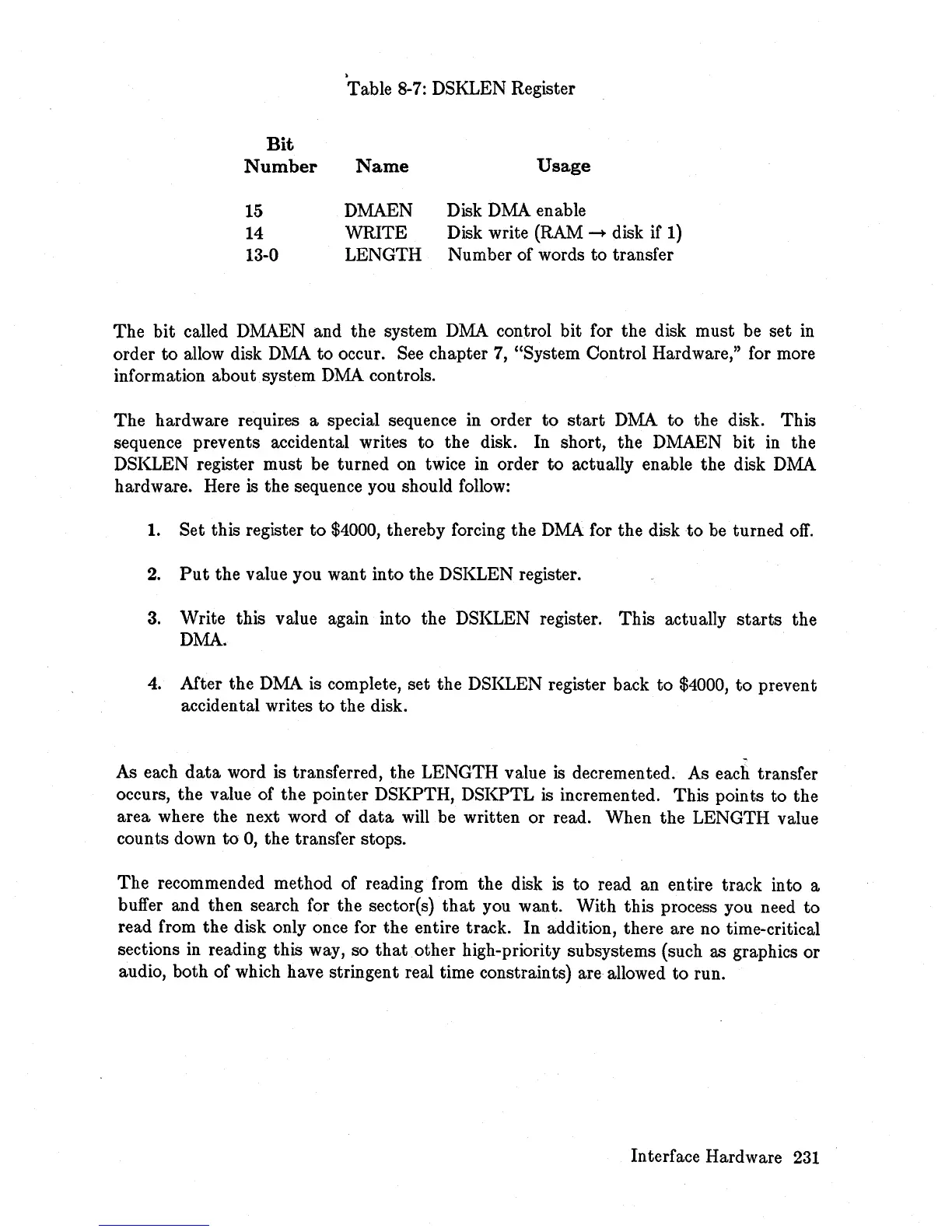
Table
8-7:
DSKLEN Register
Bit
Number
Name
Usage
15
DMAEN
Disk DMA enable
14
WRITE
Disk write
(RAM
-+
disk if
1)
13-0 LENGTH
Number of words
to
transfer
The
bit called DMAEN and the system DMA control bit for the disk must be set
in
order
to
allow disk DMA
to
occur. See chapter 7, "System Control Hardware," for more
information about system
DMA
controls.
The
hardware requites a special sequence in order
to
start
DMA
to
the disk. This
sequence prevents accidental writes
to
the disk. In short, the DMAEN bit in the
DSKLEN register must be turned on twice in order
to
actually enable the disk DMA
hardware. Here
is
the sequence you should
follow:
1. Set this register
to
$4000, thereby forcing the
DMA
for the disk
to
be turned
off.
2.
Put
the value you want into the DSKLEN register.
3.
Write this value again into the DSKLEN register.
This
actually
starts
the
DMA.
4.
Mter
the DMA is complete, set the DSKLEN register back
to
$4000,
to
prevent
accidental writes
to
the disk.
As each
data
word is transferred, the LENGTH value
is
decremented. As each transfer
occurs, the value of the pointer DSKPTH, DSKPTL
is
incremented. This points to the
area where the next word of
data
will be written or read. When the LENGTH value
counts down
to
0,
the transfer stops.
The
recommended method of reading from the disk
is
to
read an entire track into a
buffer and then search for the sector(s)
that
you want. With this process you need
to
read from the disk only once for the entire track. In addition, there are no time-critical
sections
in
reading this way, so
that
other high-priority subsystems (such as graphics or
audio, both of which have stringent real time constraints) are allowed
to
run.
Interface Hardware
231














 To Next Page