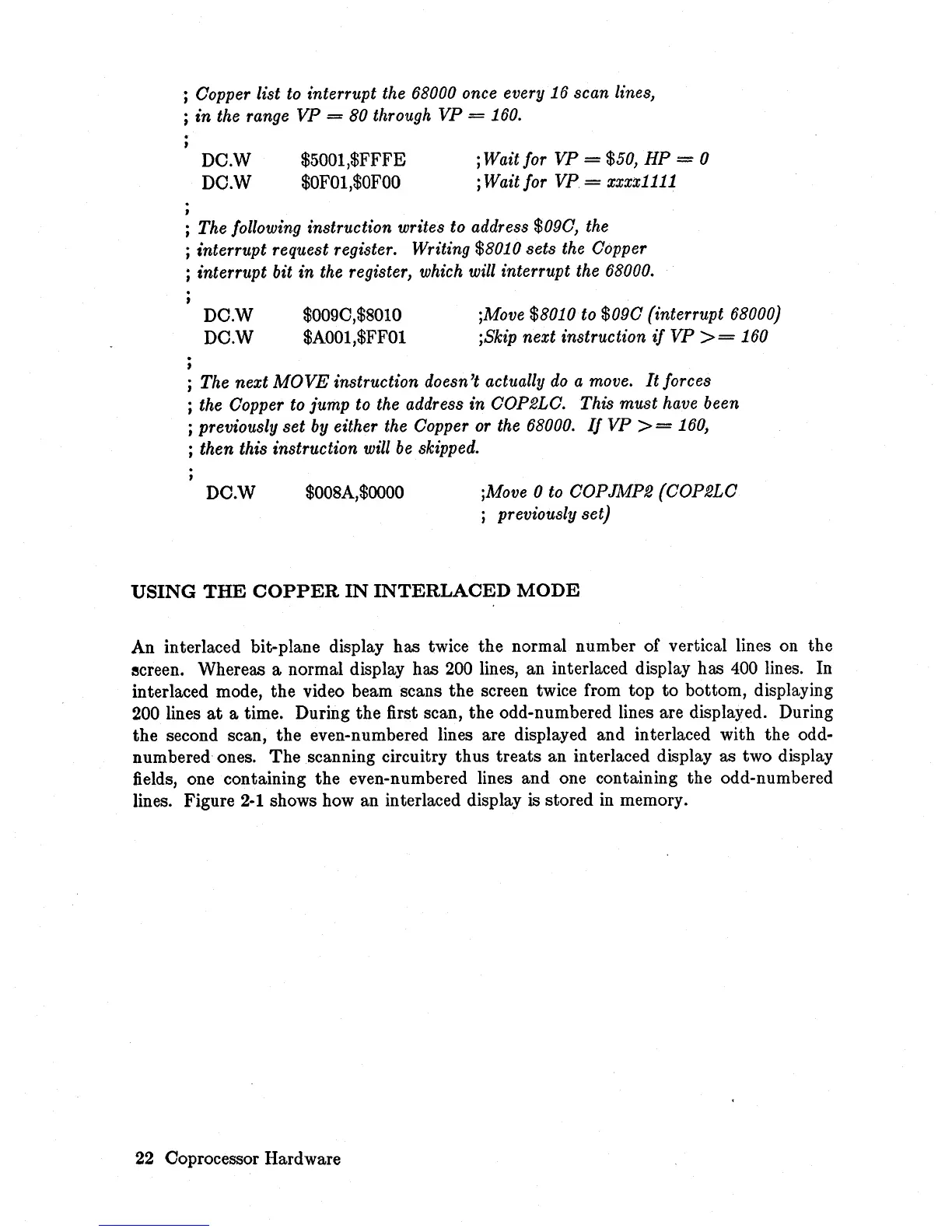
; Oopper list
to
interrupt the 68000 once every 16 scan lines,
; in the range VP
= 80 through
VP
=
160.
.
,
DC.W
DC.W
$5001,$FFFE
$OF01,$OFOO
j Wait for VP = $50, HP = 0
; Wait for
VP
= xxxx1111
; The following instruction writes to address $090, the
; interrupt request register. Writing $8010 sets the Oopper
j interrupt bit in the register, which will interrupt the 68000.
.
,
DC.W
DC.W
$009C,$801O
$A001,$FF01
;Move $8010 to
$090
(interrupt 68000)
jSkip next instruction
if
VP
>=
160
; The next
MOVE
instruction doesn't actually
do
a move.
It
forces
; the Oopper to jump to the address in OOP2LO. This must have been
; previously
set
by
either the Oopper
or
the
68000.
If
VP
>=
160,
; then this instruction will
be
skipped.
DC.W
$008A,$OOOO
;Move 0
to
OOPJMP2 (OOP2LO
; previously set)
USING
THE
COPPER
IN
INTERLACED
MODE
An interlaced bit-plane display has twice the normal number of vertical lines on the
ecreen. Whereas a normal display has 200 lines, an interlaced display has 400 lines. In
interlaced mode, the video beam scans the screen twice from top
to
bottom, displaying
200 lines
at
a time. During the first scan, the odd-numbered lines are displayed. During
the second scan, the even-numbered lines are displayed and interlaced with the odd-
numbered ones.
The
scanning circuitry thus treats an interlaced display as two display
fields, one containing the even-numbered lines and one containing the odd-numbered
lines. Figure
2-1
shows how an interlaced display
is
stored in memory.
22
Coprocessor Hardware














 To Next Page