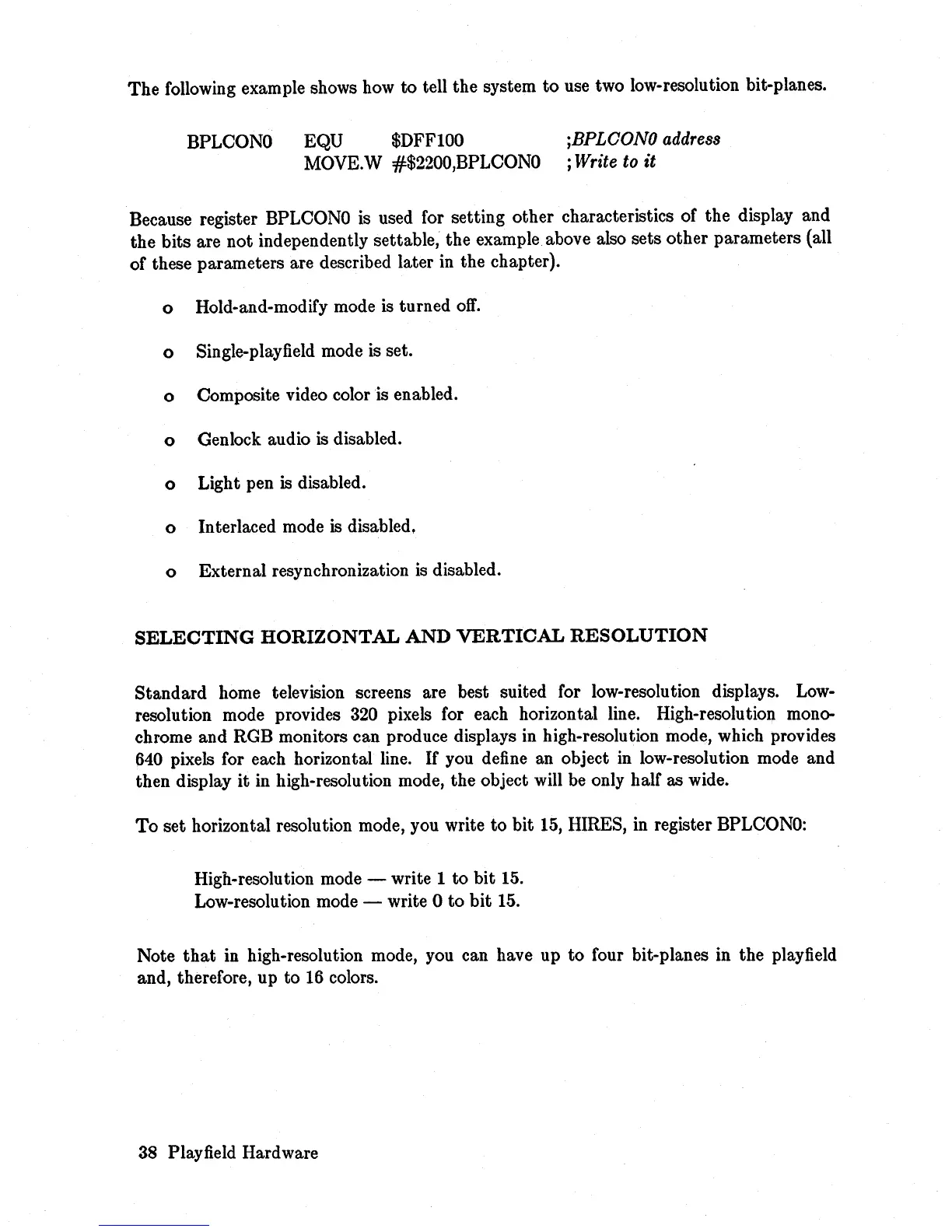
The following example shows how
to
tell the system
to
use two low-resolution bit-planes.
BPLCONO
EQU $DFF100
MOVE.W #$2200,BPLCONO
jBPLCONO
address
;
Write
to
it
Because register BPLCONO is used for setting other characteristics of the display and
the bits are not independently settable, the example above also sets other parameters (all
of these parameters are described later in the chapter).
o Hold-and-modify mode
is
turned
off.
o Single-playfield mode is set.
o Composite video color is enabled.
o Genlock audio
is
disabled.
o Light pen is disabled.
o Interlaced mode
is disabled.
o External resynchronization
is
disabled.
SELECTING
HORIZONTAL
AND
VERTICAL
RESOLUTION
Standard home television screens are best suited for low-resolution displays.
Low-
resolution mode provides
320
pixels for each horizontal line. High-resolution mono-
chrome and RGB monitors can produce displays in high-resolution mode, which provides
640 pixels for each horizontal line.
If
you define an object in low-resolution mode and
then display it in high-resolution mode, the object will
be
only half as wide.
To
set horizontal resolution mode, you write
to
bit
15,
HIRES, in register BPLCONO:
High-resolution mode - write 1
to
bit
15.
Low-resolution mode - write 0 to
bit
15.
Note
that
in high-resolution mode, you can have up
to
four bit-planes in the playfield
and, therefore, up to
16
colors.
38
Playfield Hardware














 To Next Page