DIWSTRT EQU $DFF08E
MOVE.W #$2081,DIWSTRT
Setting
the
Display
Window
Stopping
Position
jDisplay
window
start
; register address
j Write it out
You also need
to
set the display window stopping position, which is the lower right-hand
corner of the display window. If you select high-resolution or interlaced mode, the stop-
ping position does not change. Like the starting position,
it
is
interpreted
in
low-
resolution, non-interlaced mode.
The
register DIWSTOP (for Display Window Stop) controls the display window stopping
position. This register contains both the horizontal and vertical components of the
display window stopping positions, known respectively as HSTOP and VSTOP.
The
instructions below show how
to
set HSTOP and VSTOP for the basic playfield, assum-
ing a starting position of ($81,$20). Note
that
the HSTOP value you write is the actual
value minus
256
($100). The HSTOP position is restricted
to
the right-hand side of the
screen.
The
normal HSTOP value is ($101)
but
is written as ($01).
The
VSTOP position is restricted
to
the lower half of the screen. This
is
accomplished
in the hardware by forcing the MSB of the stop position to be the complement of the
next MSB. This allows for a VSTOP position greater
than
256
($100) using only 8 bits.
Normally, the VSTOP is set to ($F4).
The
normal DIWSTRT is ($2081).
The
normal DIWSTOP is ($F401).
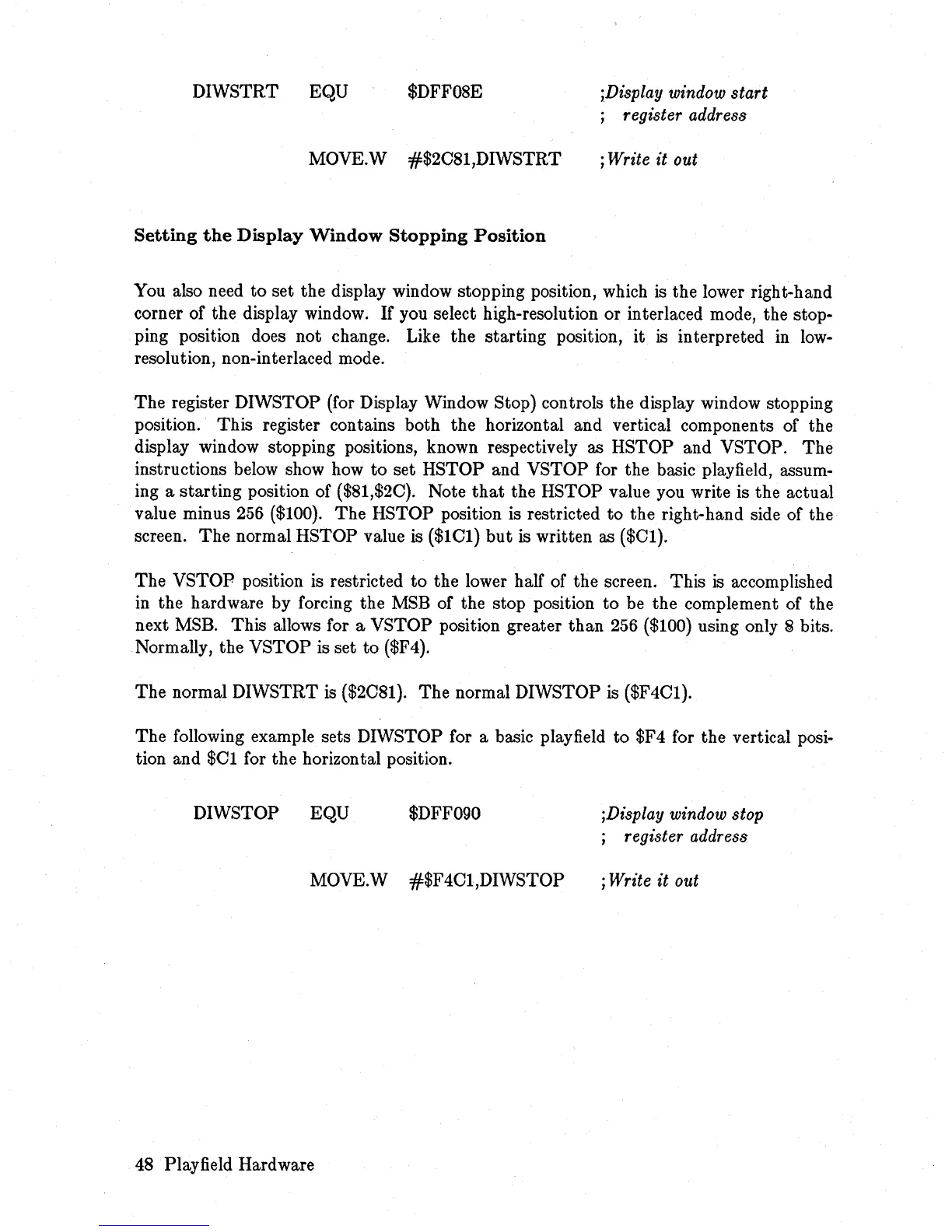
The following example sets DIWSTOP for a basic playfield to $F4 for the vertical posi-
tion and $01 for the horizontal position.
DIWSTOP EQU
$DFF090
MOVE.W #$F401,DIWSTOP
48 Playfield Hardware
;Display
window
stop
; register address
; Write it out














 To Next Page