Using the Monitor Ports
7-10 Operator's Manual
Once the INVOS™ system components and the Philips components are connected, the monitor
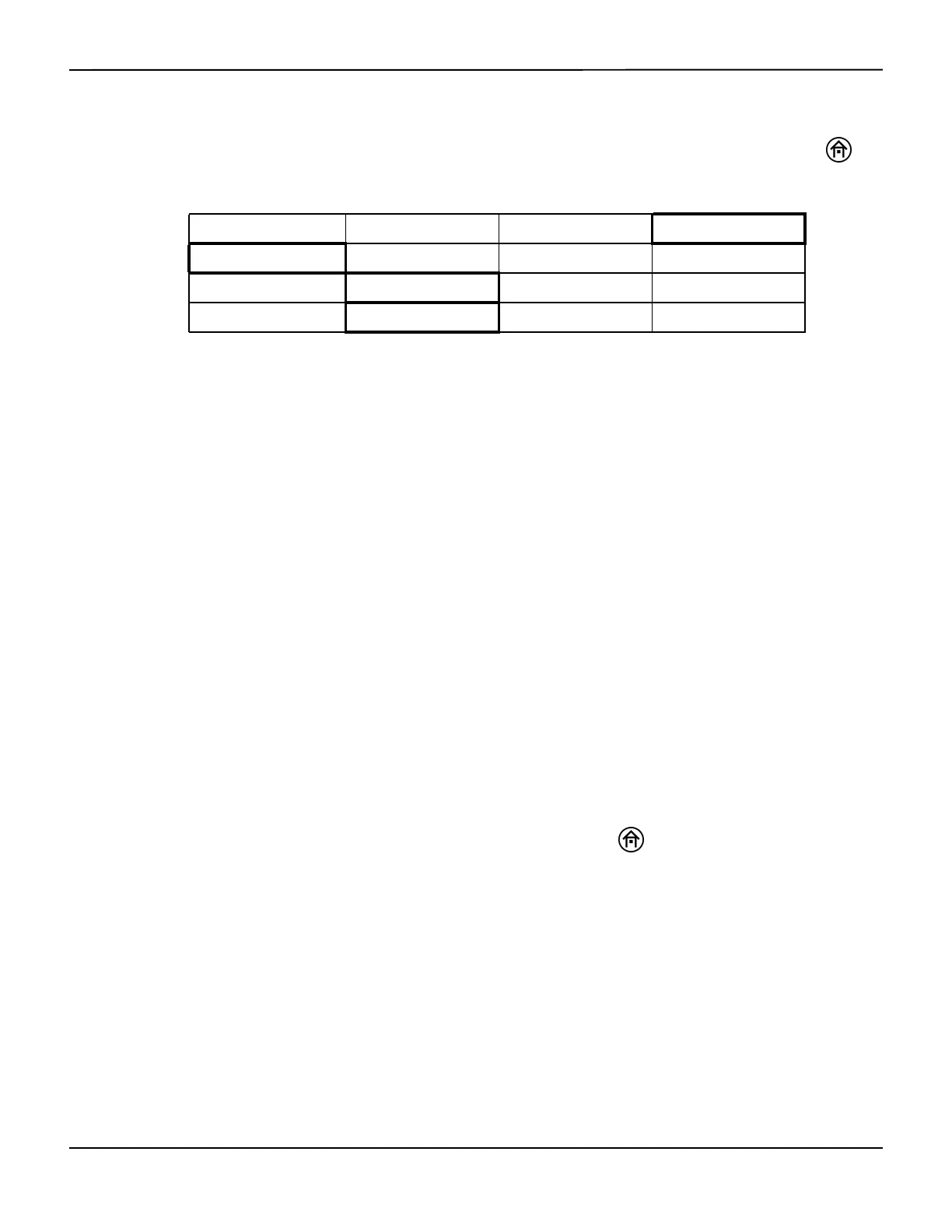
is on and in Run function. To enable transmission from the INVOS™ system, press the HOME
key to display the Main screen and perform the following navigation bar options:
Restart the INVOS™ system to ensure proper connection. This setting will be retained until
changed by selecting a different output format.
Note:
If INVOS™ system messages do not appear on the remote monitor’s screen within a short period of time
after restarting the INVOS™ system, it may be necessary to change the configuration of the remote monitor
to accept device alarms. Consult with hospital staff to determine who has the password needed to do this.
While details will vary among particular monitor models, the general steps to configure the
remote monitor include the following:
1. Press the MONITOR SETUP key on the front panel.
2. Press the OPERATING MODES soft key.
3. After entering the correct password, press the CHANGE OPMODES soft key.
4. Change DEVICE ALARMS to ACCEPTED.
5. Press STORE and CONFIRM.
6. Change back to MONITORING mode.
7. Press the MAIN SCREEN key to resume monitoring.
When the remote monitor setup is completed, press the HOME key on the INVOS™ system
monitor to display the Main screen.
7.4.2 Select Digital Output Port Data Format
When the INVOS™ system is part of a medical monitoring system, the INVOS™ system output
format can be set to communicate with the external device’s interface software (see section 7.5
Data Output Formats to determine appropriate format). This setting will be retained until changed
by selecting a different output format.
BASELINE MENU EVENT MARK ALARM AUDIO ON/OFF NEXT MENU
OUTPUT SELECT USER CONFIGURATION TIME SCALE NEXT MENU
USB DIGITAL OUTPUT PREVIOUS MENU
PCLINK PHILIPS PREVIOUS MENU MAIN MENU















 To Next Page