Screens
5-14 Operator's Manual
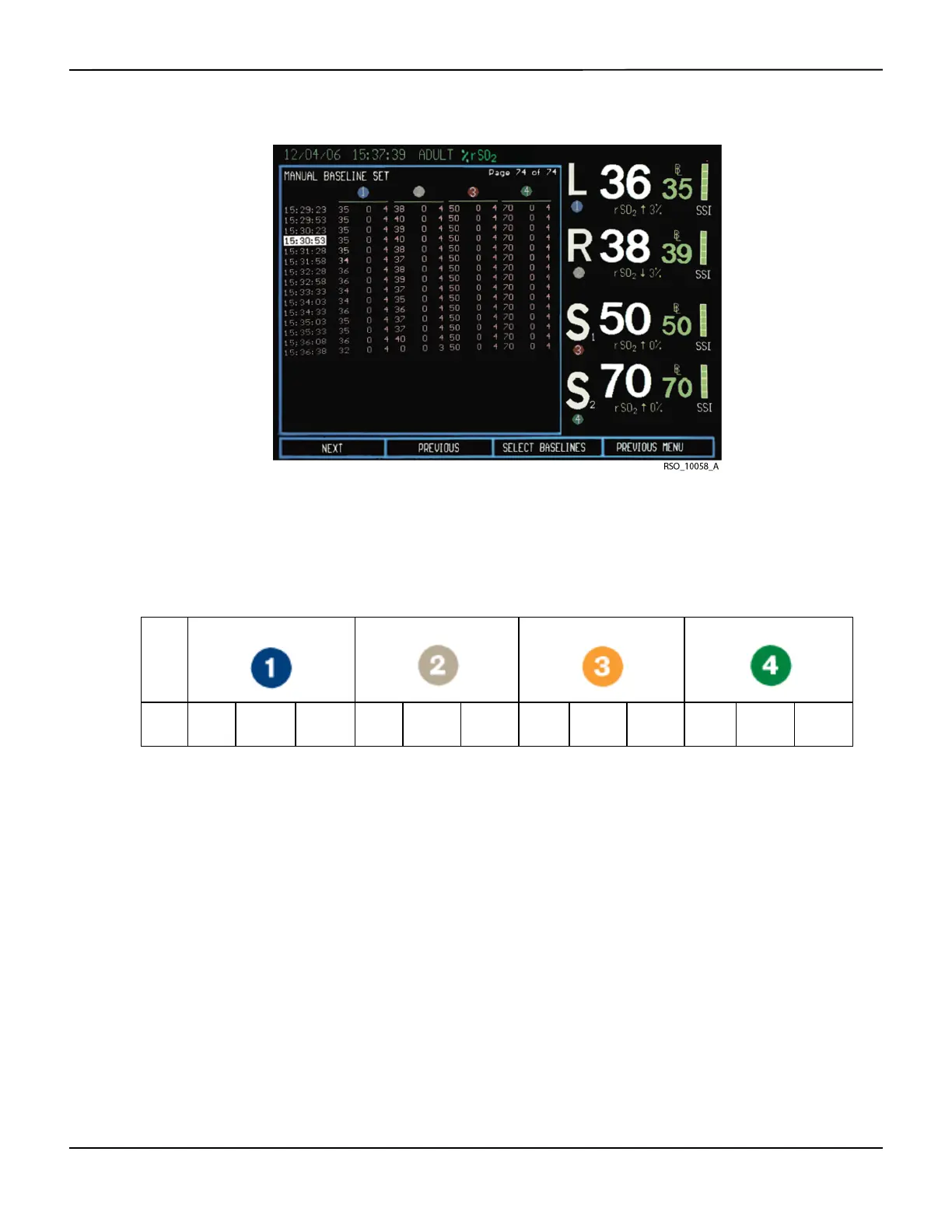
Figure5-18.Tabular Trends Screen—Manual Set Baseline in Normal Mode
When displaying the Tabular trends screen, lines of data are color coded to increase visibility of
marked events and baseline status. Yellow indicates an event mark. Red indicates a baseline status
desaturation ≥20% or ≤40 rSO
2
value. Tabular trends are displayed in multiple pages of 23 lines
of data each (see Table5-1.).
5.1.11 Case Archive File List Screen
The Case archive file list screen allows the operator to select stored case history data files to
review. The Case archive file list screen is displayed in Case archive function (see section 6.6 Case
Archive Function).
Note:
The Case archive list screen will display only the cases with four-channel monitoring when the
configuration is for four channels, respectively, it will display only the cases with two-channel monitoring
when the configuration is two channel.
Table5-1.Tabular Trends Line of Data Format
Time rSO
2
Event
code
Status
code
rSO
2
Event
code
Status
Code
rSO
2
Event
code
Status
code
rSO
2
Event
code
Status
code















 To Next Page