Screens
5-2 Operator's Manual
5.1.1 Welcome Screen
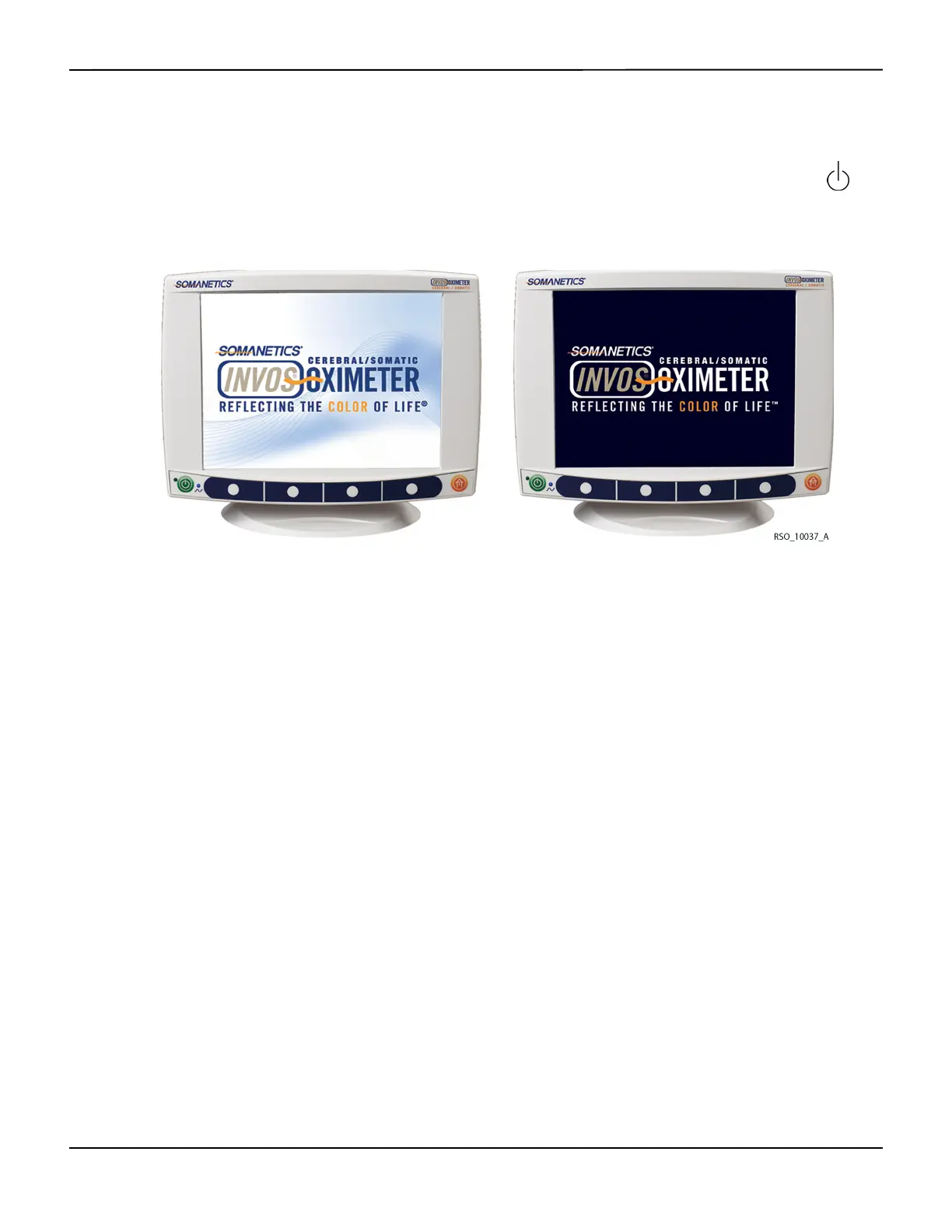
The Welcome screen is displayed, followed by a 10-second self-test after pressing the ON/OFF
key.
Figure5-1.Welcome Screen
5.1.2
Start Screen, Navigation Bar, Key Panel and Software Version
The Start screen displays the software version, date, time, and operator-selectable navigation bar.
For each screen, the navigation bar is displayed at the bottom of the screen and above the corre-
sponding menu key. The operator selects the desired menu option by pressing the white menu
keys or the HOME key on the key panel.
The INVOS™ system software version appears where XX.XX.XX is shown in Figure5-2.
The message “USB FLASH DRIVE NOT CONNECTED” will blink on the Start screen if the USB flash
drive is not inserted or fully engaged. The operation of the INVOS™ system will occur with or
without the USB flash drive connected. However, for real-time data collection to the USB flash
drive, it must be connected prior to beginning a case.















 To Next Page