Operation
6-20 Operator's Manual
The time scale may be adjusted in the Time scale menu or the User configuration menu. To
change the hours viewed (x-scale) of rSO
2
values plotted on the trend data graph, adjust the time
scale.
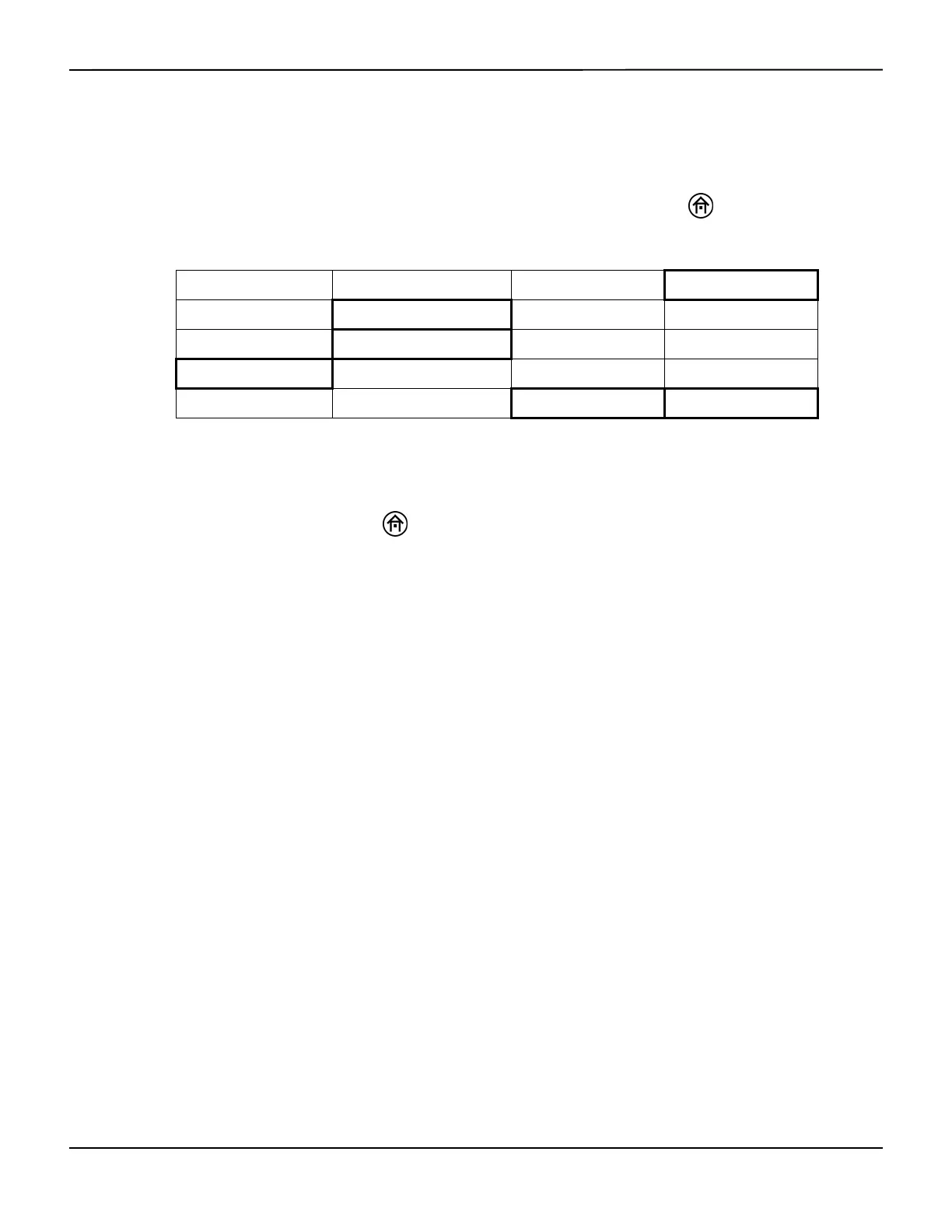
To adjust the time scale in the User configuration menu, press the HOME key to display the
Main screen, then perform the following navigation bar options:
In the User configuration menu, select NEXT to scroll to TIME SCALE. Select the INCREASE and
DECREASE options to adjust the time scale. The time scale range options are: 1, 2, 4, 8, 12, and 24
hours. The default time scale is 1 hour.
When finished, press the HOME key to exit the User configuration menu and return to the
Main screen. On the Main screen, the time scale limit is numerically displayed.
6.5.7 USB Storage Rate
Note:
The USB flash drive should be inserted when the case begins to capture real-time data to the USB. Keep
the USB flash drive inserted for the full duration of the case. If removed, there will be gaps in the case data
collected. Regardless of USB flash drive usage, the INVOS™ system will monitor and store data to its internal
memory, so entire cases can be downloaded in the case history format (see section 7.3 Using the USB Port).
USB flash drives not supplied by Covidien may not meet system requirements. Additional drives may be
ordered from Covidien (see section 3.12 Accessories).
Note:
For quicker access to parameters on page 2 of the User configuration menu, select PREVIOUS to wrap
around from the top to bottom of page 1, then select NEXT to access page 2.
BASELINE MENU EVENT MARK ALARM AUDIO ON/OFF NEXT MENU
OUTPUT SELECT USER CONFIGURATION TIME SCALE NEXT MENU
NEXT PREVIOUS OFF ON
NEXT PREVIOUS INCREASE DECREASE
NEXT PREVIOUS INCREASE DECREASE















 To Next Page