Run Function (Patient Monitoring) in Normal Mode
Operator's Manual 6-19
Upper rSO
2
Scale
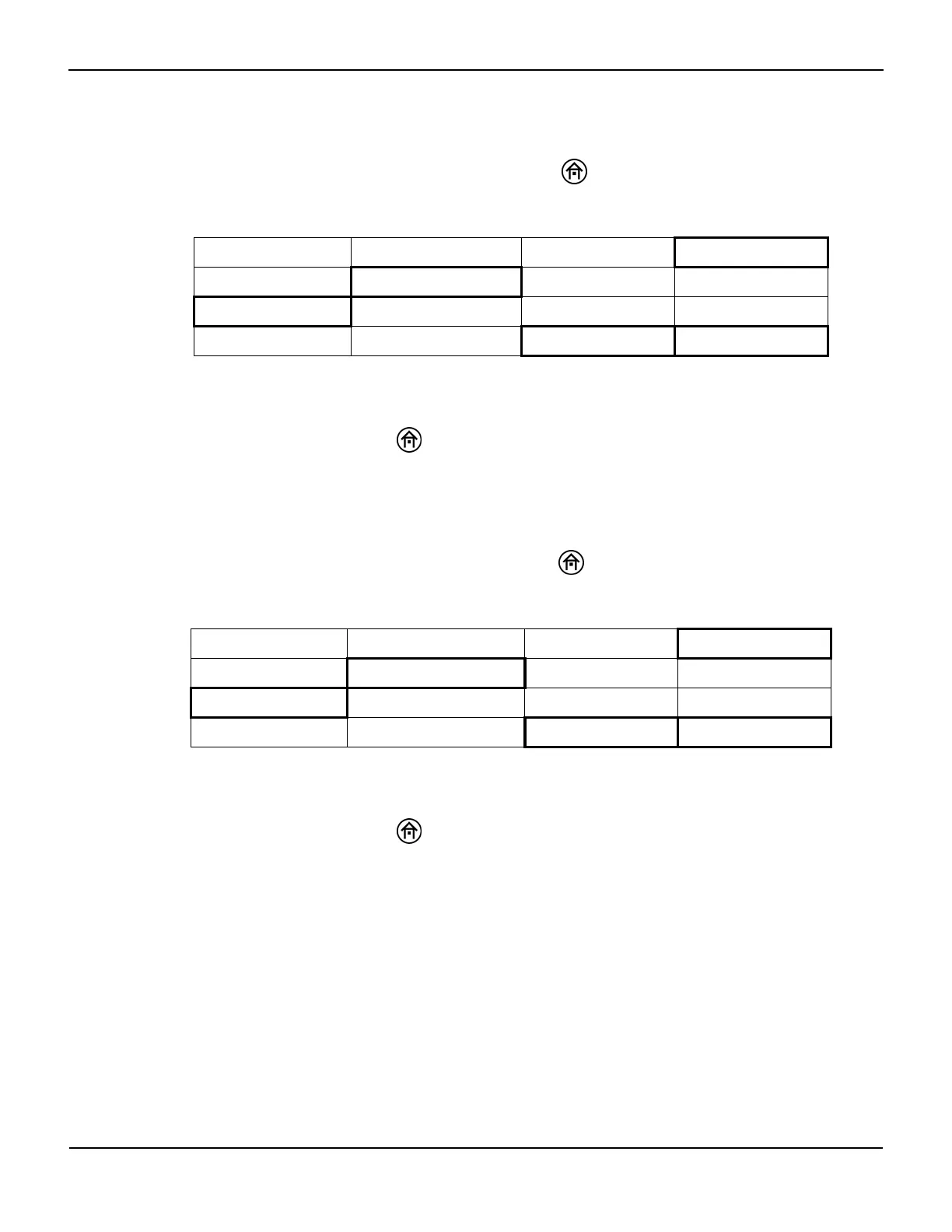
To change the upper rSO
2
scale limit, press the HOME key to display the Main screen, then
perform the following navigation bar options:
In the User configuration menu, select NEXT to scroll to UPPER rSO2 SCALE. Select the
INCREASE and DECREASE options to adjust the scale.
When finished, press the HOME key to exit the User configuration menu and return to the
Main screen. On the Main screen, the upper rSO
2
scale limit is numerically displayed.
Lower rSO
2
Scale
To change the lower rSO
2
scale limit, press the HOME key to display the Main screen, then
perform the following navigation bar options:
In the User configuration menu, select NEXT to scroll to LOWER rSO2 SCALE. Select the
INCREASE and DECREASE options to adjust the scale.
When finished, press the HOME key to exit the User configuration menu and return to the
Main screen. On the Main screen, the lower rSO
2
scale limit is numerically displayed.
6.5.6 Time Scale in User Configuration Menu
Note:
For quicker access to parameters on page 2 of the User configuration menu, select PREVIOUS to wrap
around from the top to bottom of page 1, then select NEXT to access page 2.
BASELINE MENU EVENT MARK ALARM AUDIO ON/OFF NEXT MENU
OUTPUT SELECT USER CONFIGURATION TIME SCALE NEXT MENU
NEXT PREVIOUS OFF ON
NEXT PREVIOUS INCREASE DECREASE
BASELINE MENU EVENT MARK ALARM AUDIO ON/OFF NEXT MENU
OUTPUT SELECT USER CONFIGURATION TIME SCALE NEXT MENU
NEXT PREVIOUS OFF ON
NEXT PREVIOUS INCREASE DECREASE















 To Next Page