Overview
Operator's Manual 5-13
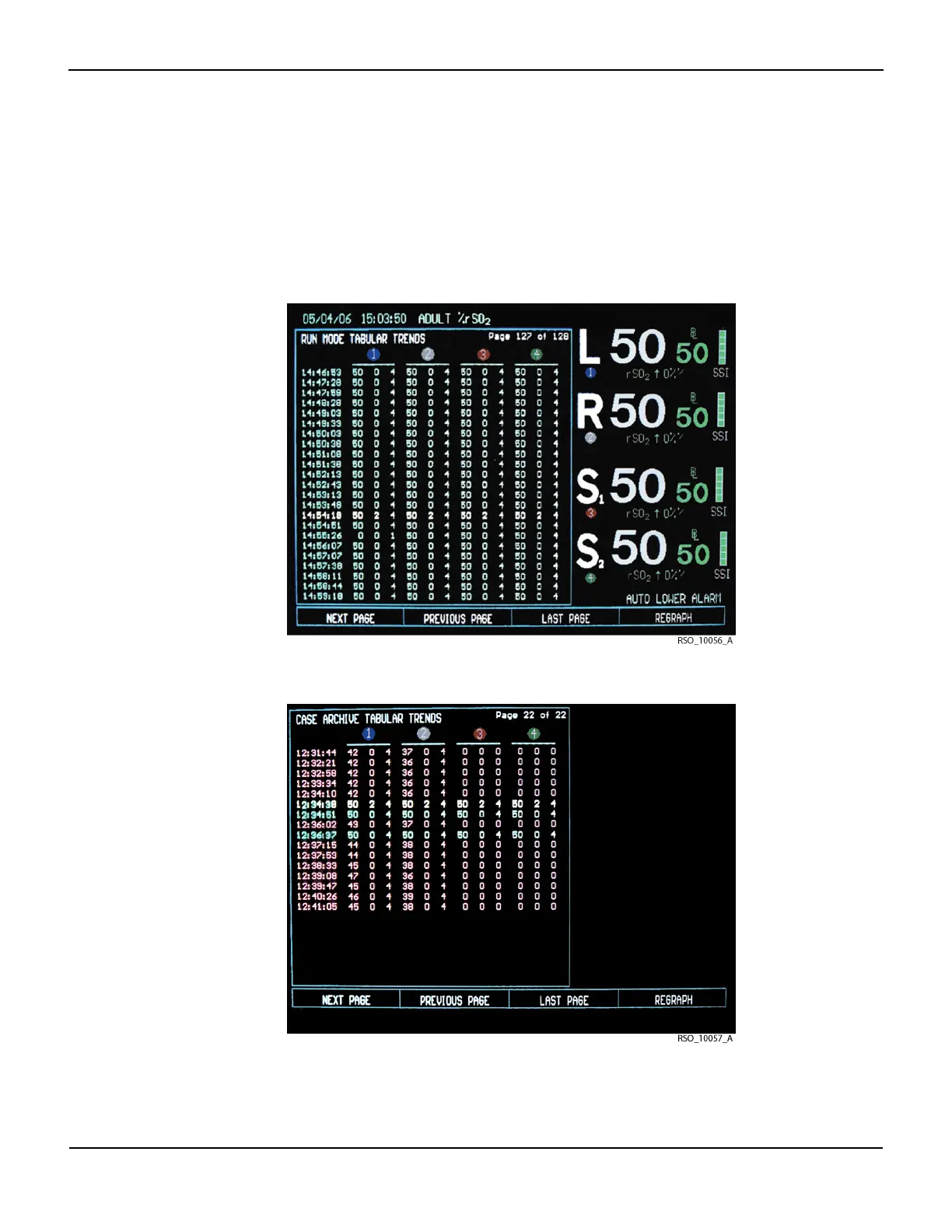
5.1.10 Tabular Trends Screen
The Tabular trends screen displays stored data in a numerical, tabular format (see sections 6.5 Run
Function (Patient Monitoring) in Normal Mode and 6.6 Case Archive Function). Alarm messages,
channel identification, and rSO
2
area elements will continue to be displayed when operating in
Run function.
Figure5-16.Tabular Trends Screen—Run Function in Normal Mode
Figure5-17.Tabular Trends Screen—Case Archive Function in Normal Mode















 To Next Page