Secon 5 - Engineer’s Program
1. Selecng Tesng will run each whipper in turn, selecng Abort will stop the sequence.
2. Select an individual Whipper if that opon is preferred
5.5.2.5 Grinder
Use this opon to test the correct operaon of the coee bean grinder motor, it will run for
4 seconds.
Warning of entrapment, keep ngers and foreign objects away from the grinder while
running this test
5.5.3 Keypad
This menu enables the engineer to test each touch area on the drink selecon interface
and internal service keypad to ensure correct operaon.
5.5.3.1 Main Keypad
1. Select Main Keypad as each buon is pressed the corresponding key on the screen is
highlighted.
5.5.3.1 Service Keypad
1. Select Service Keypad as each buon is pressed the corresponding key on the screen
is highlighted.
5.5.4 Coin Return Motor
This menu enables the engineer to test the operaon of the coin return motor.
1. While the test is running the ‘test animaon’ accompanied by a Please Wait message
will be displayed. On a successful compleon of the test the screen returns to the Test
screen.
5.5.5 Display
This menu opon enables the engineer to test the LCD display screen.
1. Select Display, the LCD display cycles through a range of colours.
2. This test will reveal any aws in the LCD screen.
3. When complete, touch the screen to return to the Test menu.
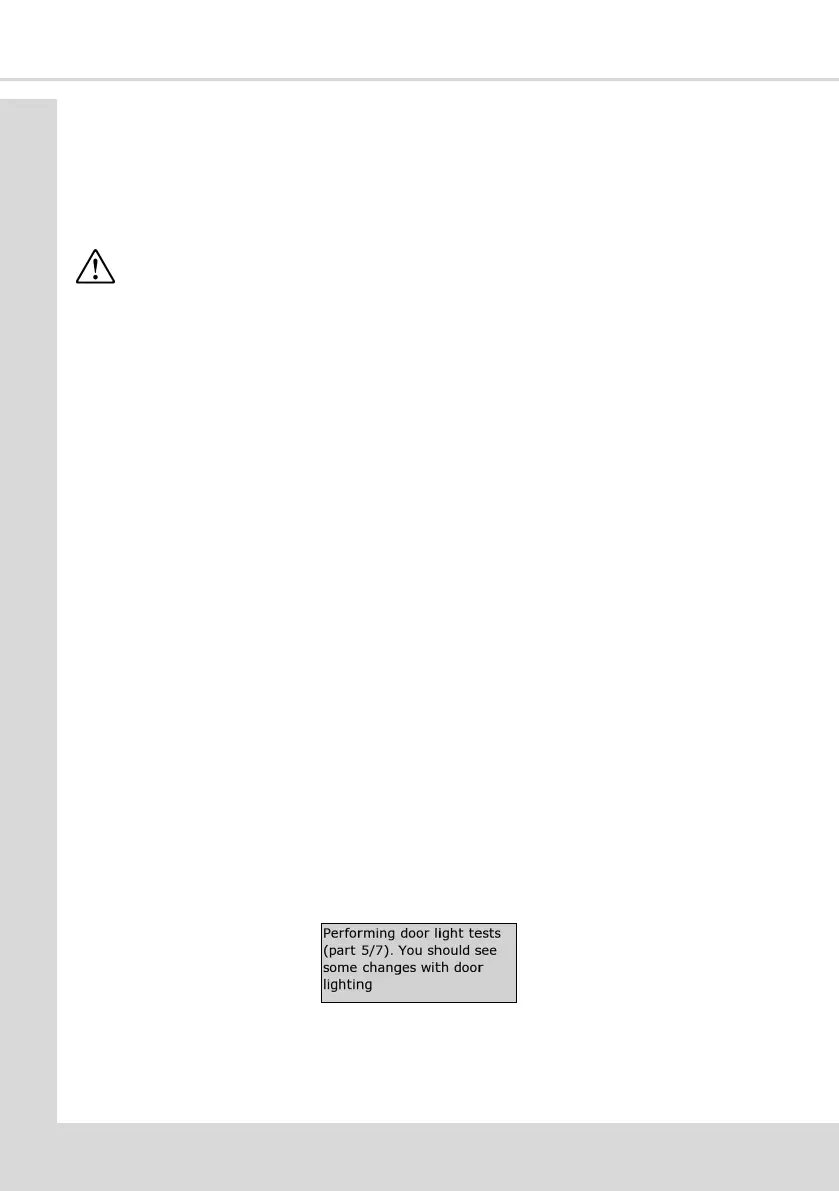
5.5.6 Door Lights
This test illuminates each LED in sequence and the following message is displayed.
5.5.7 Dispense Head: (COTI)
This menu enables the engineer to test the operaon of the dispense head mechanism,
moving to all vend posions and also to its ‘home’ posion.



 To Next Page