Secon 5 - Engineer’s Program
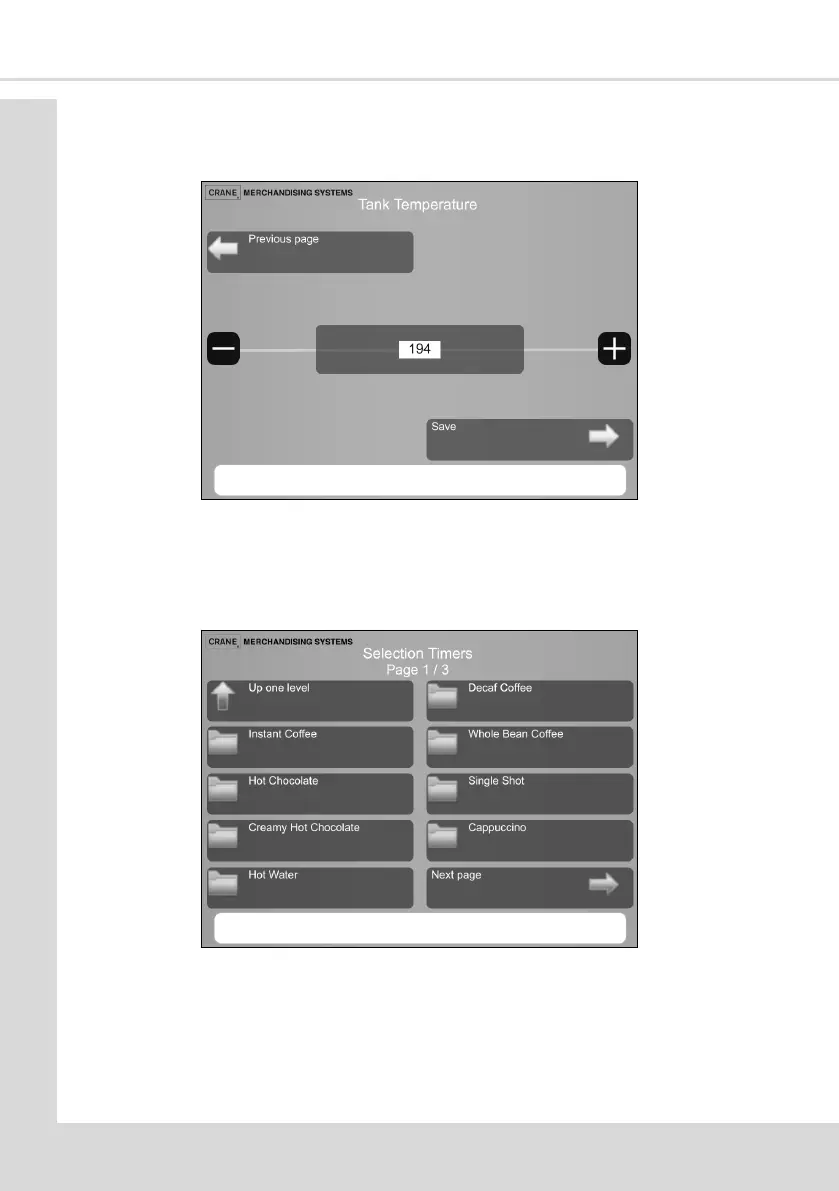
Select which tank you wish to change the target temperature of, use the - or + buons to
set to required value. Select Save to return to the previous screen.
5.7.9 Selecon Timers
This menu enables the drink recipes to be adjusted to suit individual preferences. Each
drink available on the menu can be adjusted from it’s default values. Selecng a drink
displays the ingredients and mers to make the drink and are explained below:
1. Select the drink you are going to set up from the Selecon Timer menu to display the
drinks available in your conguraon. We will use Instant Coee for this example.
2. Once you have selected the drink to be adjusted you will see a screen similar to the
image on the next page. (During a vend the ingredients are dispensed in the order seen
on this screen)



 To Next Page