Secon 5 - Engineer’s Program
Technical Manual
3. Hot water - this is water addional to that used for the ingredients. (Not seen on all
drinks)
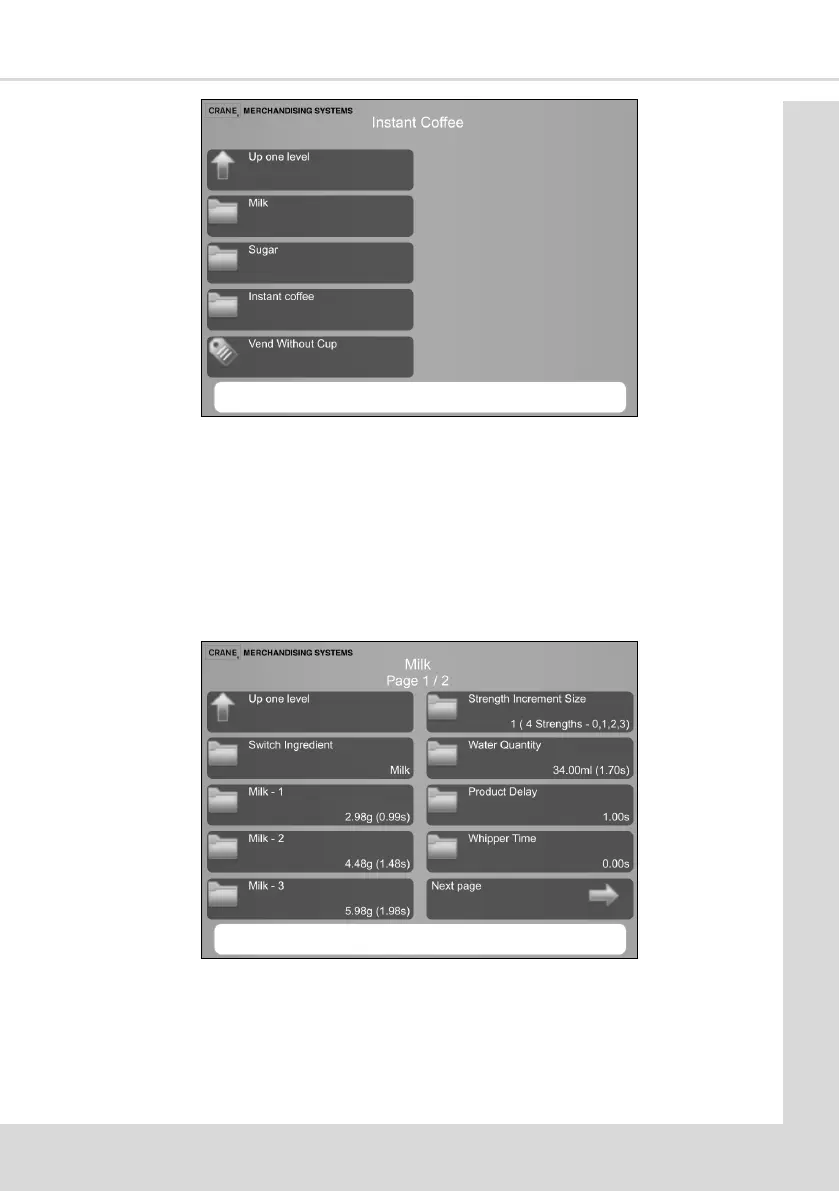
4. On selecng the ingredient to be adjusted the screen below will be seen. In this
example Milk (this machine has been calibrated and the Amount Unit set to Save. If
this had not been done the quanes would be shown in seconds). If a machine has
not been calibrated the amount of ingredient being dispensed can be found by
selecng the ingredient e.g. Milk-1, pressing buon 15 on the service keypad and
catching and weighing the dispensed product
5. Switch Ingredient - This allows you to change which canister runs when an ingredient
is selected. For example if you wanted to switch from the milk to the cappuccino
topping canister because the machine was running out of milk between operator visits.



 To Next Page