7-29
7
UPS Operation
7.2.7 Bypass Mode Turn-off Procedures (Parallel)
1
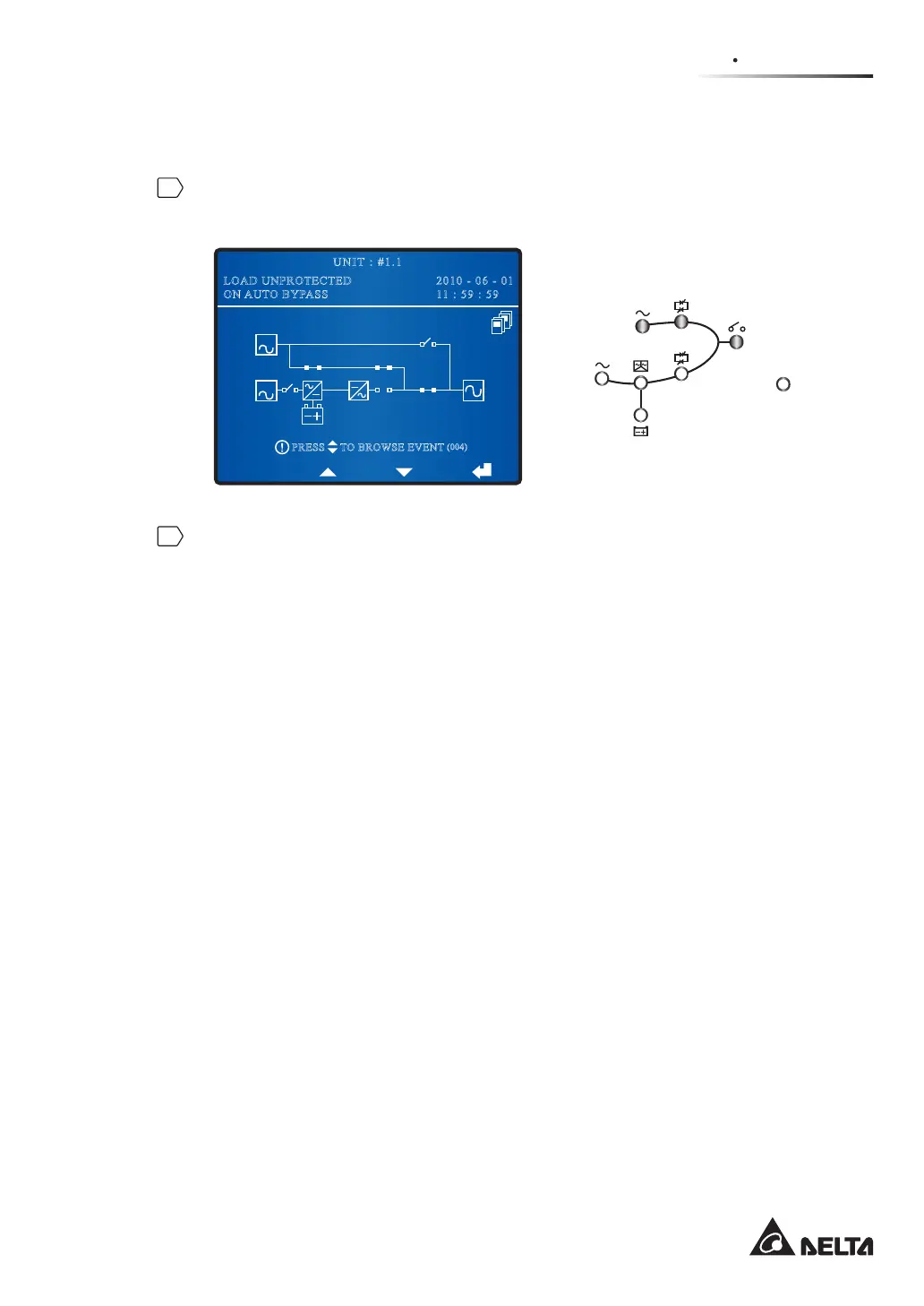
During bypass mode, the status of the LCD and LEDs for each of the parallel UPSs
are as follows.
BYPA.
MAIN
2010 - 06 - 01
11 : 59 : 59
UNIT : #1.1
LOAD UNPROTECTED
ON AUTO BYPASS
TO BROWSE EVENT
(004)
PRESS
Fault
2
Turn off one of the parallel UPSs’ Bypass Switch (Q2) and Output Switch (Q4), and the
UPS’s all LEDs and LCD are off. If you need to turn off the remaining parallel UPSs,
please repeat the procedures above.
7.2.8 Manual Bypass Mode Turn-off Procedure (Parallel)
During manual bypass mode, no LED illuminates and no screen appears. Turn off each
UPS’s Manual Bypass Switch (Q3) to shut down the parallel UPSs.











 To Next Page