6-3
6
Top Cable Entry Cabinet
6.4 Package Inspection
y
External
During UPS transportation, some unpredictable situations might occur. It is
recommended that you inspect the UPS exterior packaging. If you notice any damage,
please immediately contact the dealer from whom you purchased the unit.
y
Internal
1. Check the rating label attached to the UPS and make sure the device No. and
capacity match what you ordered.
2. Examine if any parts are loose or damaged.
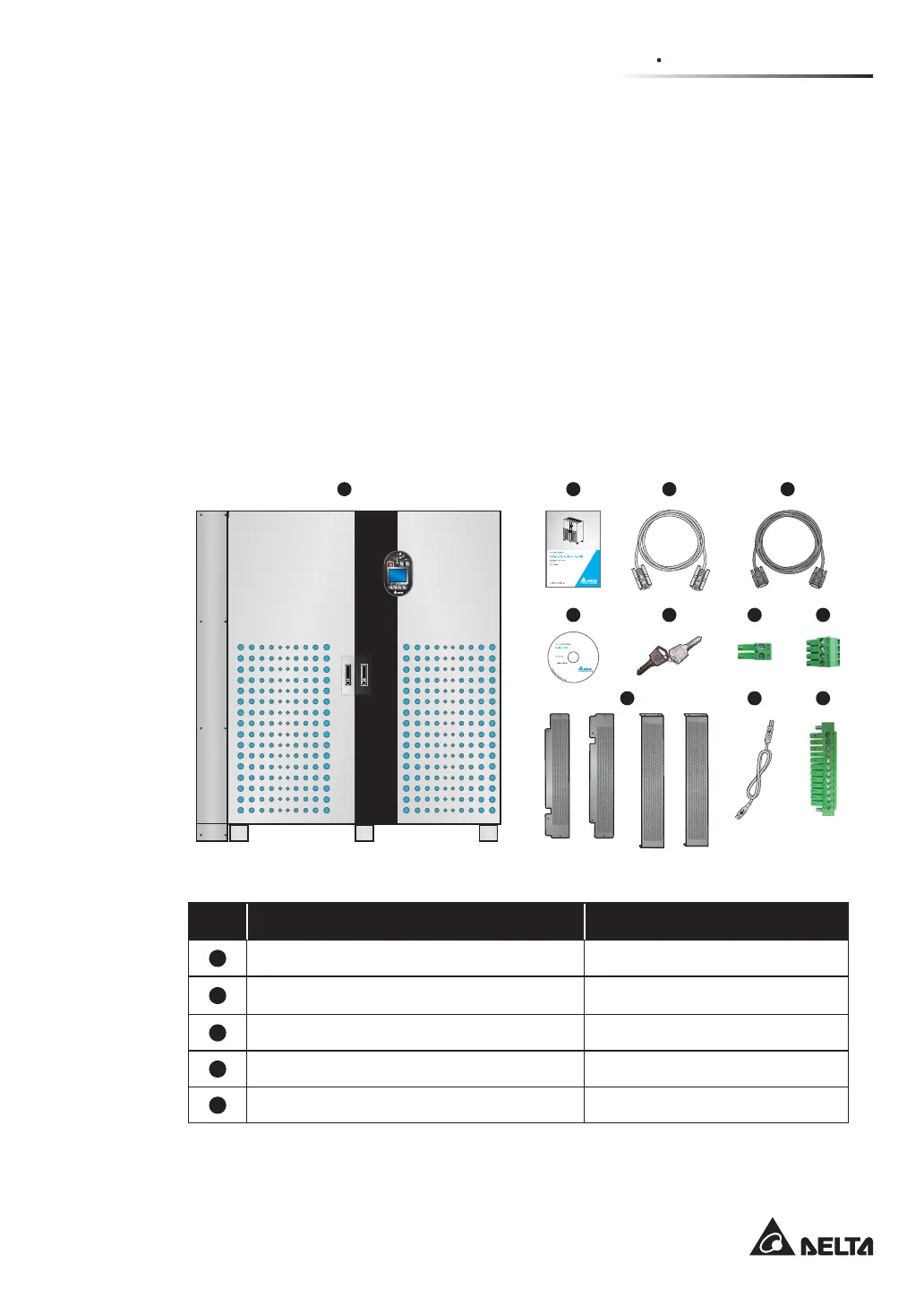
3. The UPS package contains the following items. Please check if any items are
missing.
C x 1 D x 1A x 2 B x 2
1 2
3
4
5
6 7
8
9
10 11
No. Item Quantity
1
UPS (with Top Cable Entry Cabinet) 1 pc
2
User Manual 1 pc
3
RS-232 Cable 1 pc (1.8-meter long)
4
Parallel Cable 1 pc (5-meter long)
5
Software CD-UPSentry 2012 1 pc











 To Next Page