8-4
Ultron DPS Series
If a screen is idle for 5 minutes, backlight shuts off. Press any function key to resume the
backlight. In a Main Screen, press the function key below the symbol ‘
’ to enter into Main
Menu (please see 8.4 Main Screen and 8.5 Main Menu).
The language default setting is English. If you want to change the default setting, please
go to 0DLQ0HQXĺ8366(783&21752/ĺ/2&$/ĺ/$1*8$*( to change your
setting.
NOTE:
The language default setting may be different according to countries.
8.3 Password Entry
There are two levels of password protection:
y
ADMINISTRATORSDVVZRUGDOORZVTXDOL¿HGLQVWDOODWLRQDQGPDLQWHQDQFHSHUVRQQHOWR
view and change all settings.
y
USER password only allows general users to set up (1) DATE & TIME, (2) DATE FOR-
MAT, (3) LCD CONTRAST, (4) USER PASSWORD, (5) LANGUAGE, (6) DUST FILTER
INSTALLATION and (7) DUST FILTER DUE DATE (Y-M-D).
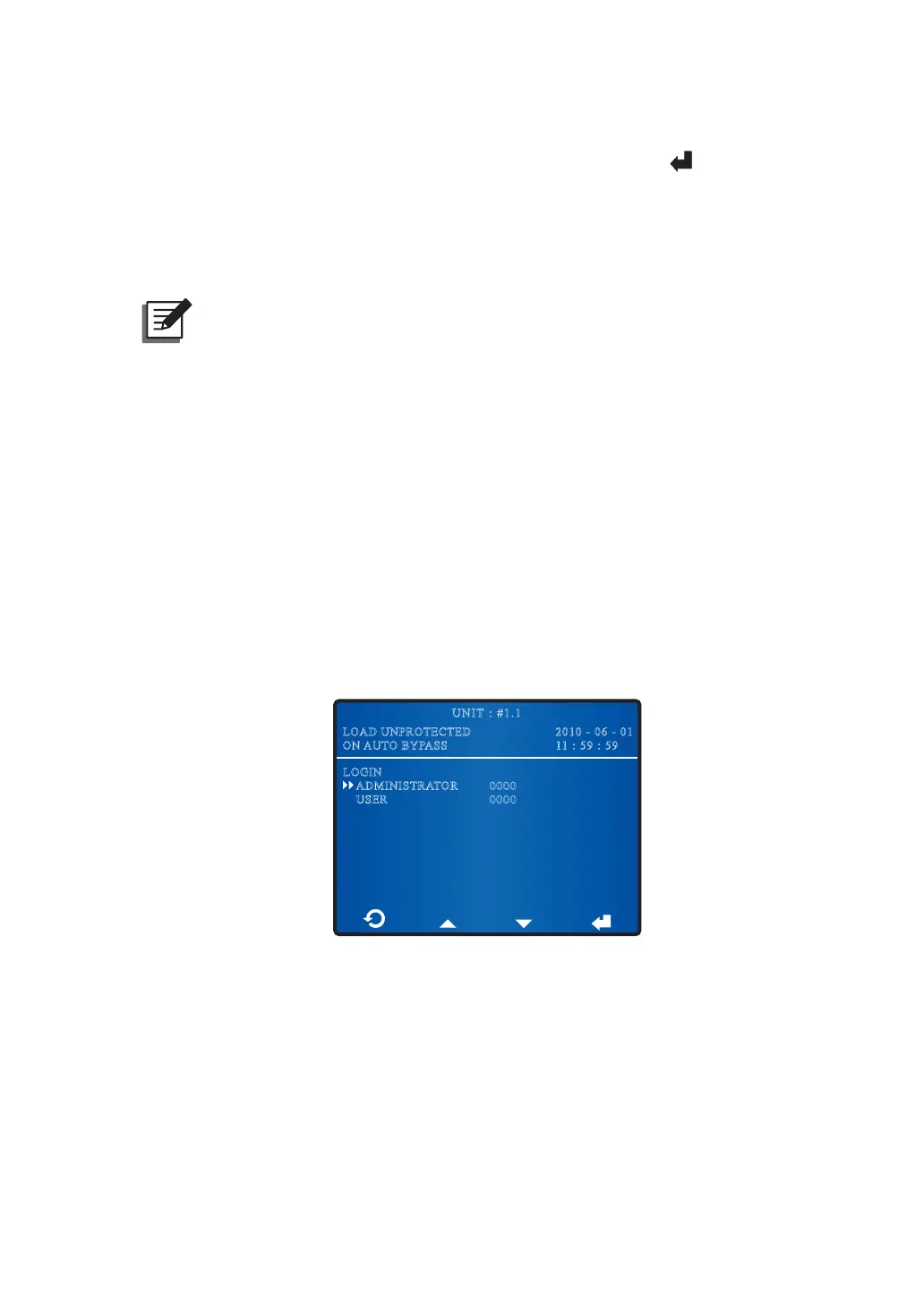
The default setting for USER password is 0000. For ADMINISTRATOR password, please
contact service personnel. When you try to change a setting, the following screen prompts
you to enter a corresponding password.
2010 - 06 - 01
11 : 59 : 59
UNIT : #1.1
LOAD UNPROTECTED
ON AUTO BYPASS
LOGIN
ADMINISTRATOR
USER
0000
0000
If an interval between settings is over five minutes, you have to login and enter the
password again. If the password is wrong, the system will go back to the screen that you
have selected the item for setup change.











 To Next Page